




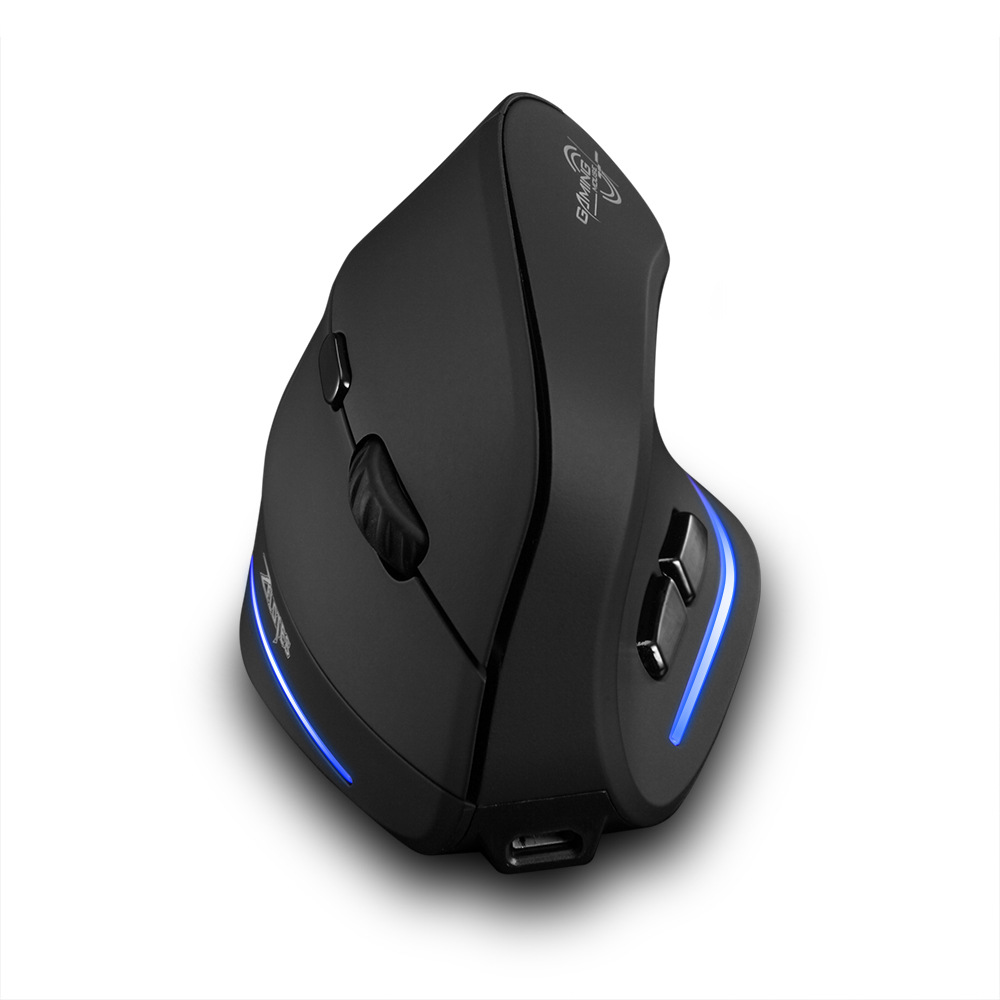
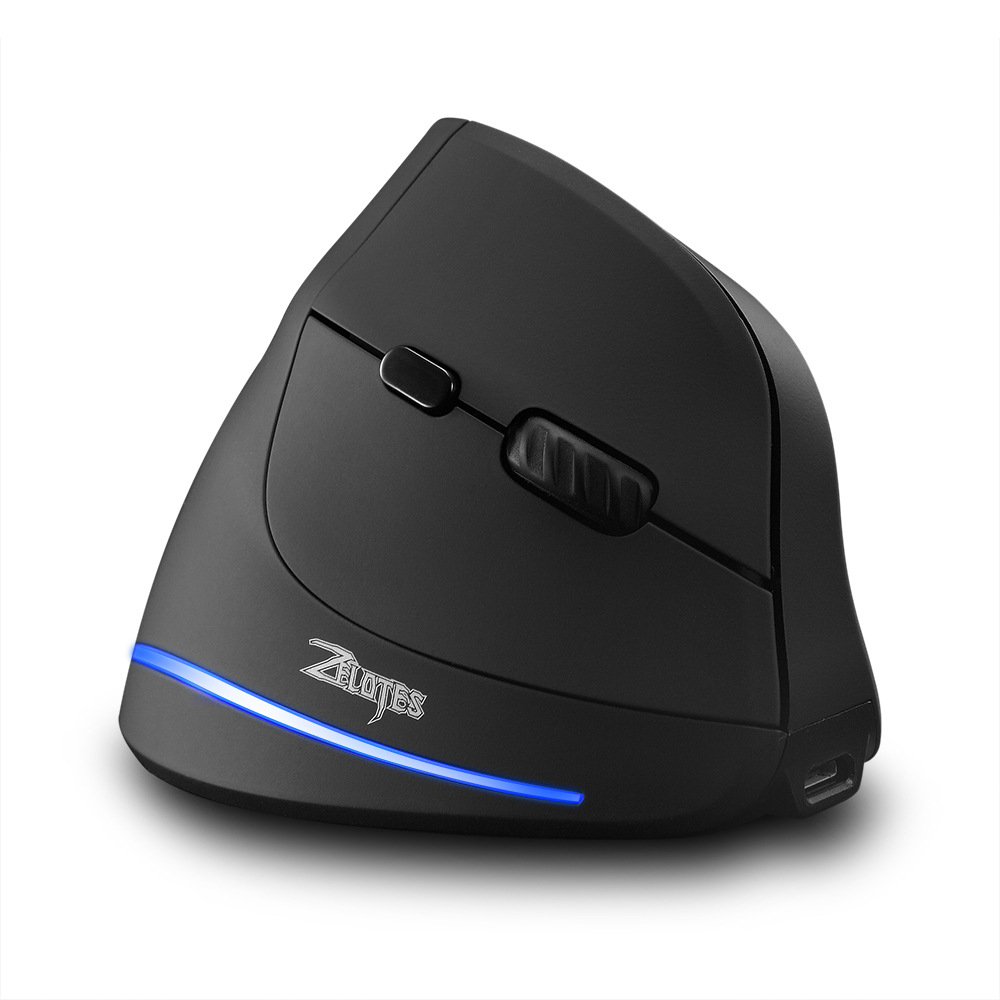
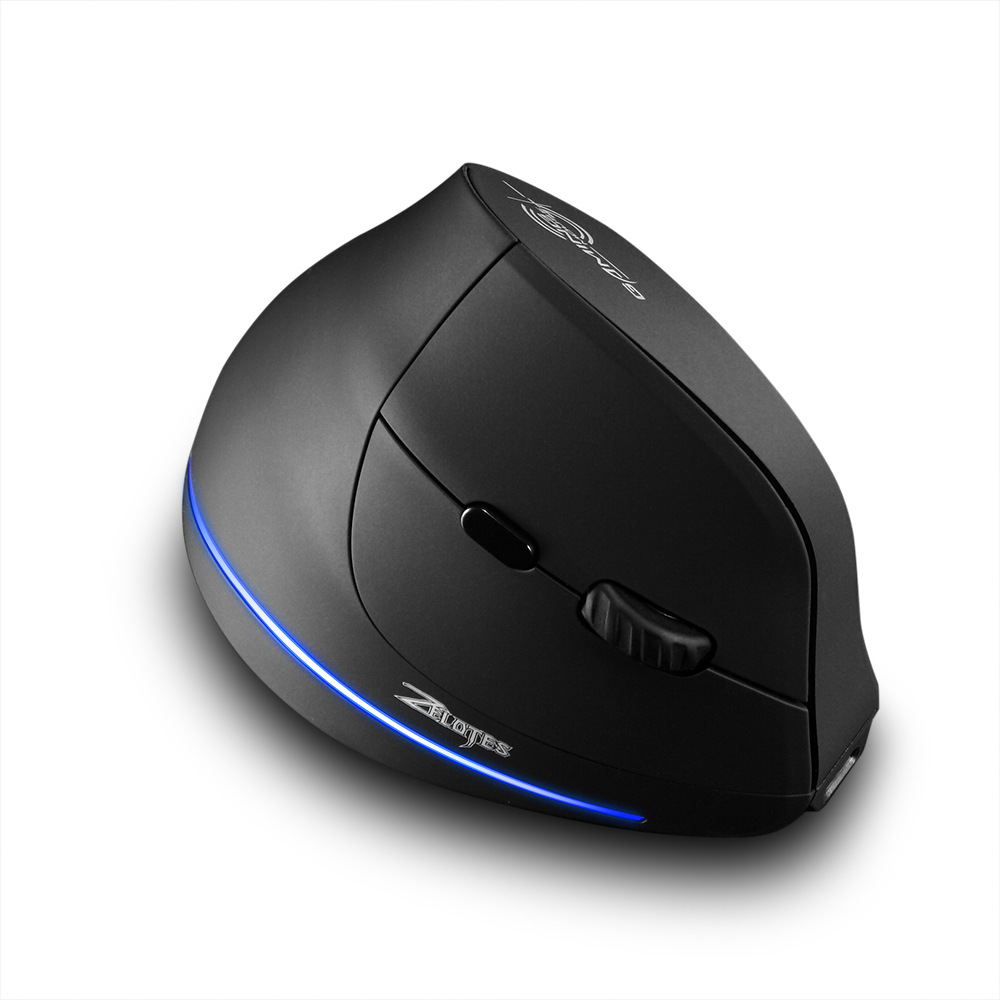
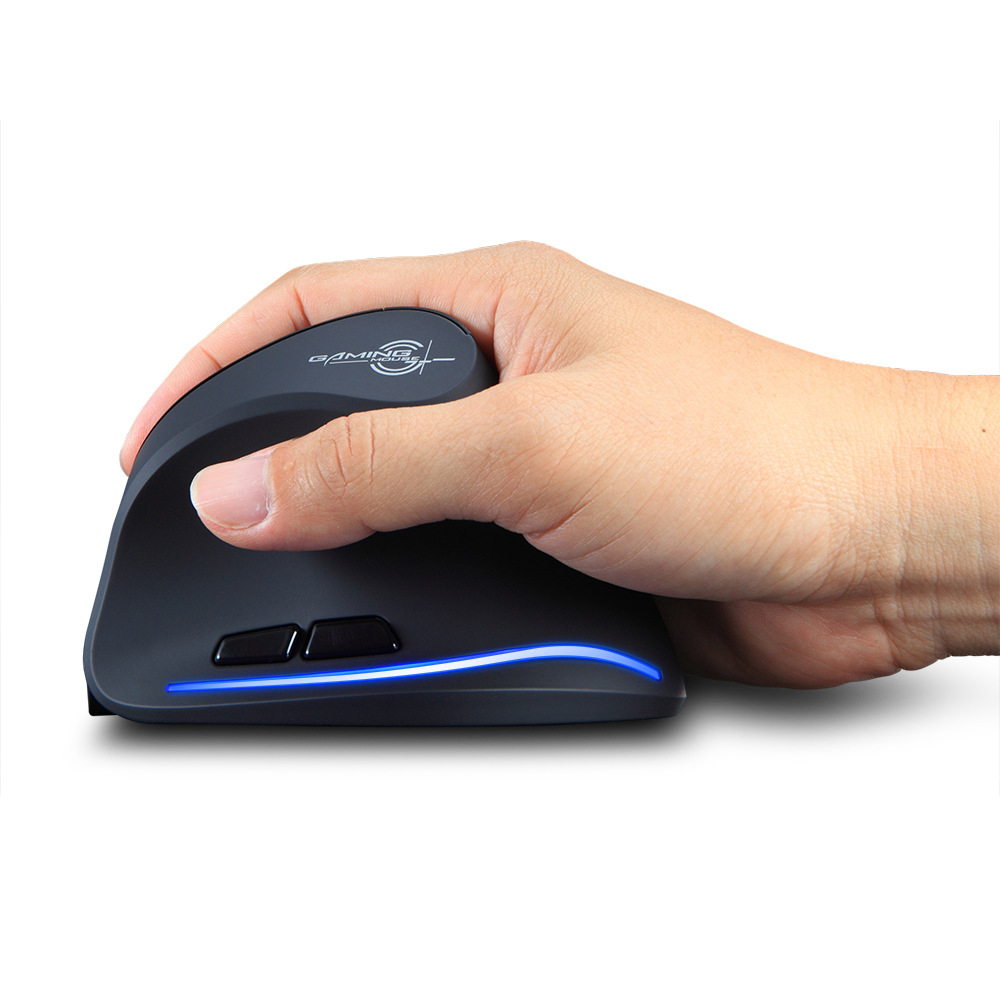
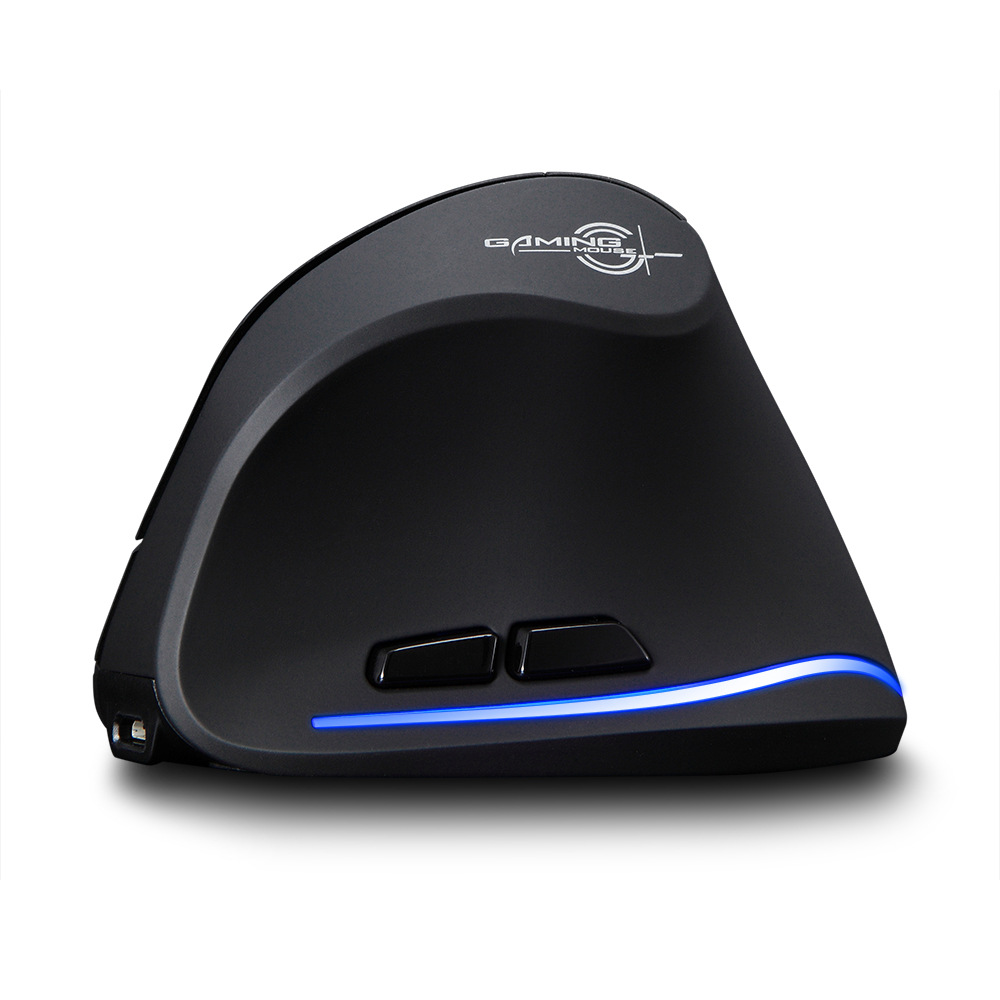
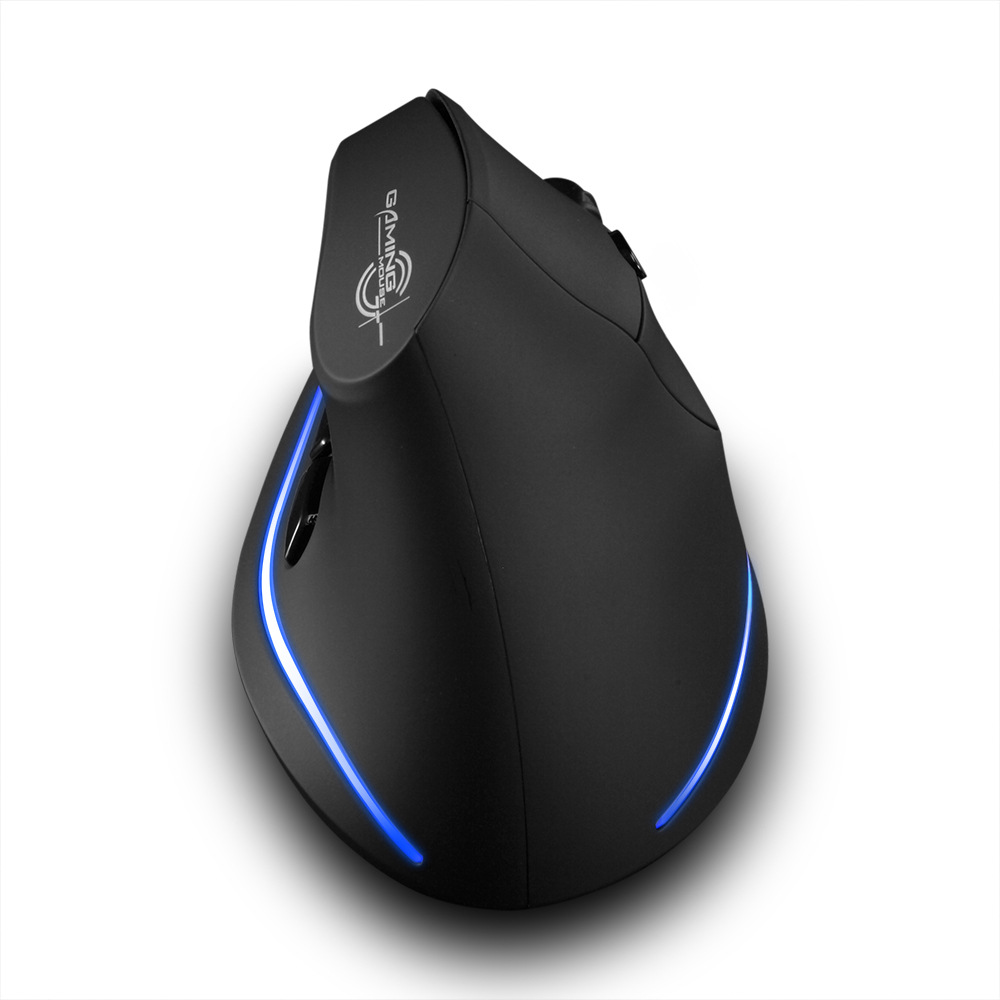
Package Contents (attachment)
Mouse x1 Receiver x1 Instructions x1
System requirements
IBM or compatible computer
Windows:2000/ME/XP(x64)/Vista/7/8
Mac OS X(over V10.4)
An available USB port
———————— Product Structure Diagram————————
(English)
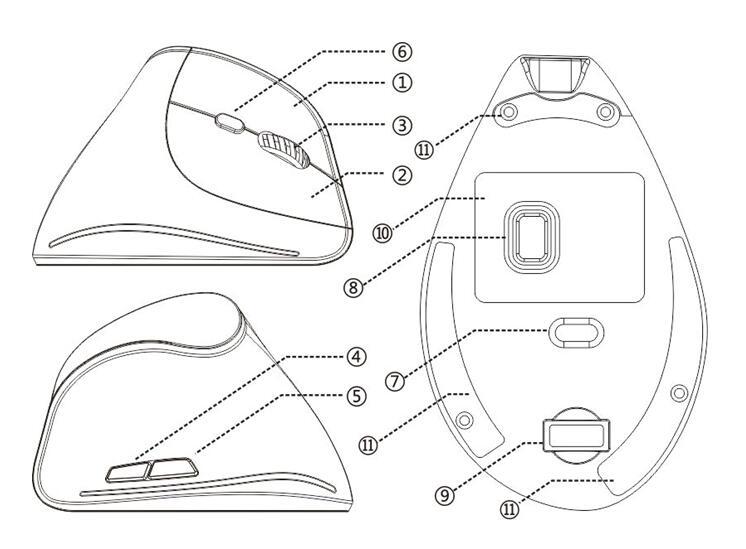
Component function description
●①:Left button ②:Right button ③:Middle button
④:Forward button ⑤:back ⑥:DPI adjustment
⑦:switch ⑧:lens ⑨:receiver ⑩:label ⑾:mat
●The blue light at the roller is on when charging the mouse and the light goes off when fully charged.
Specification
Button number:6 buttons
Tracking System: optical
Frequency: 2405MHz-2476MHz
Effective distance: 10m
Working voltage/current: 3V/4mA
Button life: 5 million times
Roller life: 1.2 million turn
Product dimensions: 110*72*75mm
Product weight: 130±5g
Resolution: 1000-1600-2400DPI
Rate of return: 250Hz
What to do if the mouse has no response?
1.Please charge the mouse with USB cable.
2.Please try to replace the receiver with an USB interface.
3.Make sure the power switch on the bottom of the mouse is “on”or at position.
4.Try to restart the computer.
5.Press the left、middle、right key when the power is on, and put the receiver into the computer, waiting for 5 seconds, and then you could rematch code successfully.
6.If it is still unsuccessful, please email to E-mail: it@zelotes.cn for technical assistance.
_______________________________________________________________________________
(Note: The pattern quoted in this manual is only for the purpose of function description.
(中文)
组件功能说明
●①:左键 ②:右键 ③:中键
④:前进键 ⑤:后退键 ⑥:DPI调节
⑦:开关 ⑧:透镜 ⑨:接收器
⑩:标贴 ⑾:脚垫
●对鼠标充电时滚轮处蓝灯提醒,当蓝灯熄灭时,表示充满电。
规格参数
按键数:6键
循迹系统:光学
频率:2405MHz-2476MHz
有效距离:10m
工作电压/电流:3V/4mA
按键寿命:500万次
滚轮寿命:120万转
产品尺寸:110*72*75mm
产品重量:130±5克
解析度:1000-1600-2400DPI
回报率:250Hz
鼠标无反应怎么办?
1.请用数据线对鼠标进行充电。
2.请把接收器更换一个USB接口试一下。
3.确保鼠标底部的电源开关已经打到on或
4.重新启动电脑试试。
5.鼠标电源开启状态下同时按下左中右键,再将接收器插入电脑,等待5秒后松开按键,重新对码成功。
6.如果以上操作不成功,请邮件至E-mail:it@zelotes.cn申请技术帮助。

| 수입신고 1USD |
구매/결제대행 1CNY |
TT송금 1CNY |
|---|---|---|
| 6.31 CNY | 219.73 KRW | 0.145 USD |