




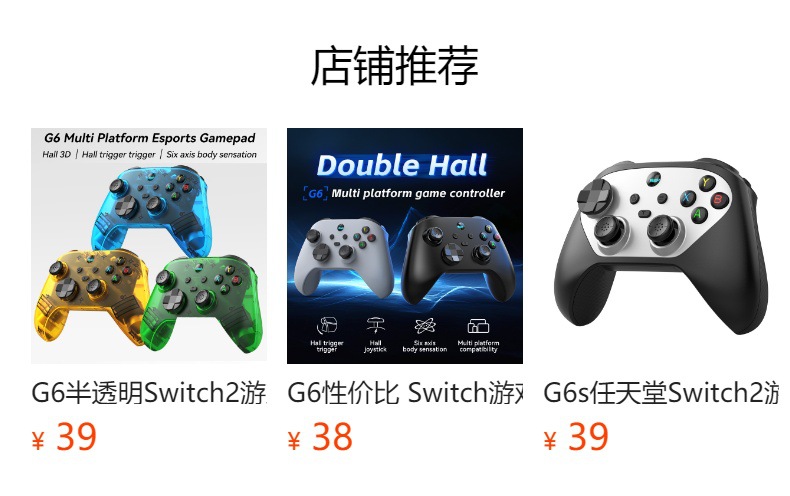
Z01X无线蓝牙游戏手柄:
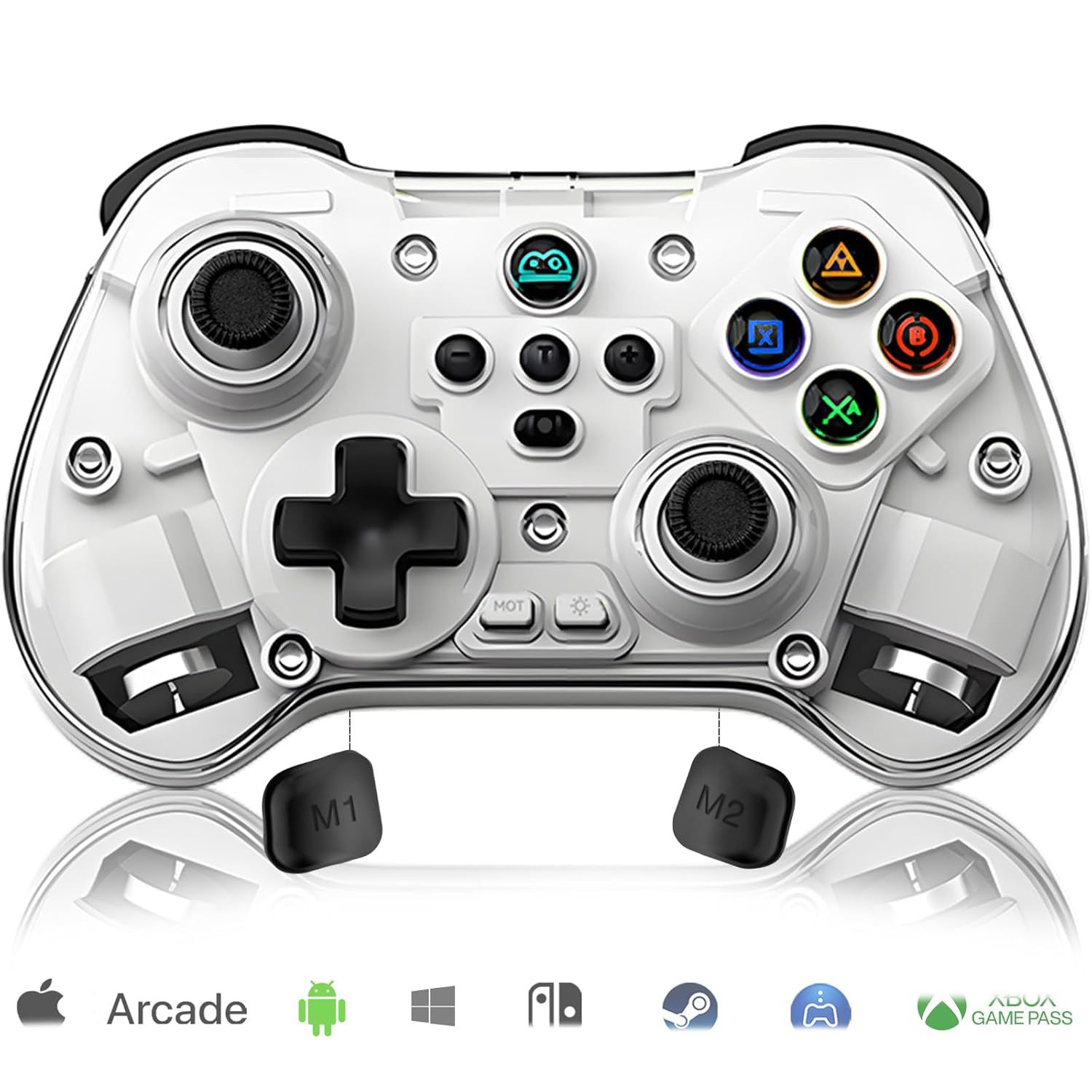
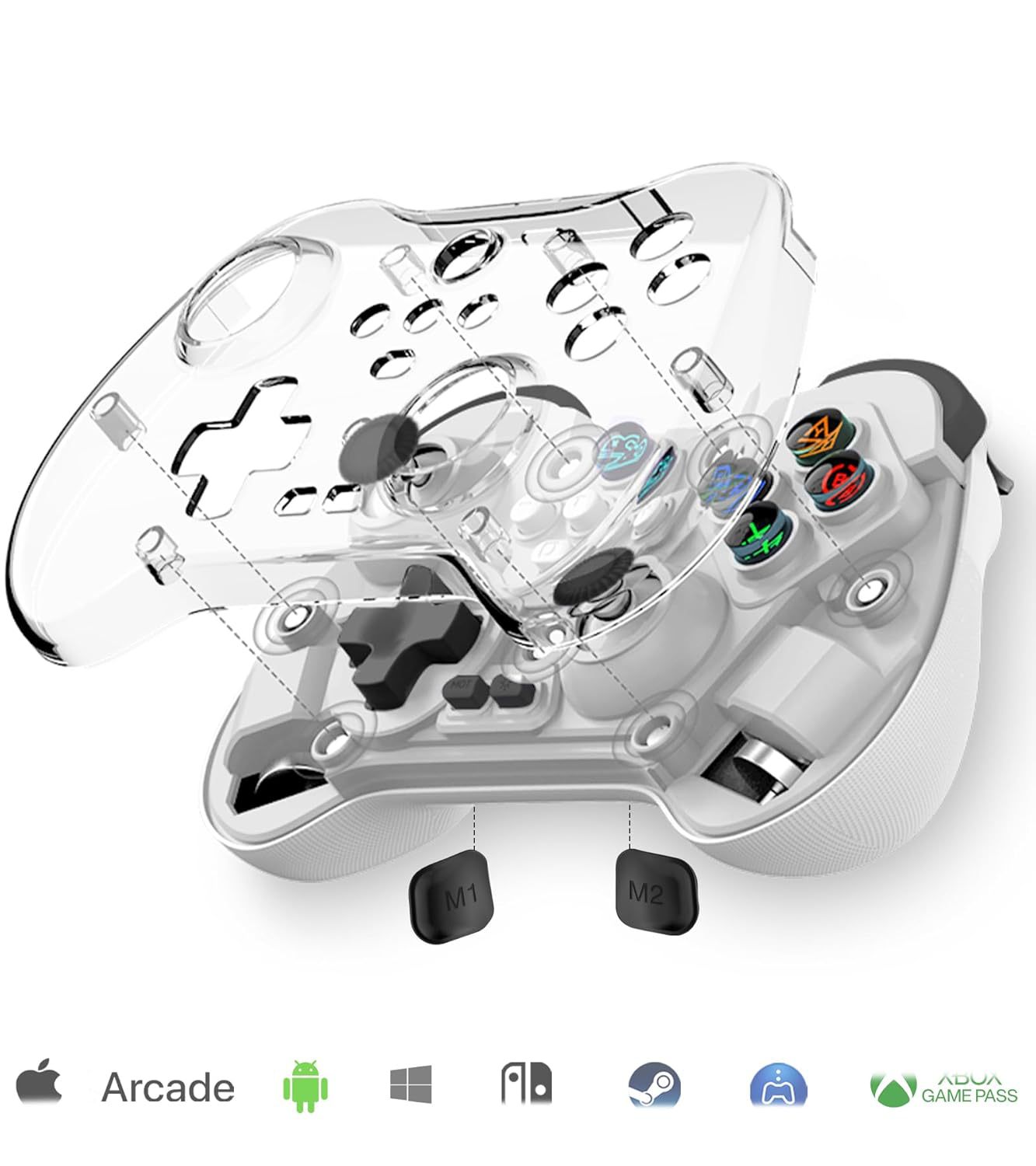
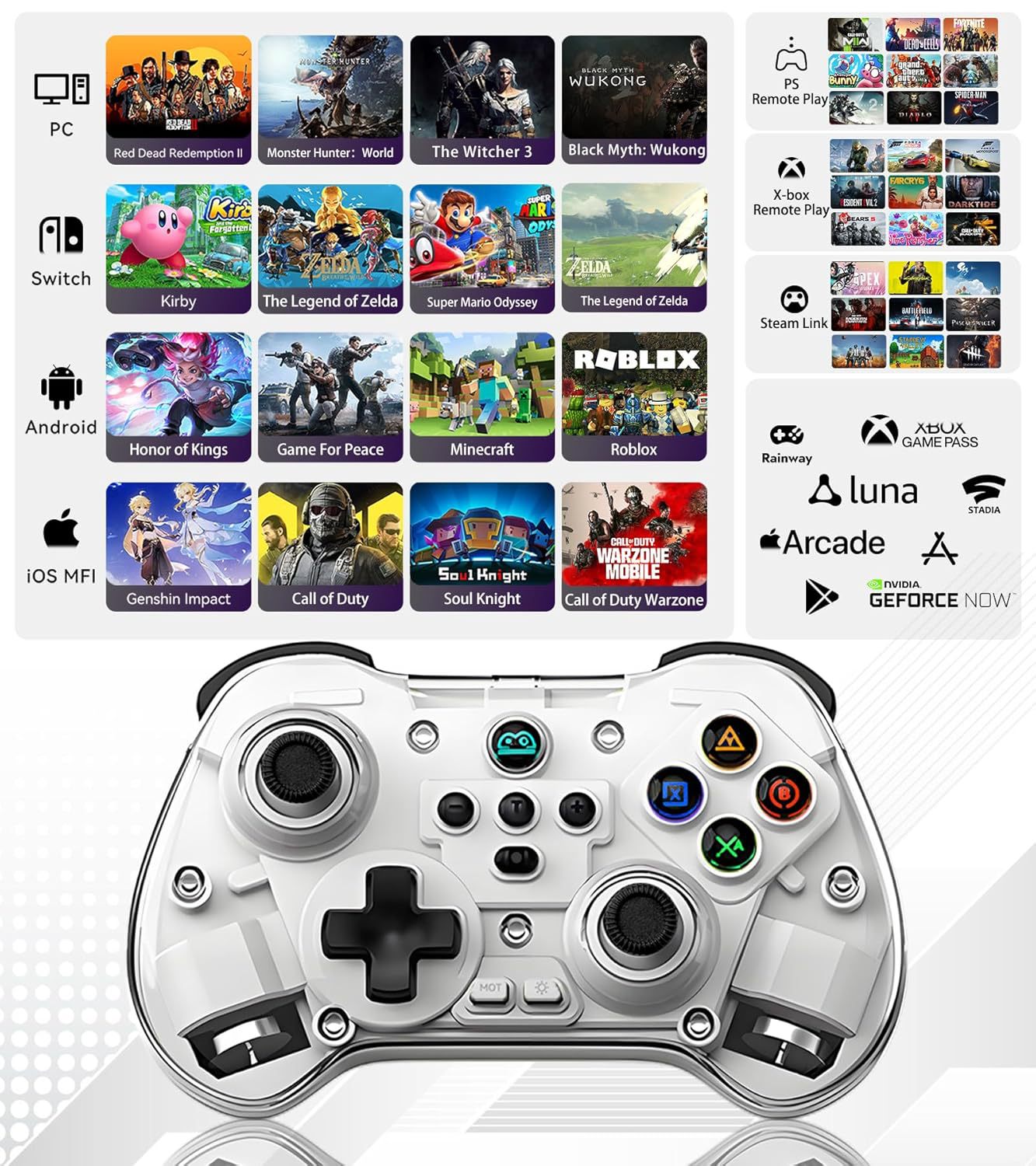
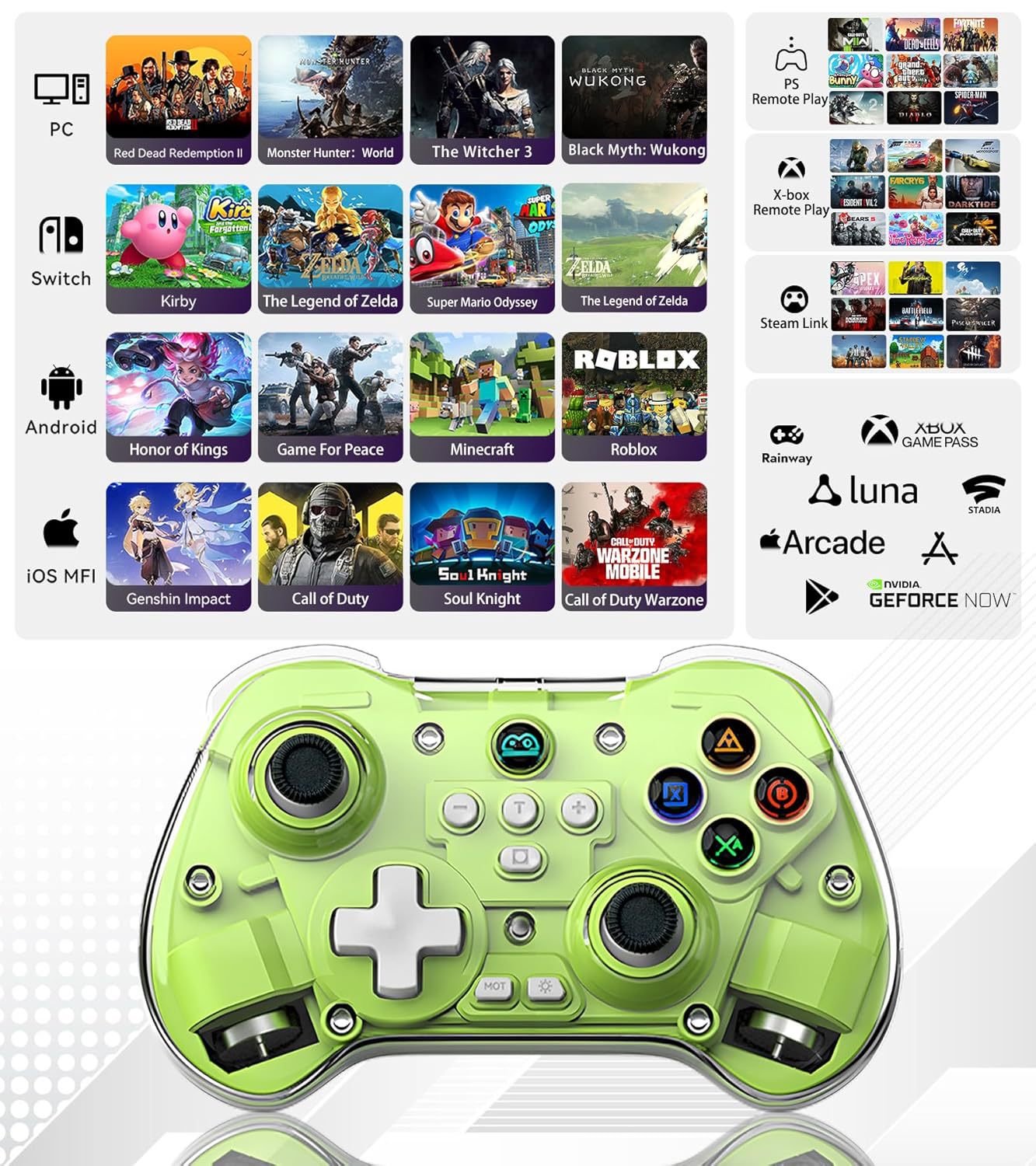
1.支持多平台:Switch主机,苹果、安卓、PC、电视。
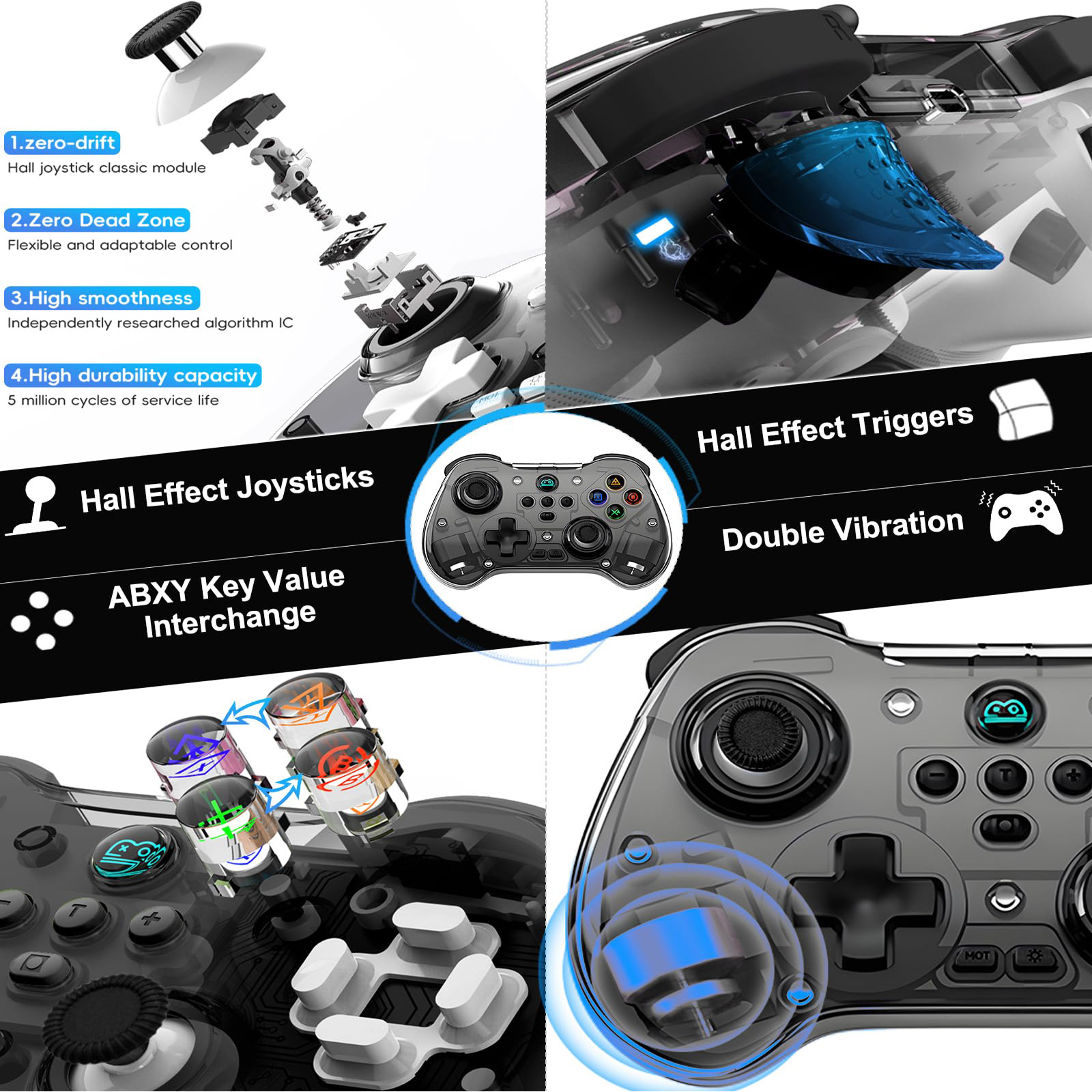
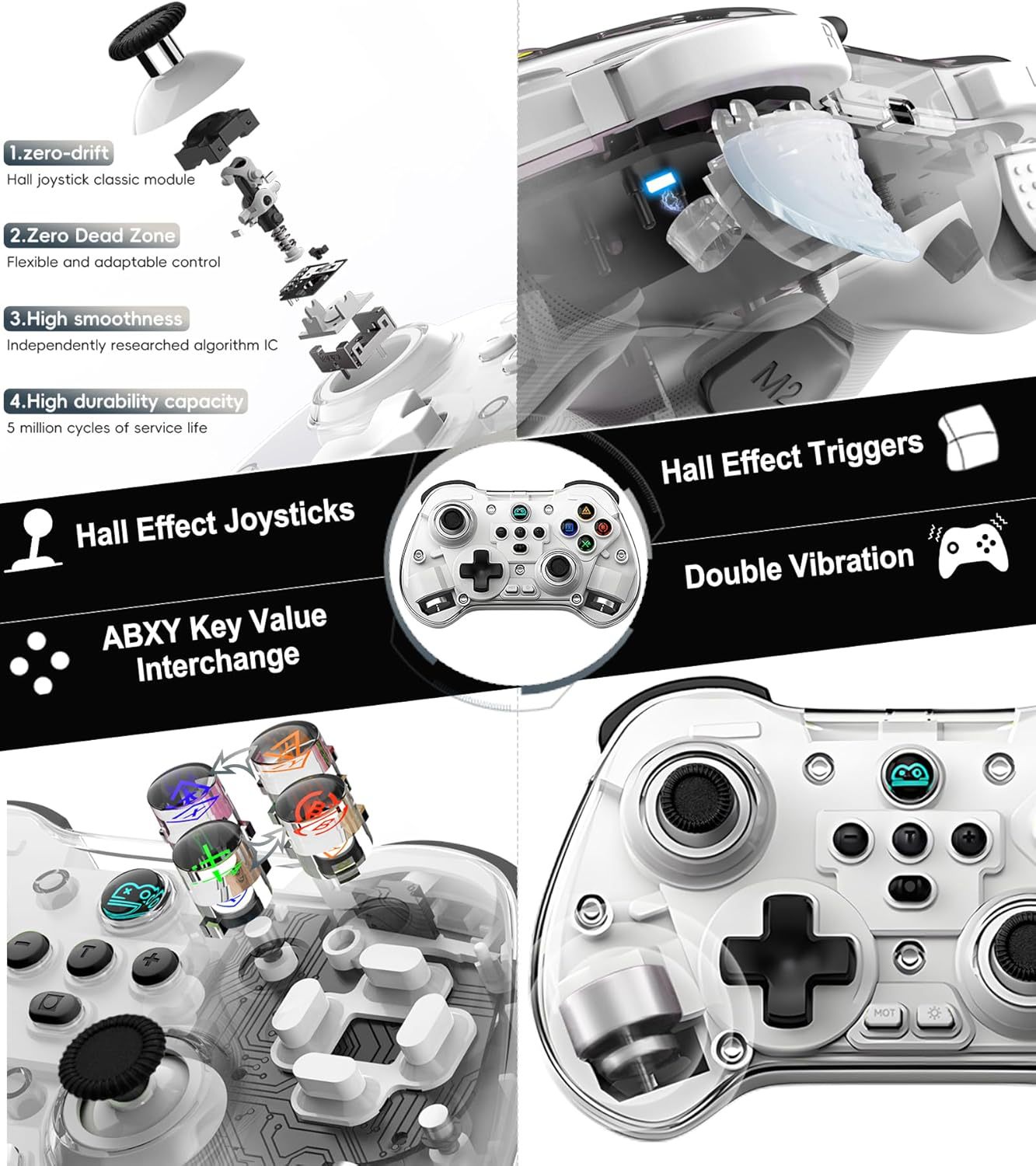
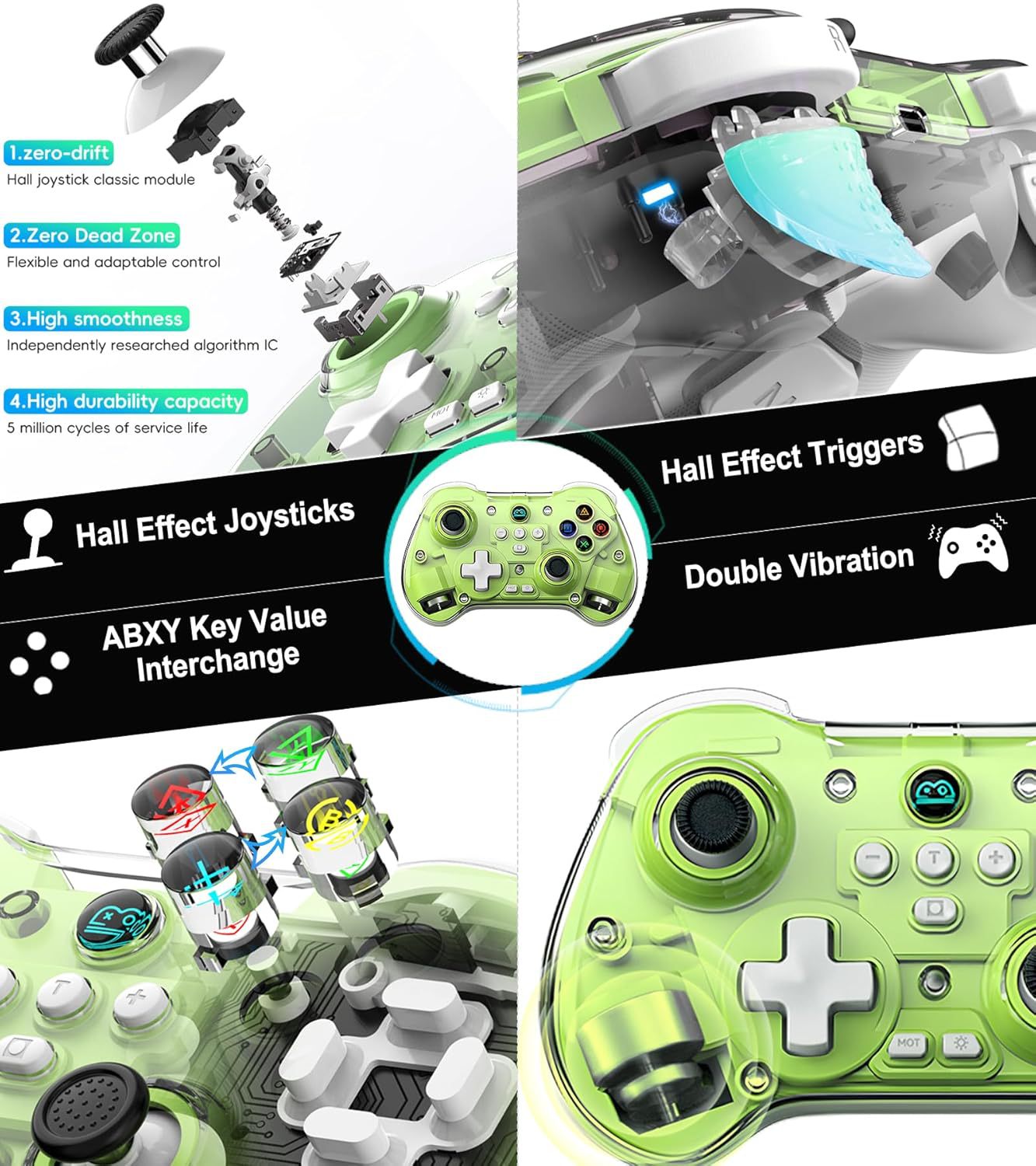
2.搭载霍尔摇杆,霍尔扳机。
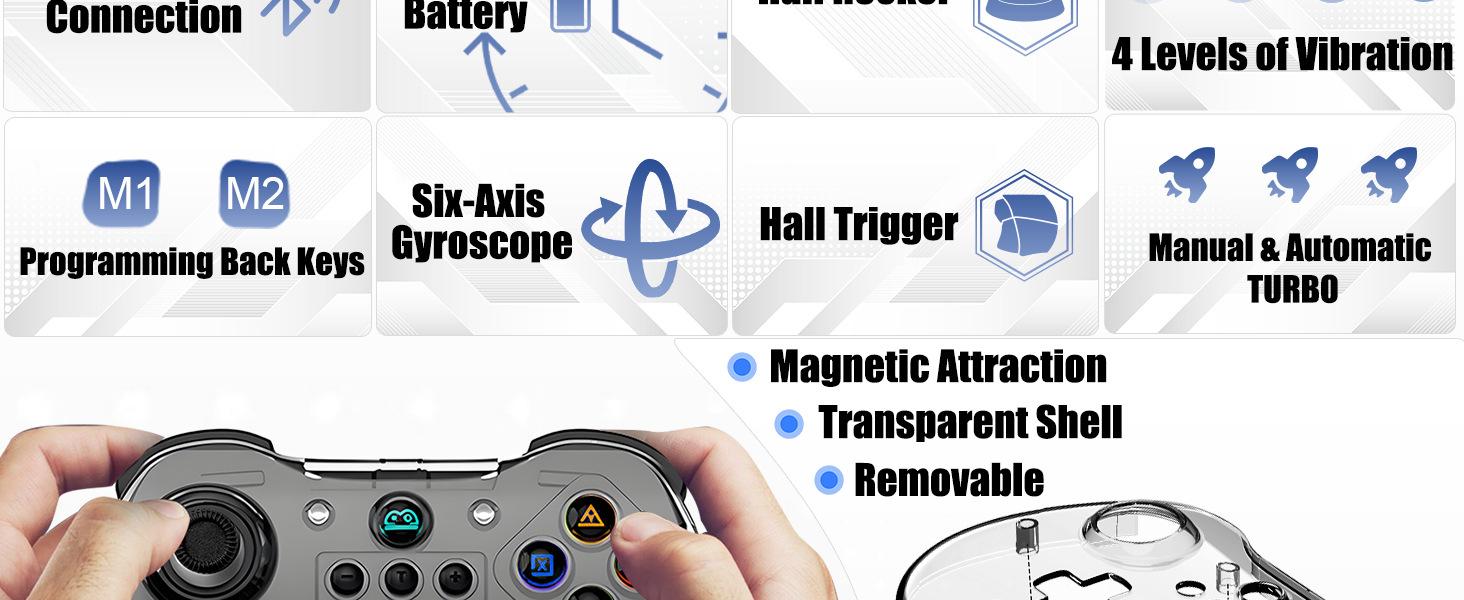
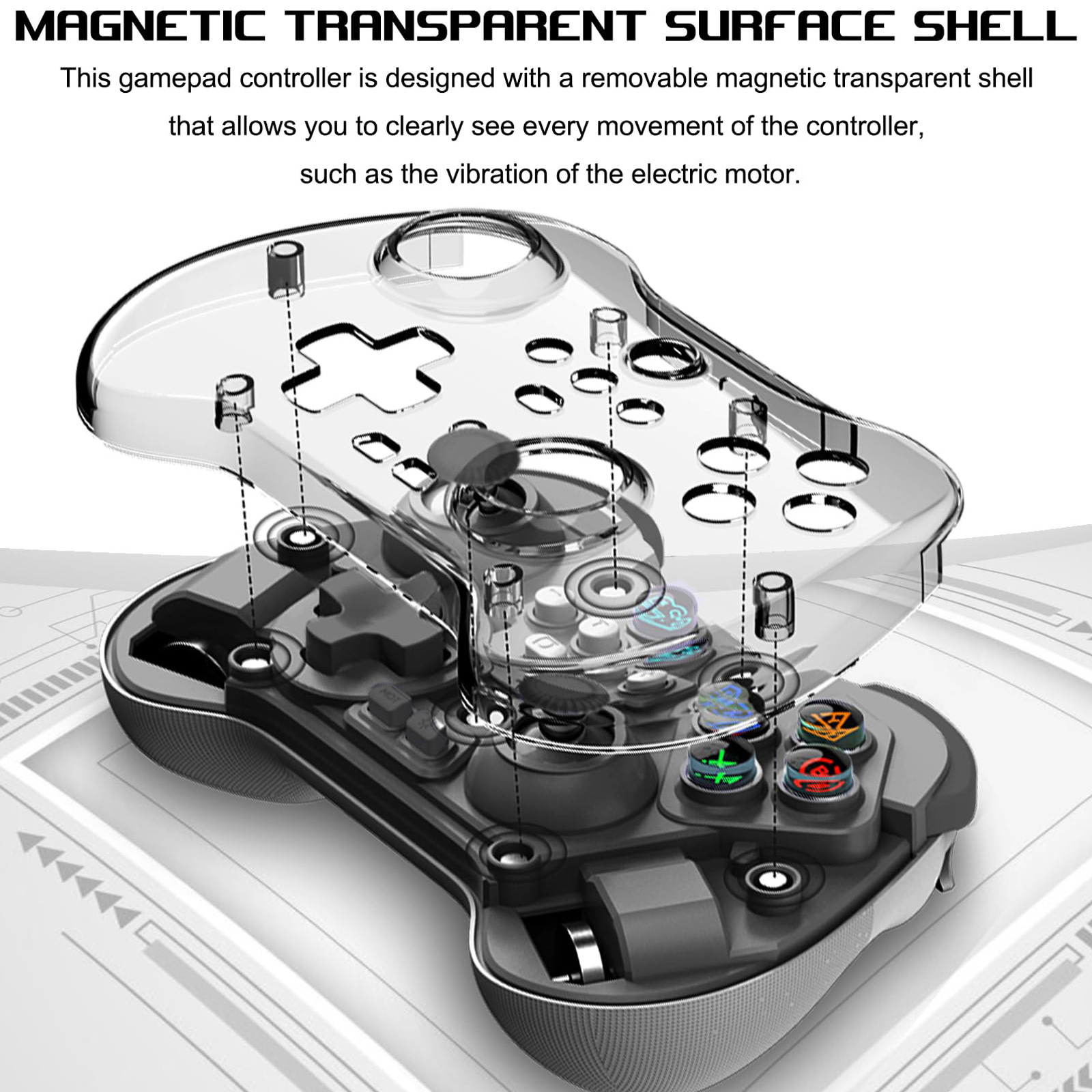
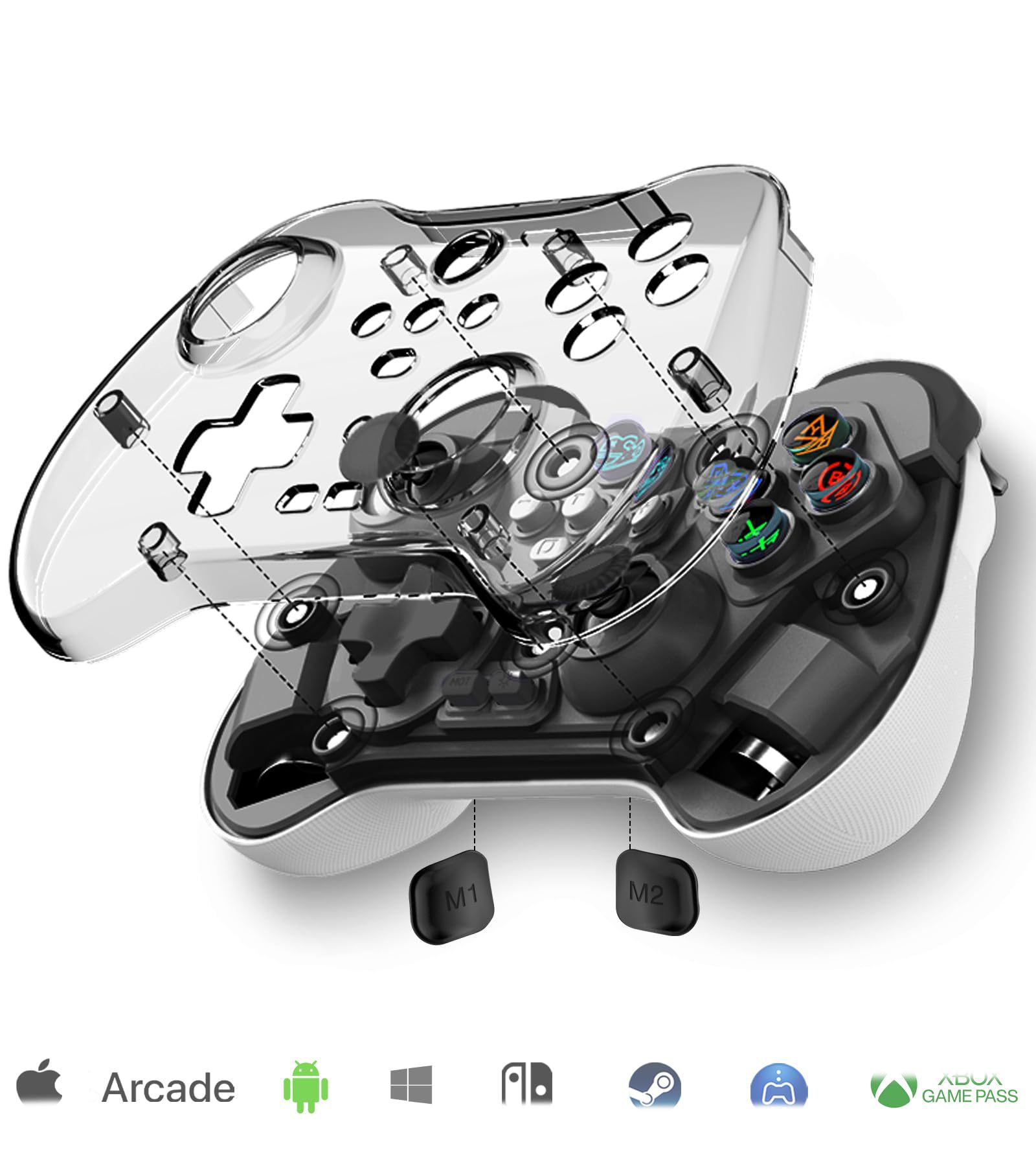
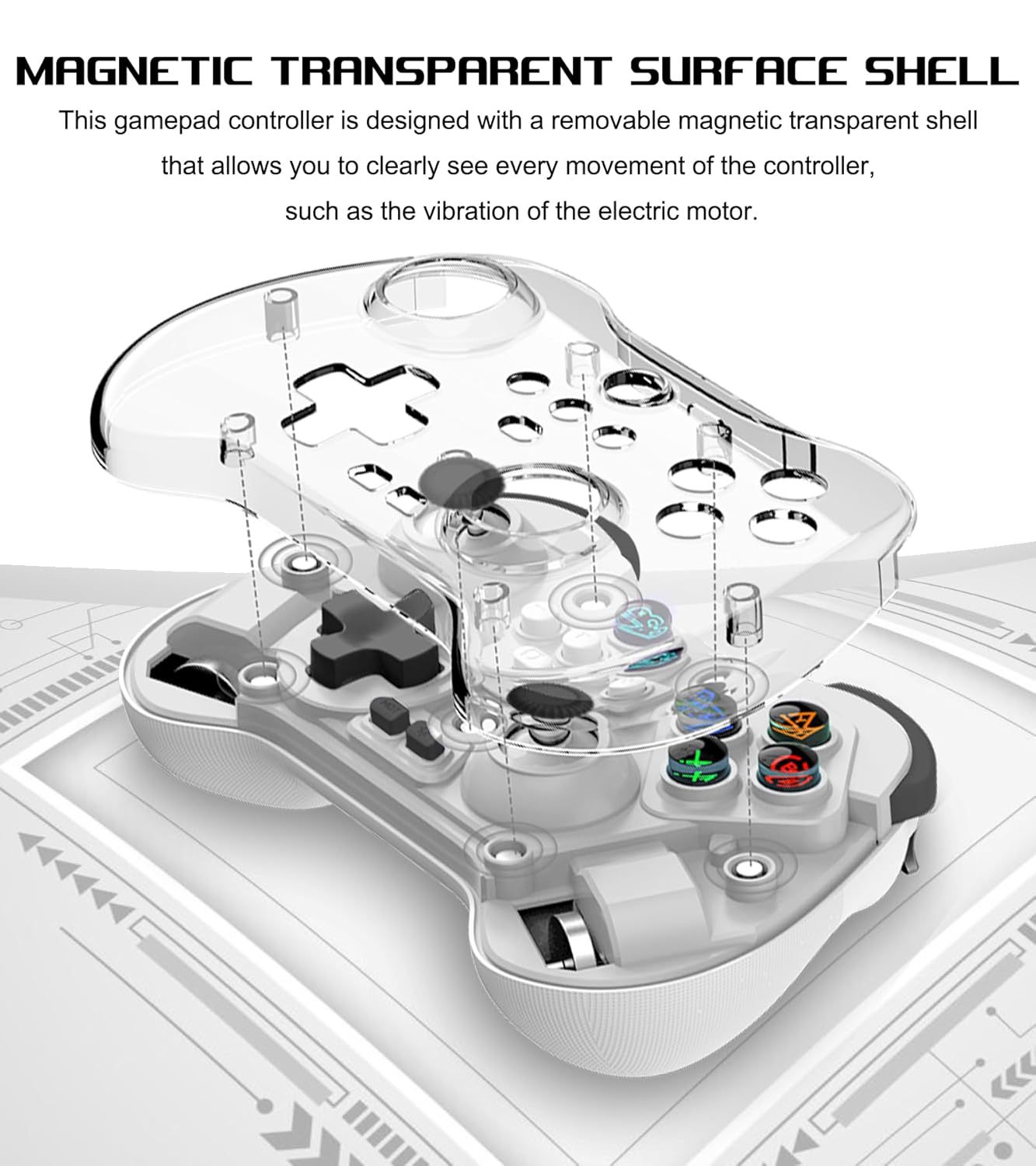
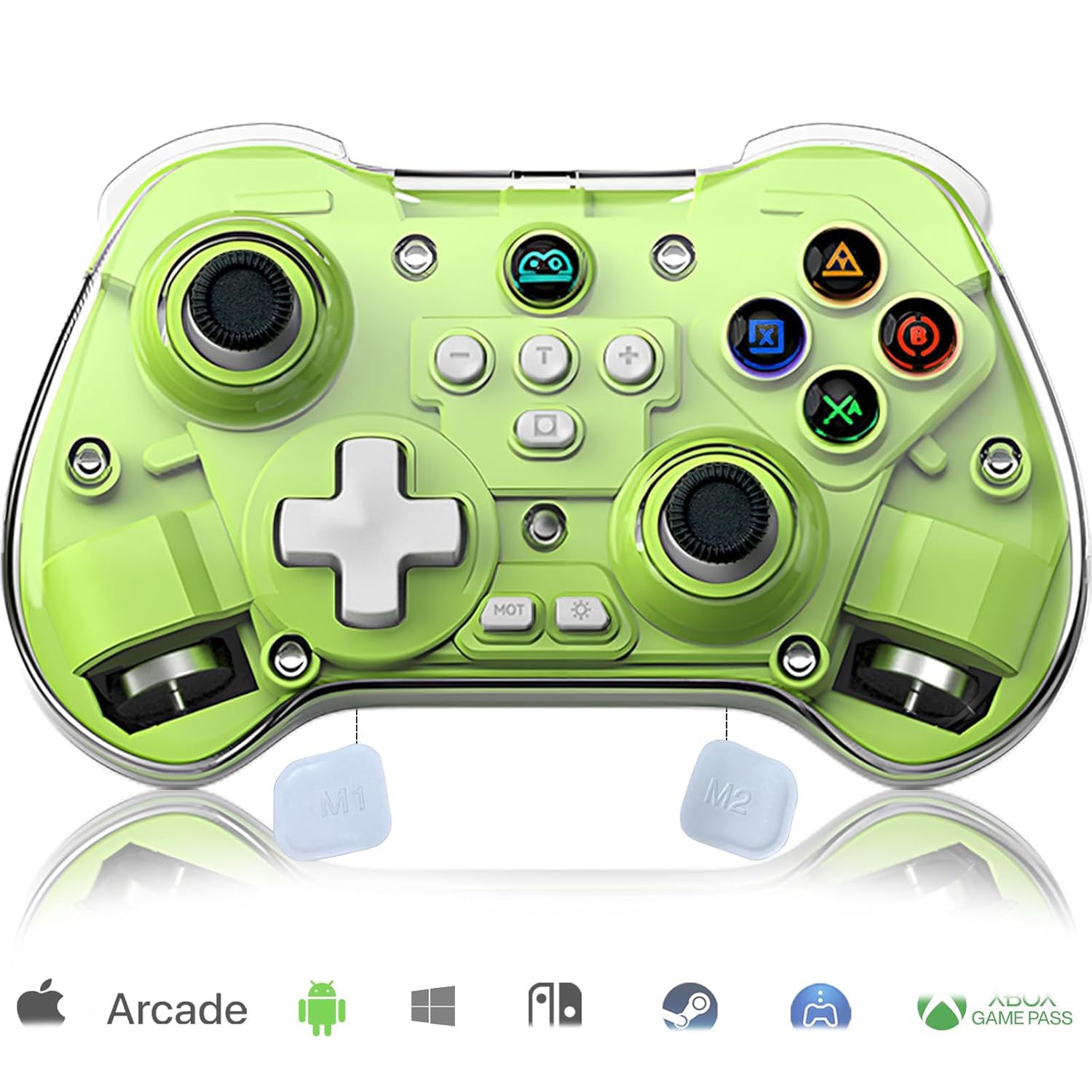
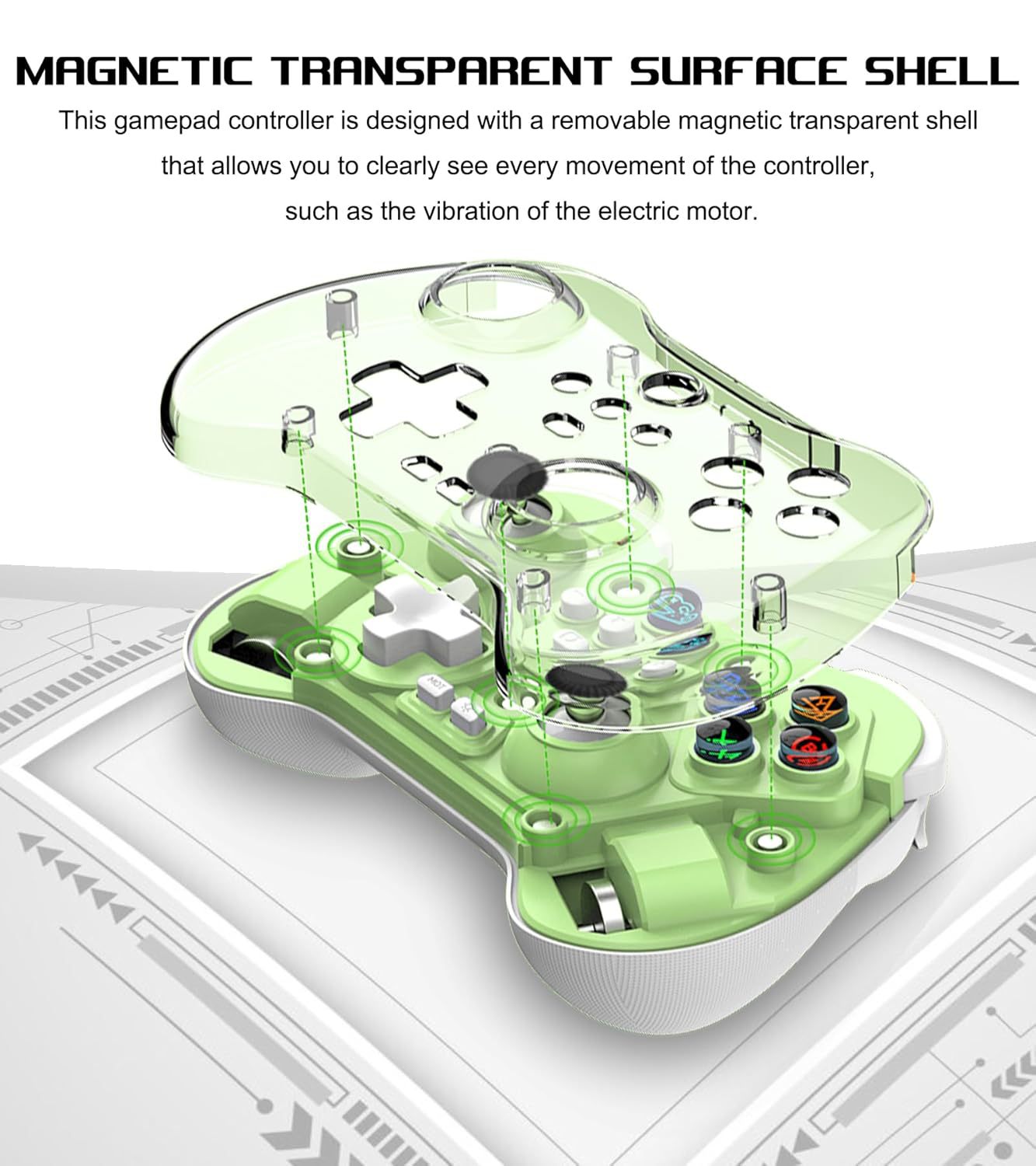
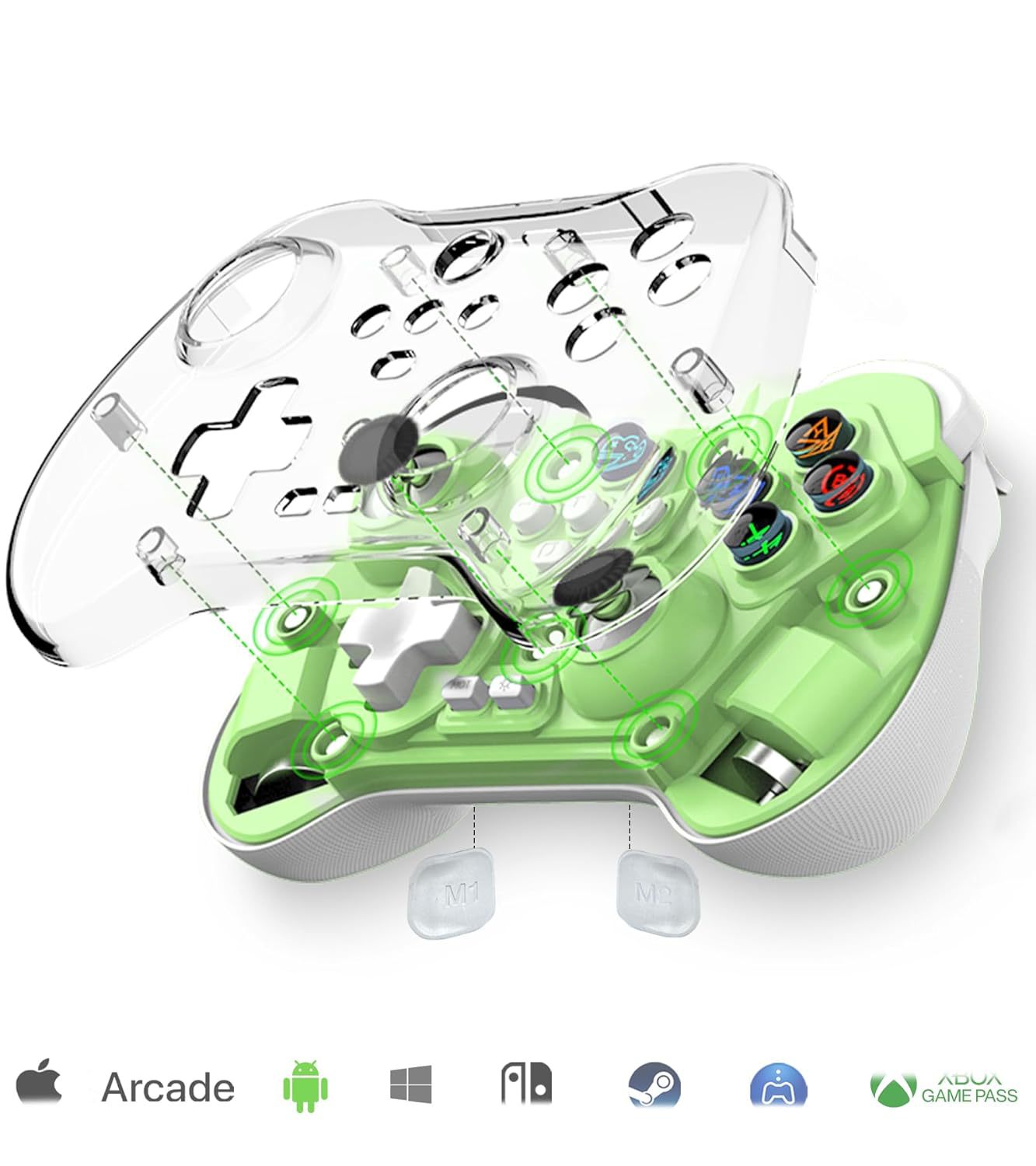
3.半透磨砂磁吸面壳,随时可换,新鲜感不断。
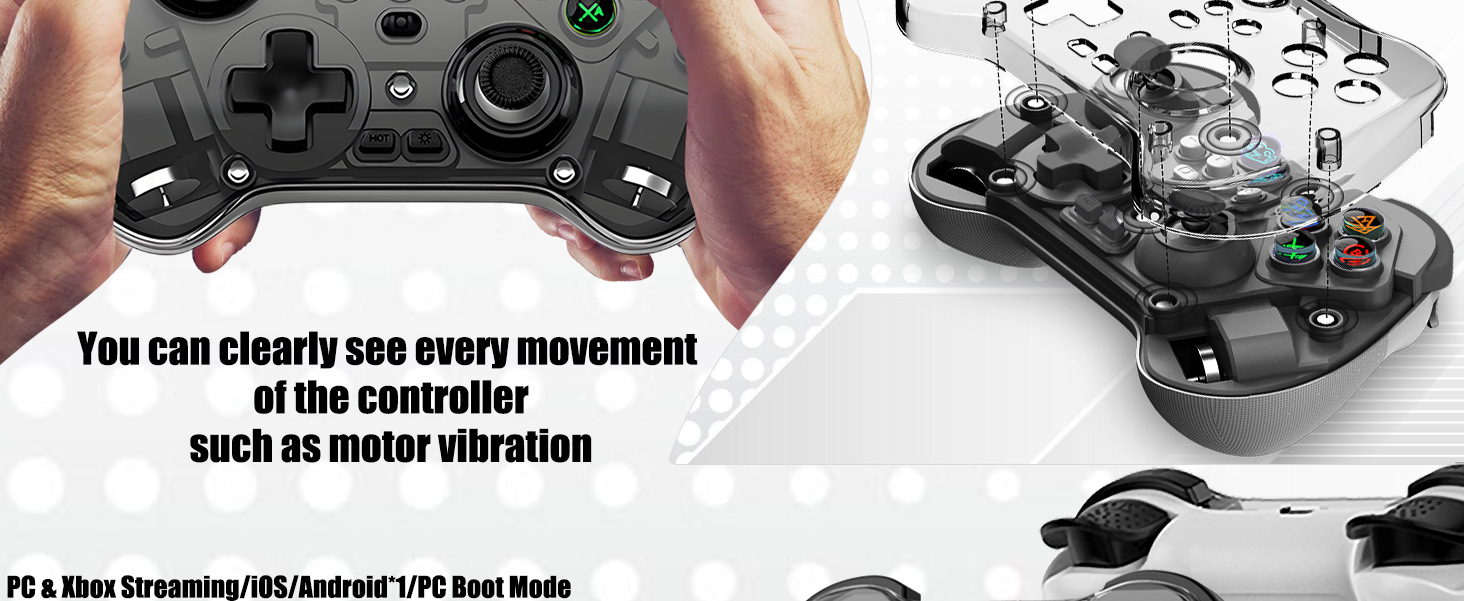
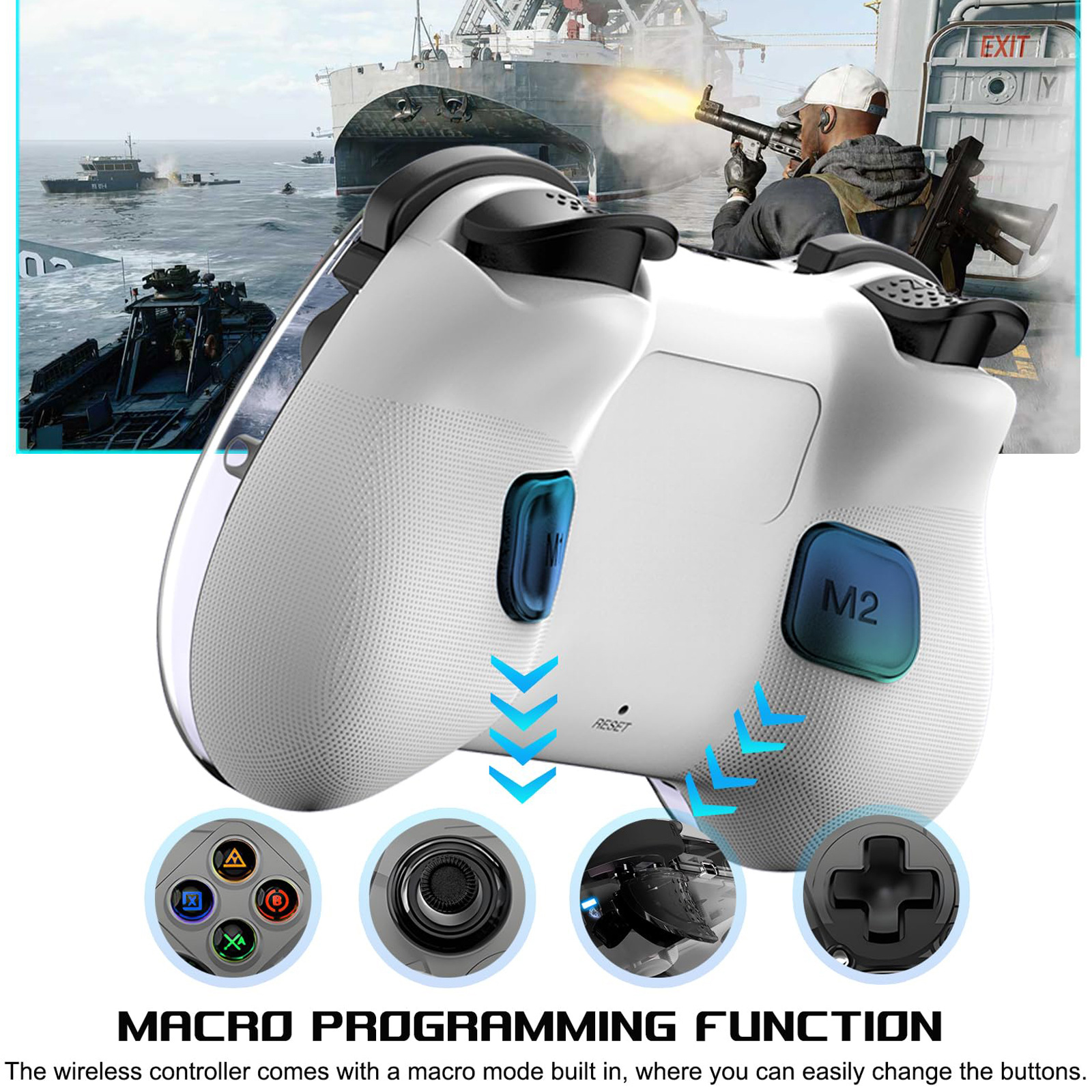
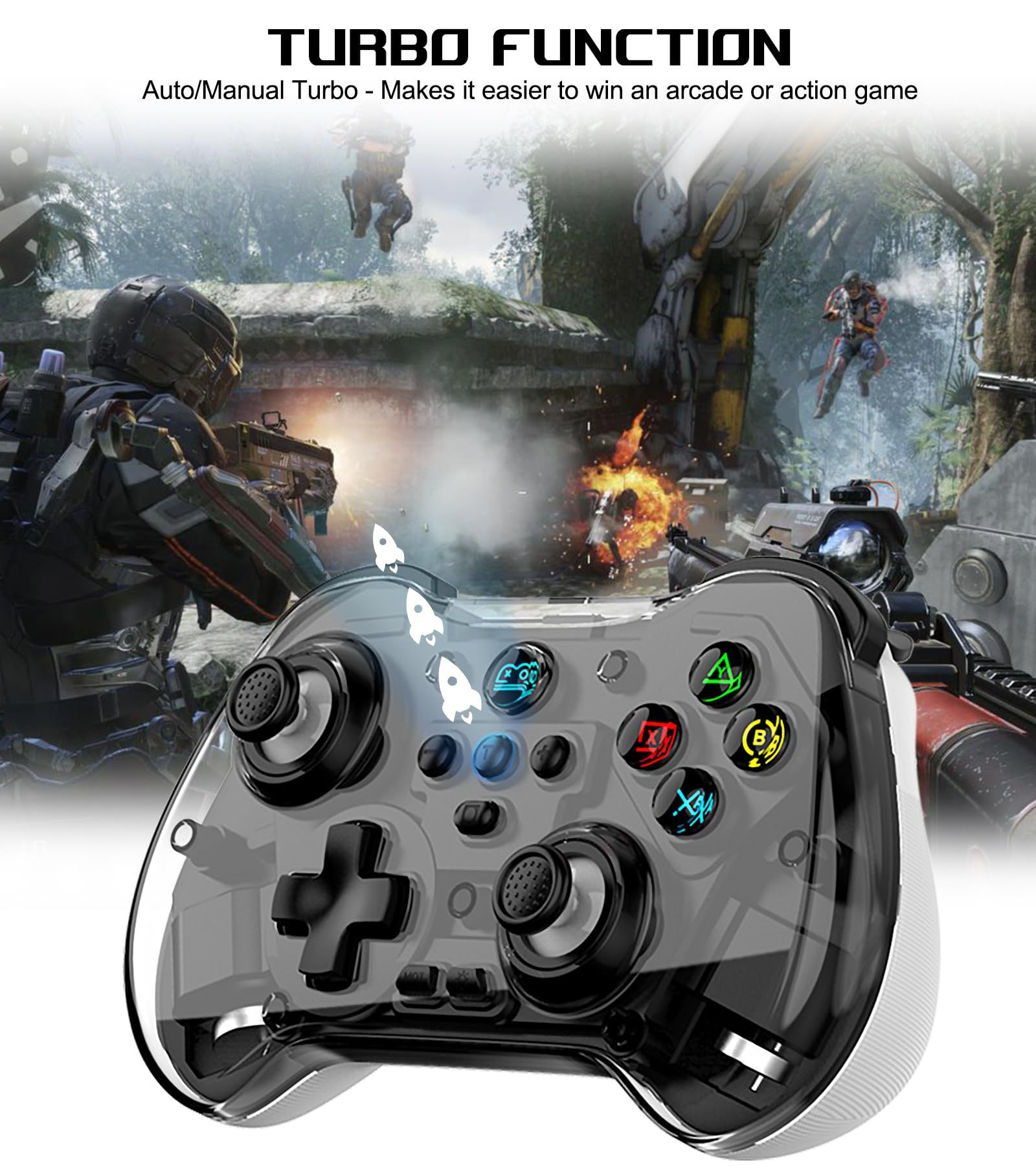
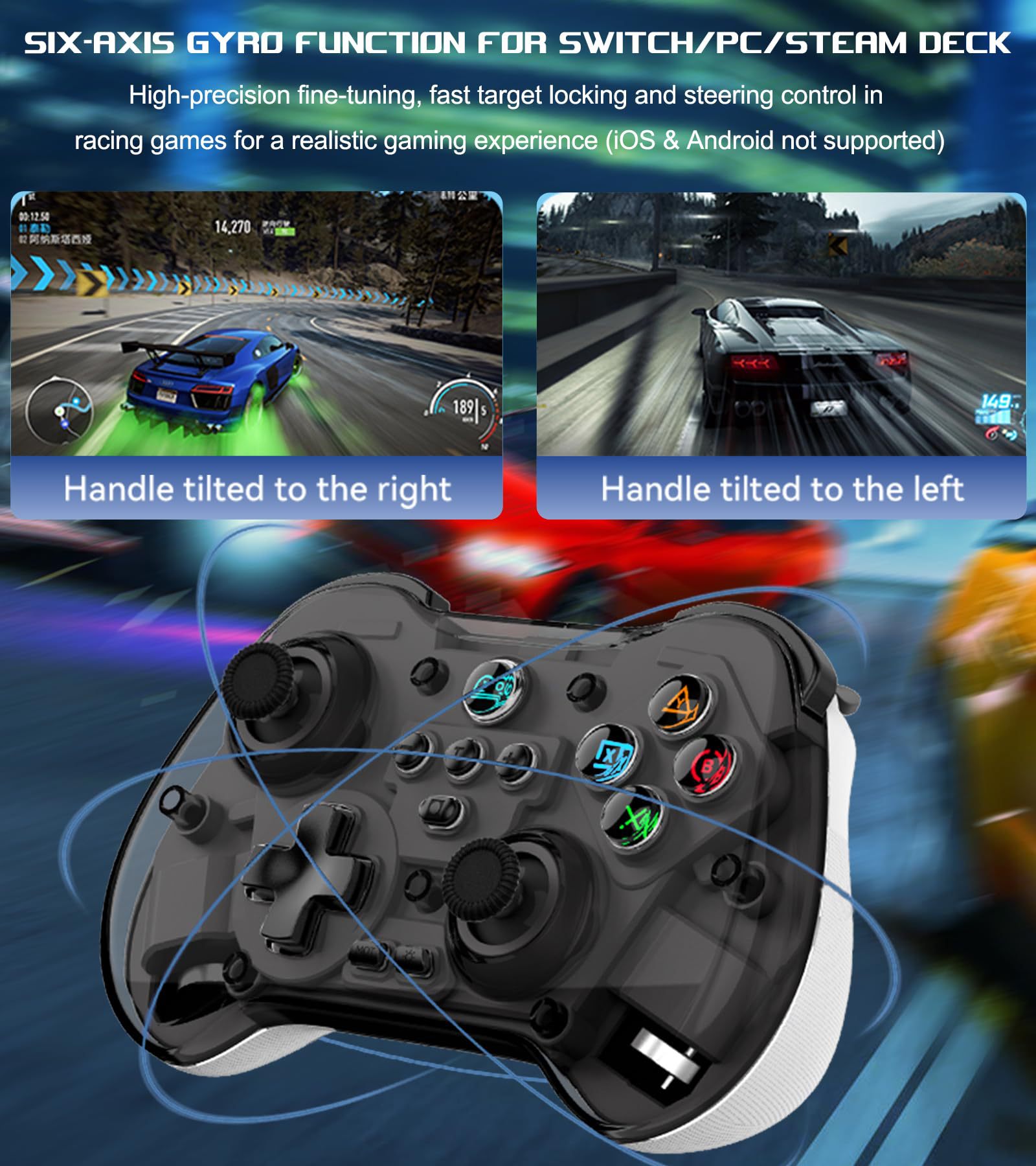
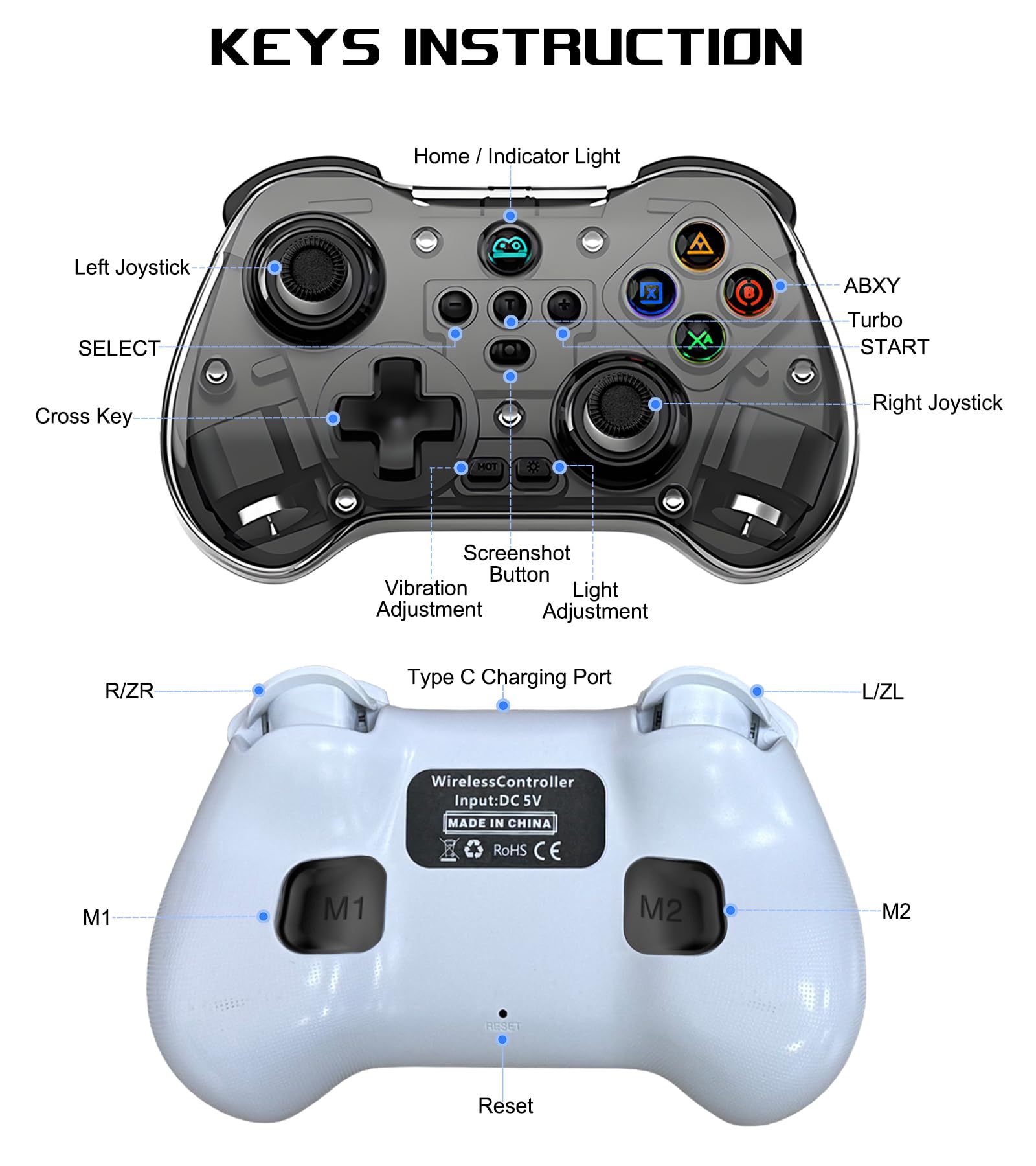
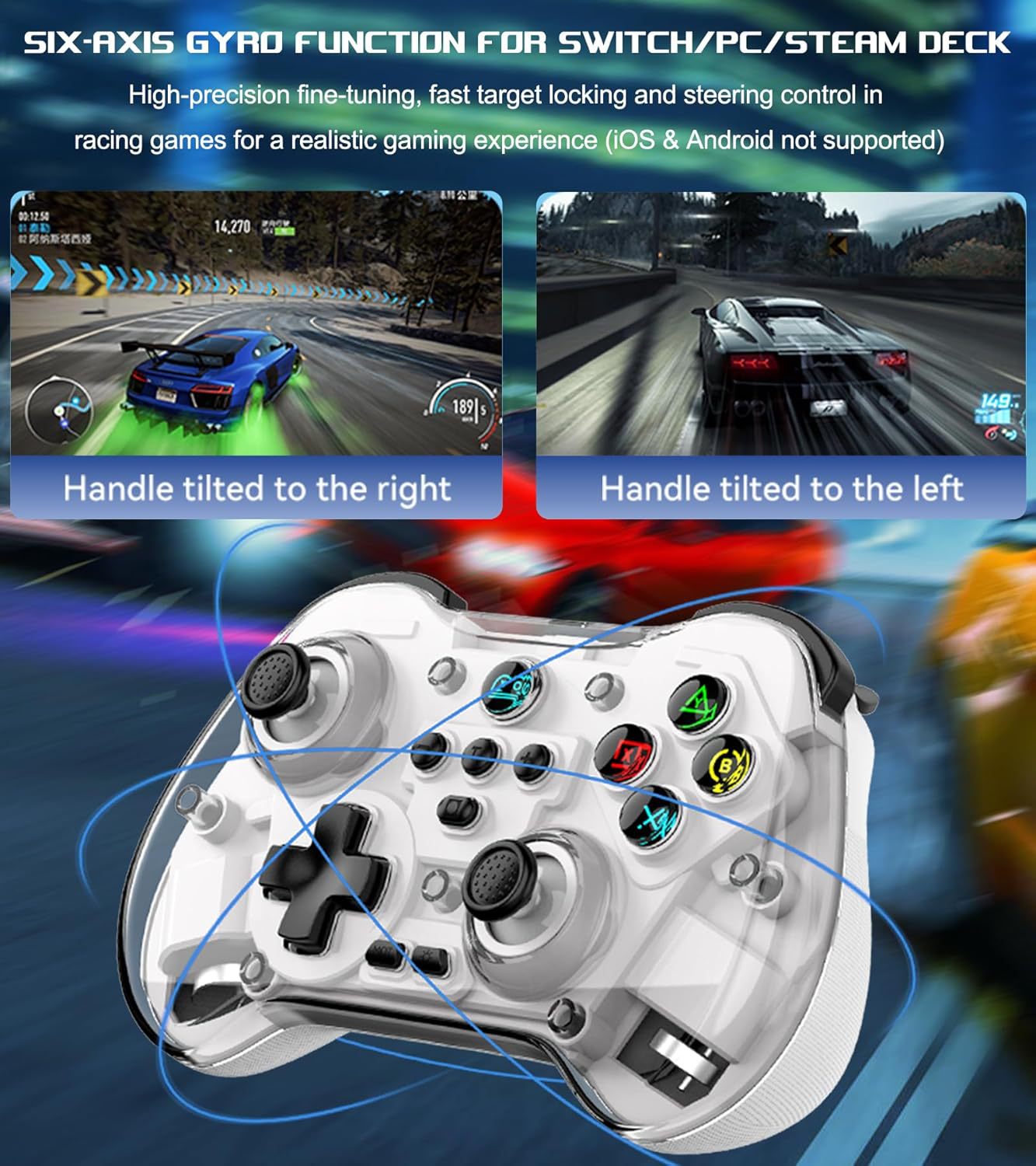
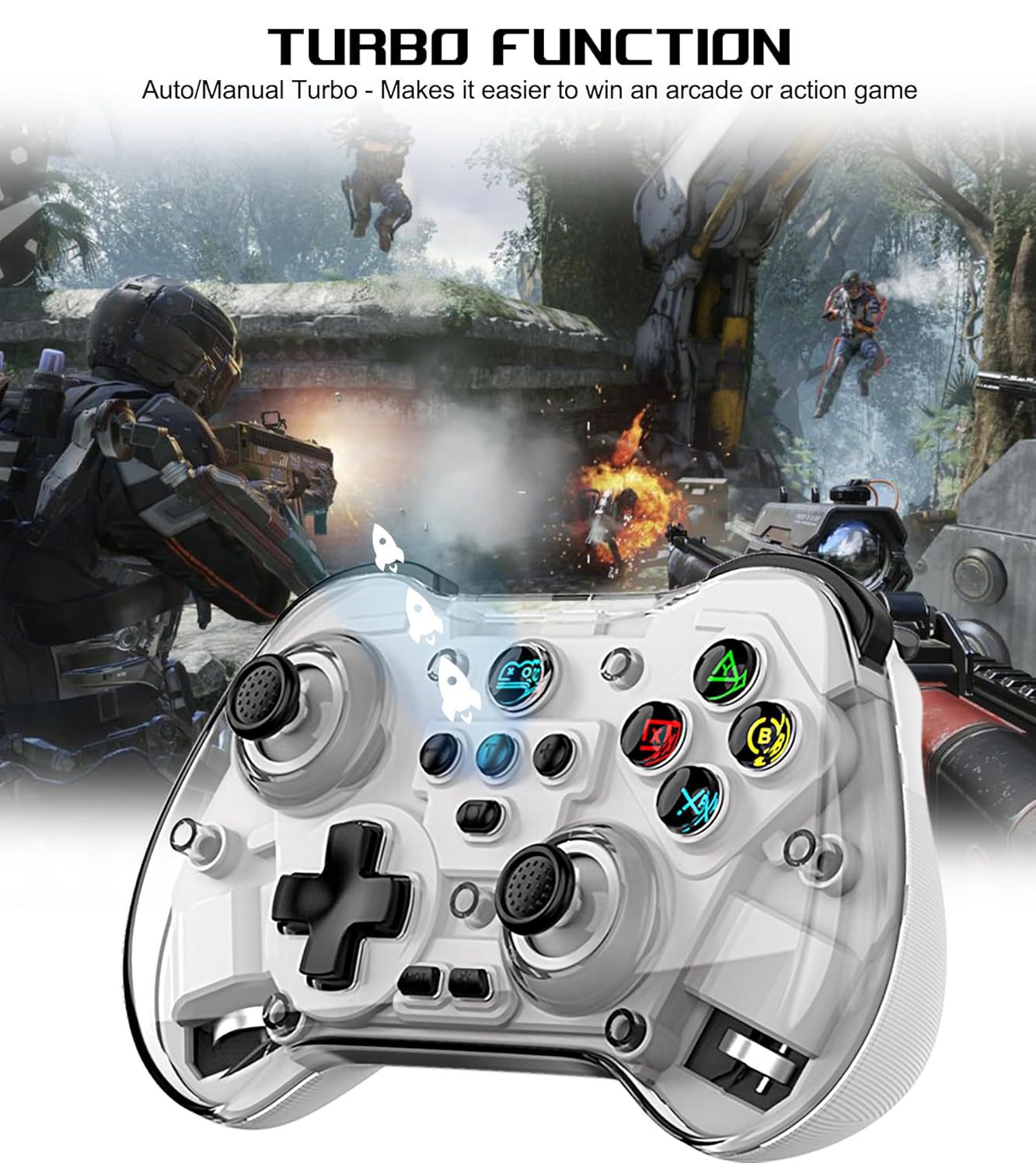
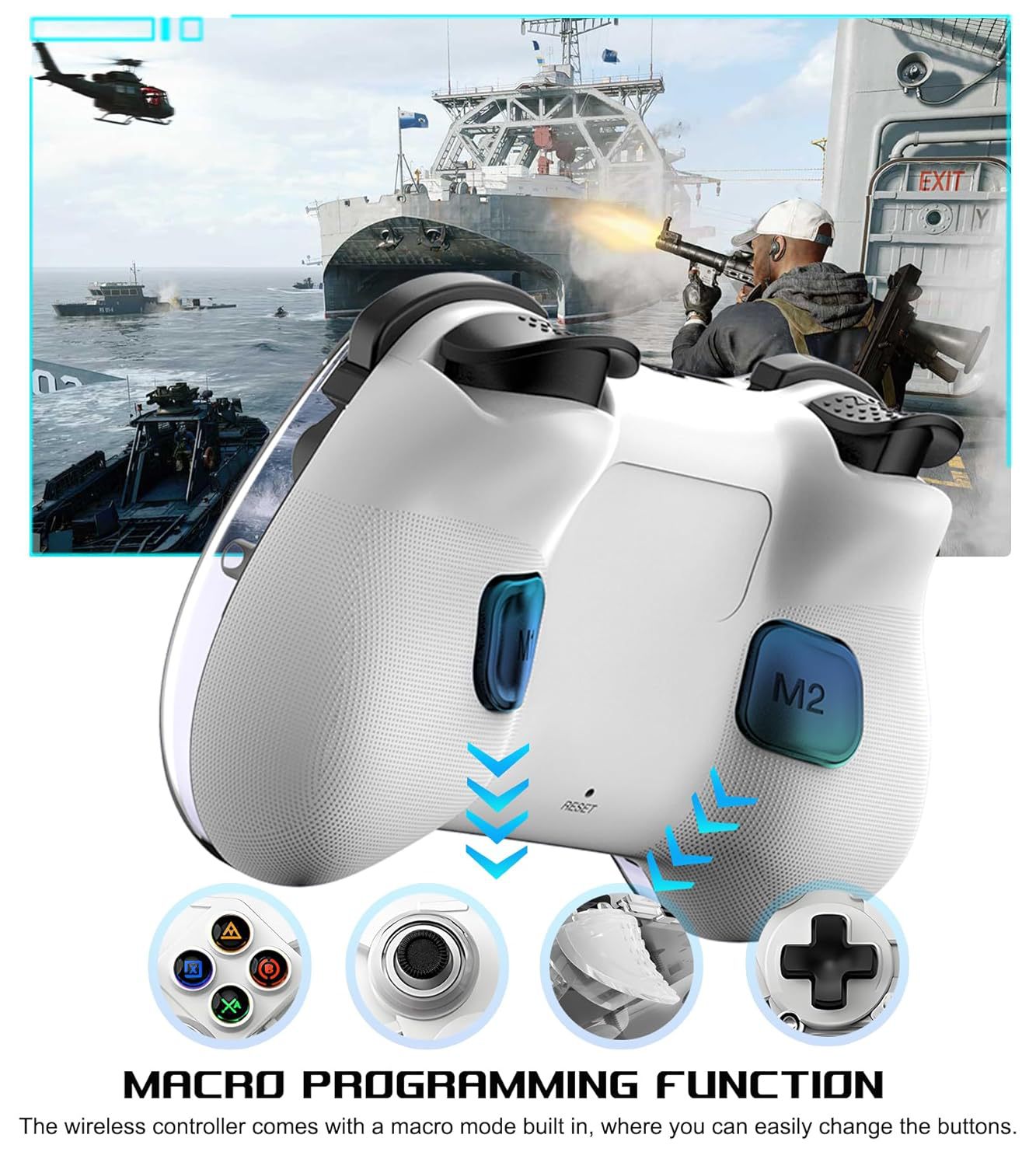
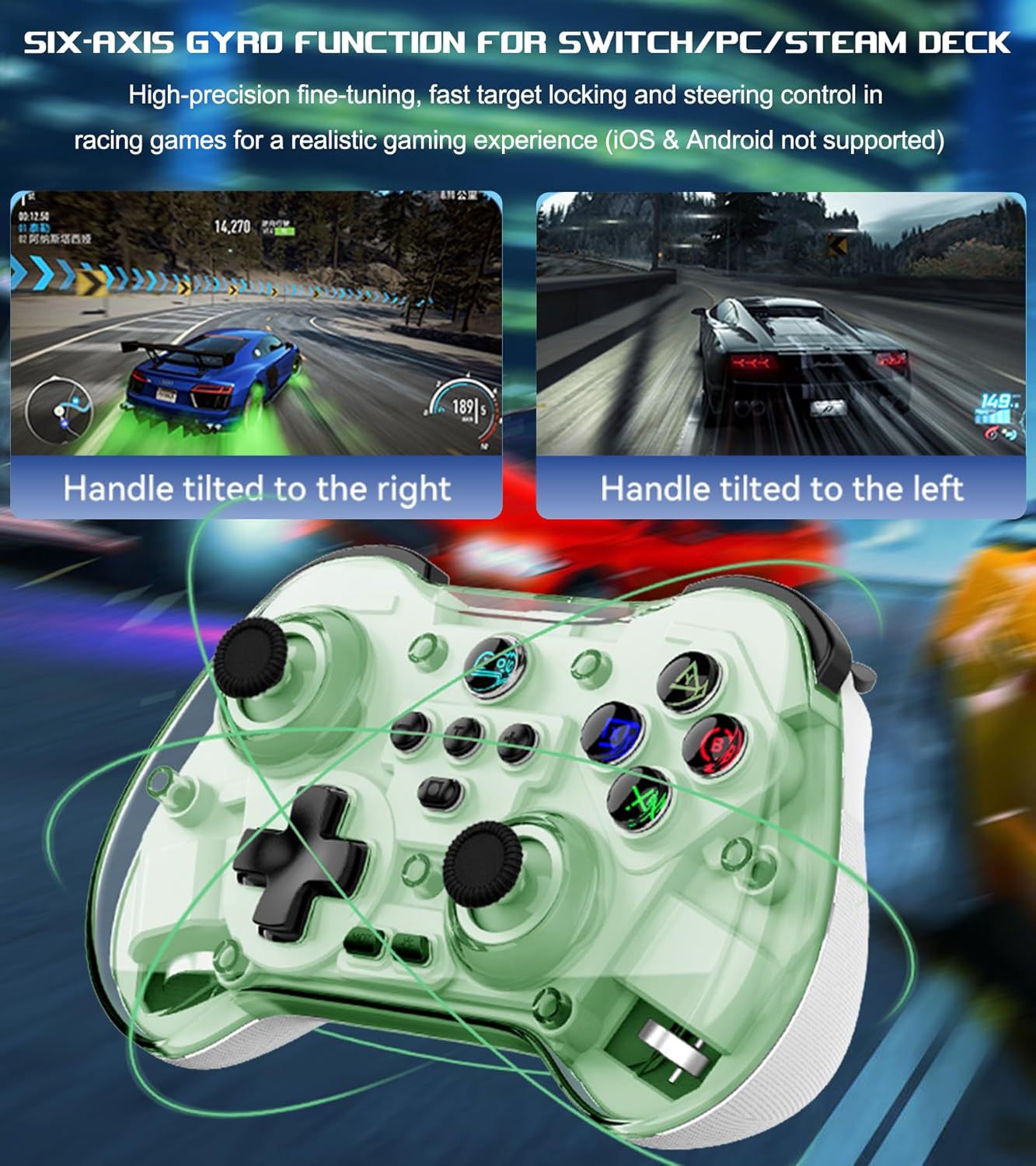
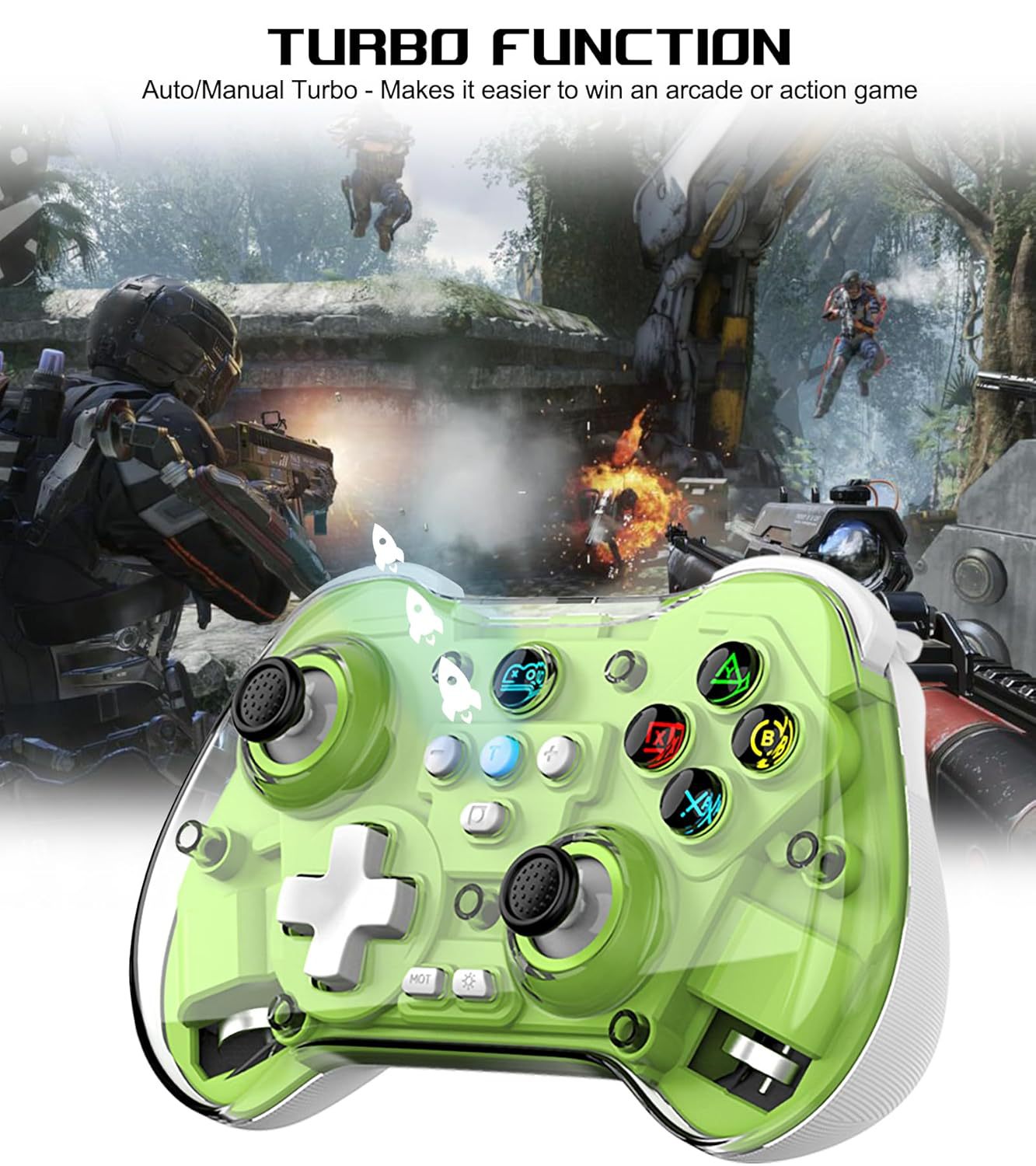
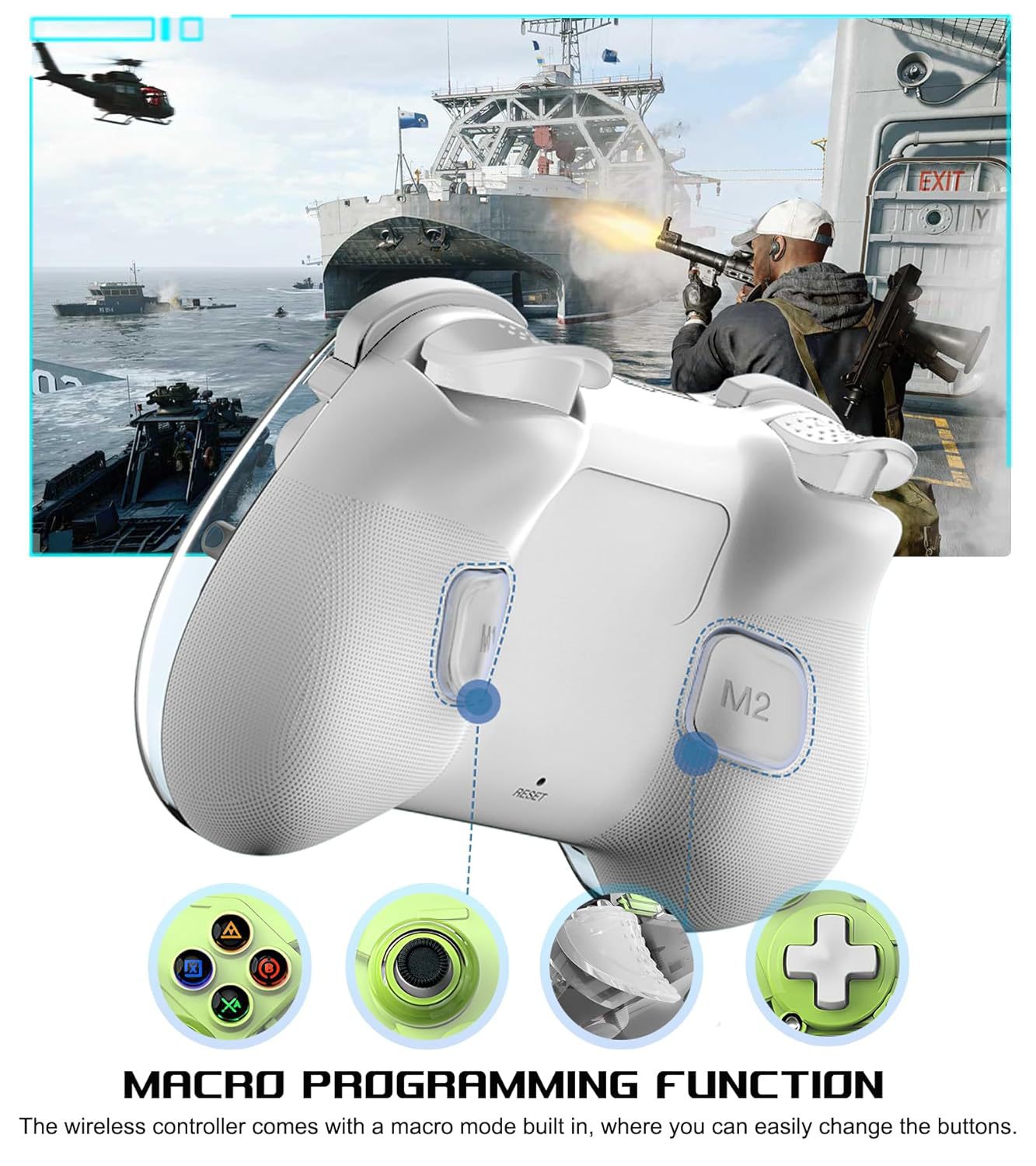
4.带宏编程背键、六轴体感陀螺仪、双震动马达可调节,TURBO一键连发。
5.蓝牙5.3行业新标准,秒连接,零延迟,不卡顿。
6四档适配模式(Xinput模式、2.4G模式、MFI模式、HID模式),一键快速切换摇杆线性算法。
7.支持直连shootingplus及Gamepadspace两大手柄映射。
8.持久续航,电池容量:600mAh,持续使用时间>10小时。
9.Z01X手柄包装清单:手柄一个,数据线一条,说明书一本。
10.装箱资料:49*29*31.5cm
N.W.: 11.8KG G.W.: 12.8KG QTY : 50pcs
一套带包装尺寸:14.5*9*5cm
一套带包装重量:237g
单个手柄尺寸:143*90*45mm
单个手柄重量:174g
Multi Platform Compatibility: Z01X wireless game controller support bluetooth wireless direct connection: iPhone/iPad/Macbook/Android phone/Samsung Galaxy/Huawei/One Plus/TCL/oppo/motorola/Vivo /asus/tablet/PC/Nintendo Switch/Switch OLED/Switch Lite/Steam Deck. No key mapping, no need to jailbreak your phone, you can play directly after connecting Bluetooth successfully
Hall Effect Joysticks & Hall Effect Triggers: This iPhone controller hall effect sensing sticks deliver 360°seamless pinpoint control, provide the precision and durability that mobile gamers demand. And the Hall Effect analog triggers offer unparalleled smoothness and responsiveness, giving you a competitive advantage in any game
Multi-Function Gamepad: This Android game controller has other thoughtful and excellent functions: turbo function, macro programming function, ABXY key value interchange function, axis calibration function, vibration function, 6-axis gyroscope function, make it easy to win in the gaming world! [Note: iOS and Android devices do not support vibration and 6-axis gyroscope functions]Press the Y+A+Home' keys to switch the ABXY key value from Xbox mode settings to Switch mode settings
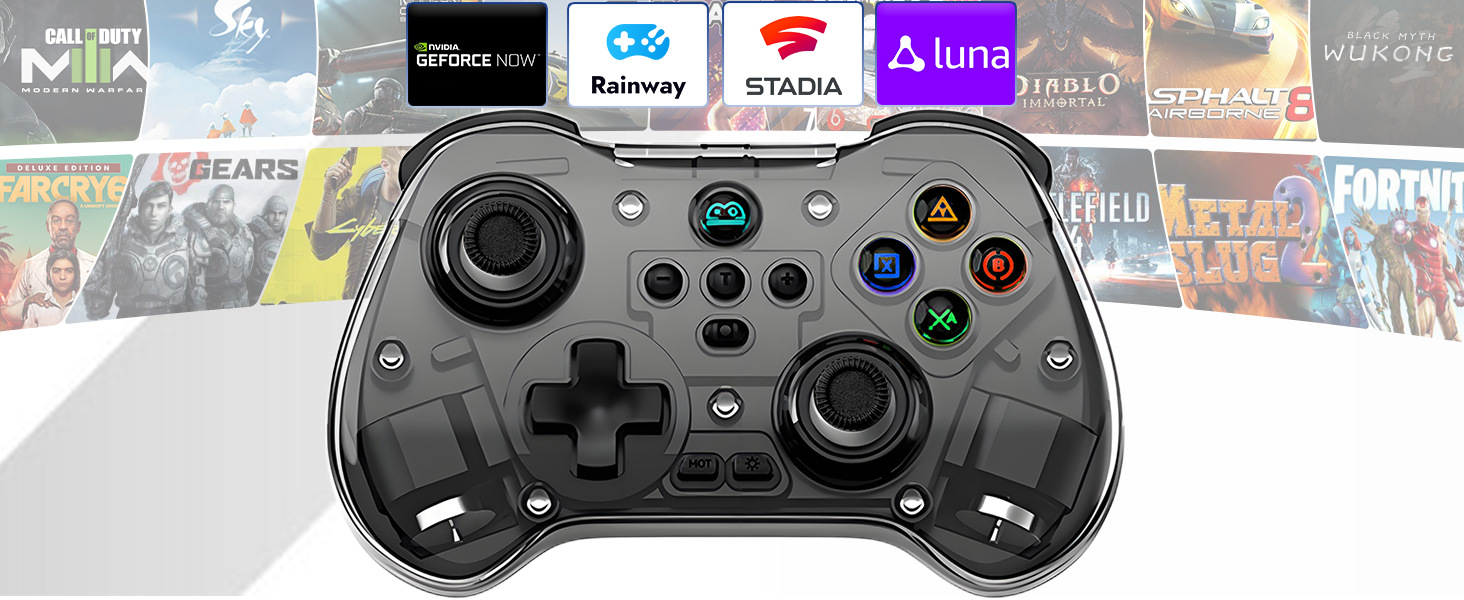
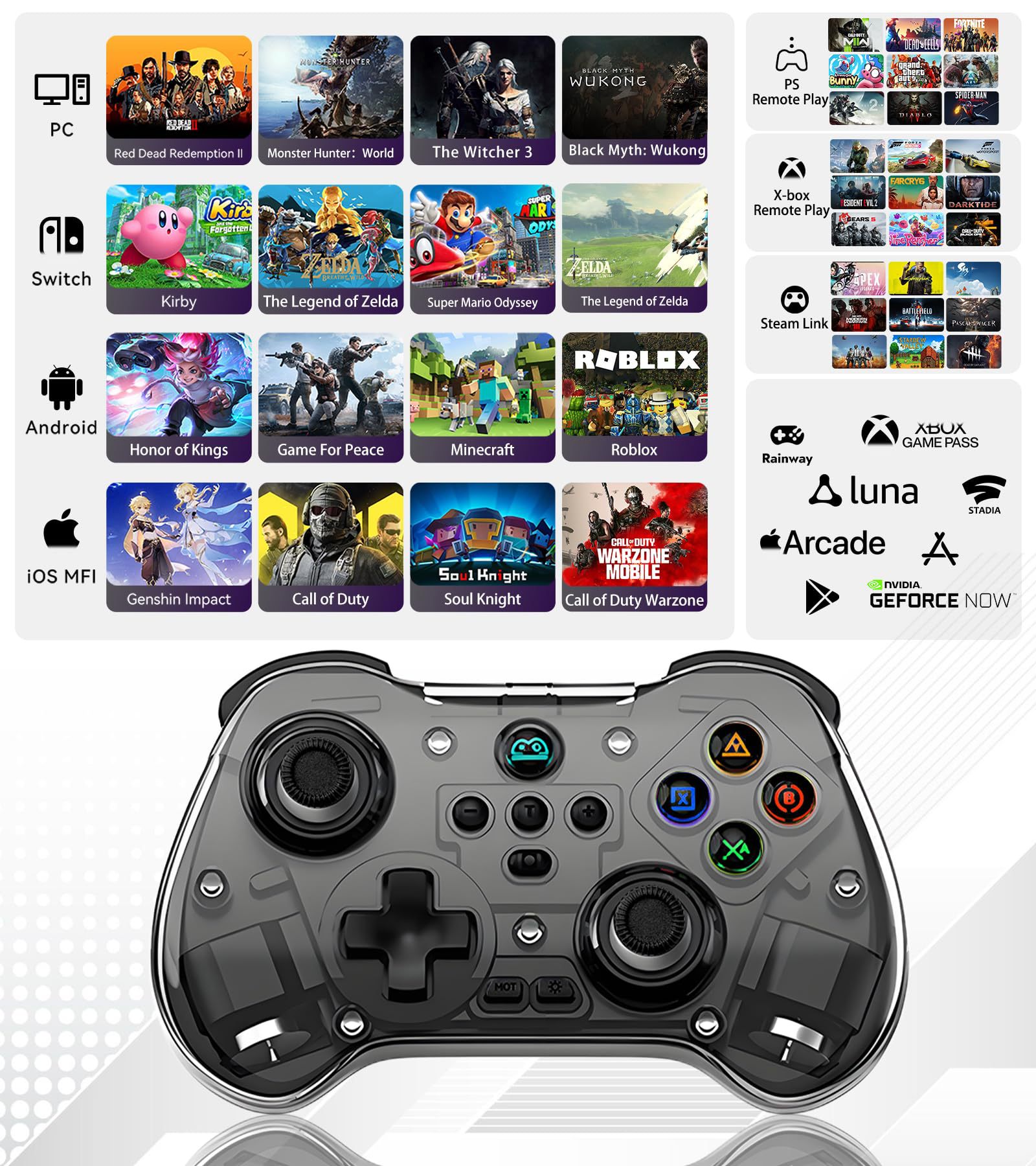
Play Virtually Any Game, Anywhere: This ps portal remote player controller supports streaming from PS5/PS4, Xbox one/Xbox Series S/X and PC consoles via PS Remote Play APP, Xbox APP and Steam Link App. Supports Xbox Game Pass, Nvidia GeForce Now, Luna, Google Stadia, Rainway, A pple Arcade, MFi games and emulators gaming & hundreds of popular mobile games including Call of Duty Mobile(CODM), Call of Duty: Warzone Mobile, Genshin Impact, Minecraft, Roblox, Diablo Immortal, Asphalt 9/8 etc
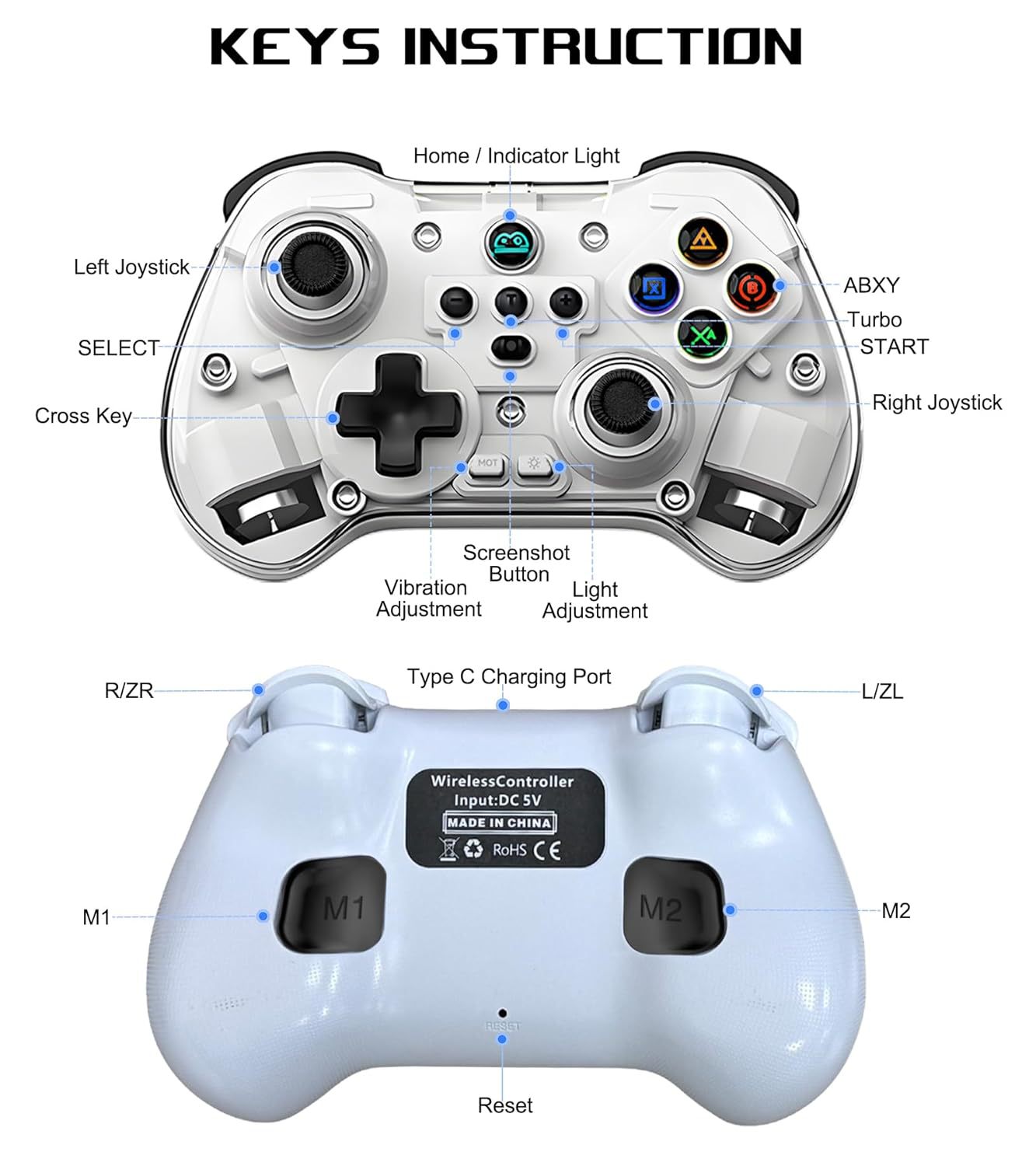
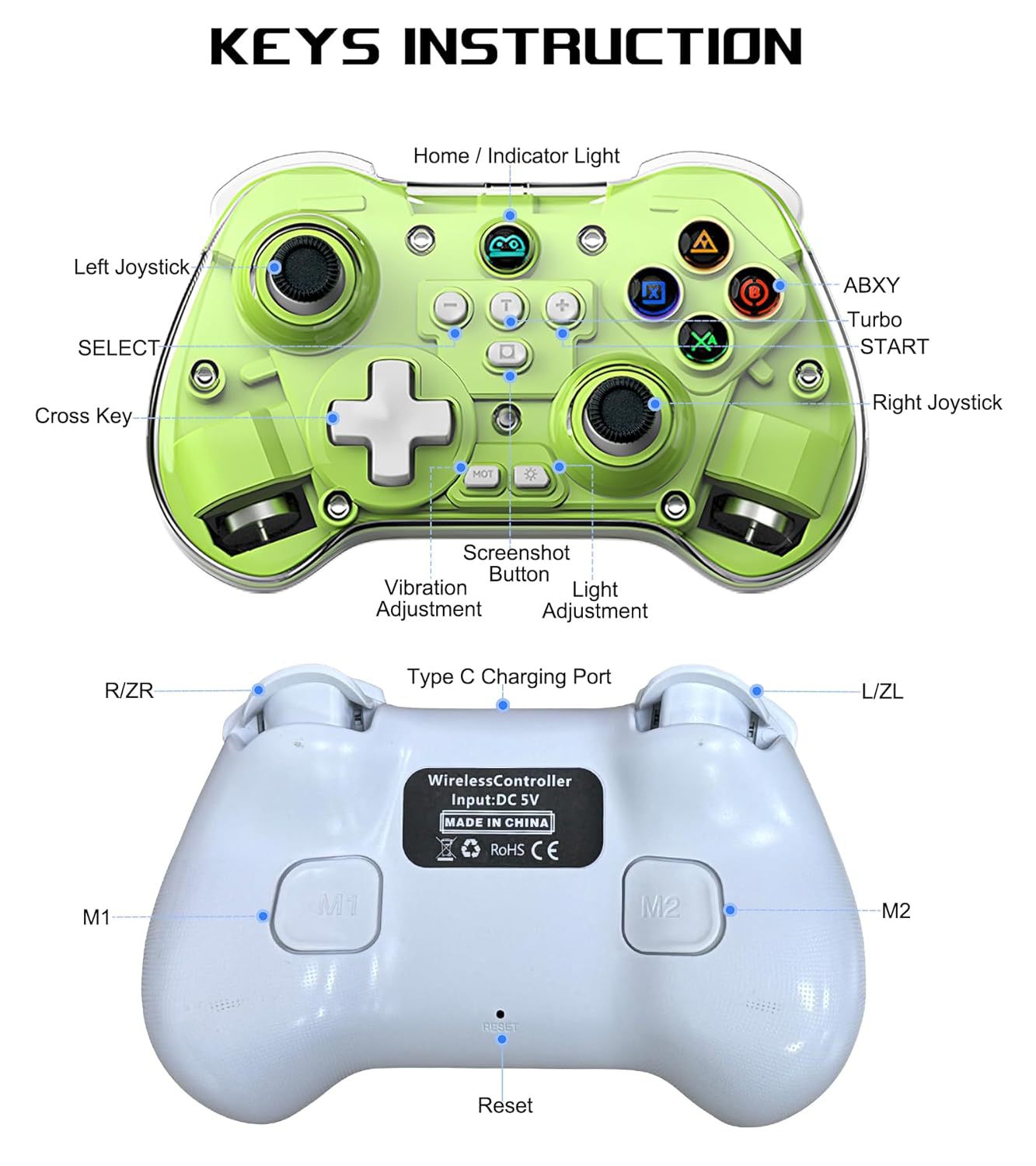
Tips for Mobile Gaming Controller: When the wireless phone controller encounters abnormal situations such as inability to connect/charge, joystick offset, you can try resetting it: poke the 'RESET' hole on the back of controller with a needle, and then restart the controller to solve most non quality problems
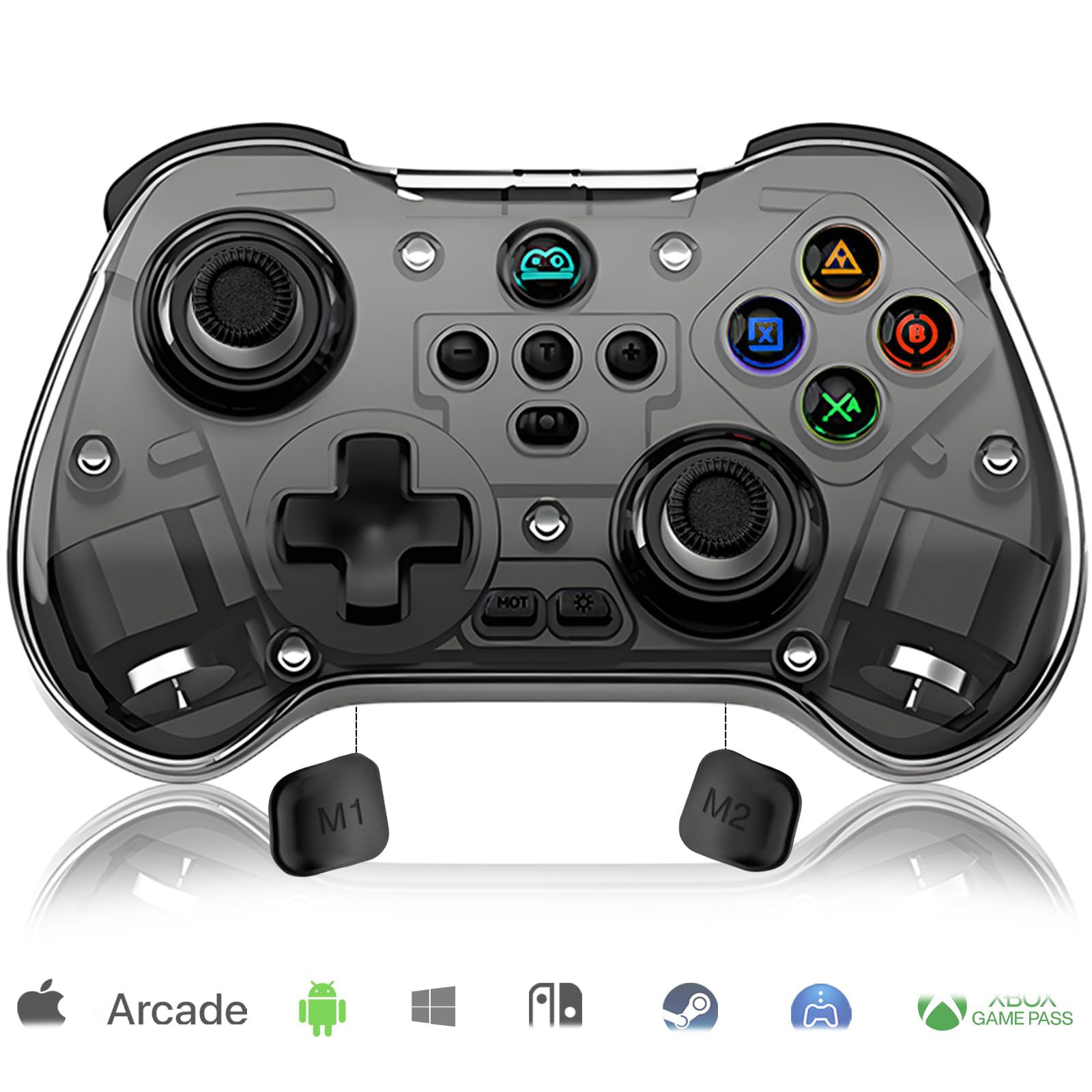
Name:Z01X Wireless Game Controller
Size:16 * 10.5 * 6.5 cm/ 6.3*4.13*2.56inch
Weight:96g/0.212lb
Product List:1x Phone Game Controller ; 1x USB-C Charging Cable; 1x user manual
For iOS 13.4+ systems:
iOS game controller for iPhone 16/iPhone 16 Plus/iPhone 16 Pro/iPhone 16 Pro Max/iPhone 15/iPhone 15 Plus/iPhone 15 Pro/iPhone 15 Pro Max/iPhone 14/14 Plus/14 Pro/14 Pro Max/iPhone 13/13 mini/13 Pro/13 Pro Max/iPhone 12/12 mini/12 Pro/12 Pro Max/iPhone 11/11 Pro/11 Pro Max/iPhone X/XR/XS/XS Max/iPhone 8/8 Plus/iPhone 7/7 Plus/iPhone 6S/6S Plus; for iPad controller, compatible with iPad/iPad Mini/iPad Pro/iPad Air.(NOT for Apple TV/iPod/Fire TV)
For Android 6.0+Systems:
Android controller for Samsung Galaxy S25 Ultra/S25+/S2/S24 Ultra/S24 +/S24 /S23 Ultra/S23+/S23/S22 Ultra/S22+/S22/S21 Ultra/S21+/S21/S20 Ultra/S20+/S20/S10e/S10+/S10/S9+/S9/Galaxy S8+/S8, Note20 Ultra 5G/Galaxy Note10/Note10+/Galaxy Note9/Note8/Galaxy Z Fold5/Galaxy Z Flip5/Galaxy Z Flip4/Galaxy Z Flip3 5G/Galaxy Z Flip/Galaxy A54 5G/Samsung W24 Flip, for Huawei P30/P30Pro/P50 Pro/P40Pro+/Mate 40/Mate 40 Pro/P50 Pocket/Mate 40E; nova; One Plus, TCL, oppo, motorola, Vivo and more phone & tablet
For Win 7-11 Systems:
Wireless PC game controller for MacBook, PC, Notebook, Laptop (If your PC does not have its own Bluetooth function, then you need to buy another Bluetooth receiver(Bluetooth Receiver Hardware Required: Bluetooth 4.2 +)
For Nintendo Switch:
Wireless Pro controller for Switch, Switch OLED, Switch Lite
Turbo Function:
Press and hold ‘T’ key, then press the key you want to set turbo function
Macro Programming Function:
1. Press ‘SELECT +M1’ for 2 sec,the Home button light flash quickly; 2.Press the key you want to set for macro programming function; 3.Then press ‘M1’ key again, setting is done now.
Vibration Adjustment:
Press “MOT” to adjust the vibration:100%/75%/50%/0%
LED Light Adjustment:
When the controller is activated, press ‘ Light Adjustment’ button to turn the A/B/X/Y lights on and off.
ABXY Key Value Interchange:
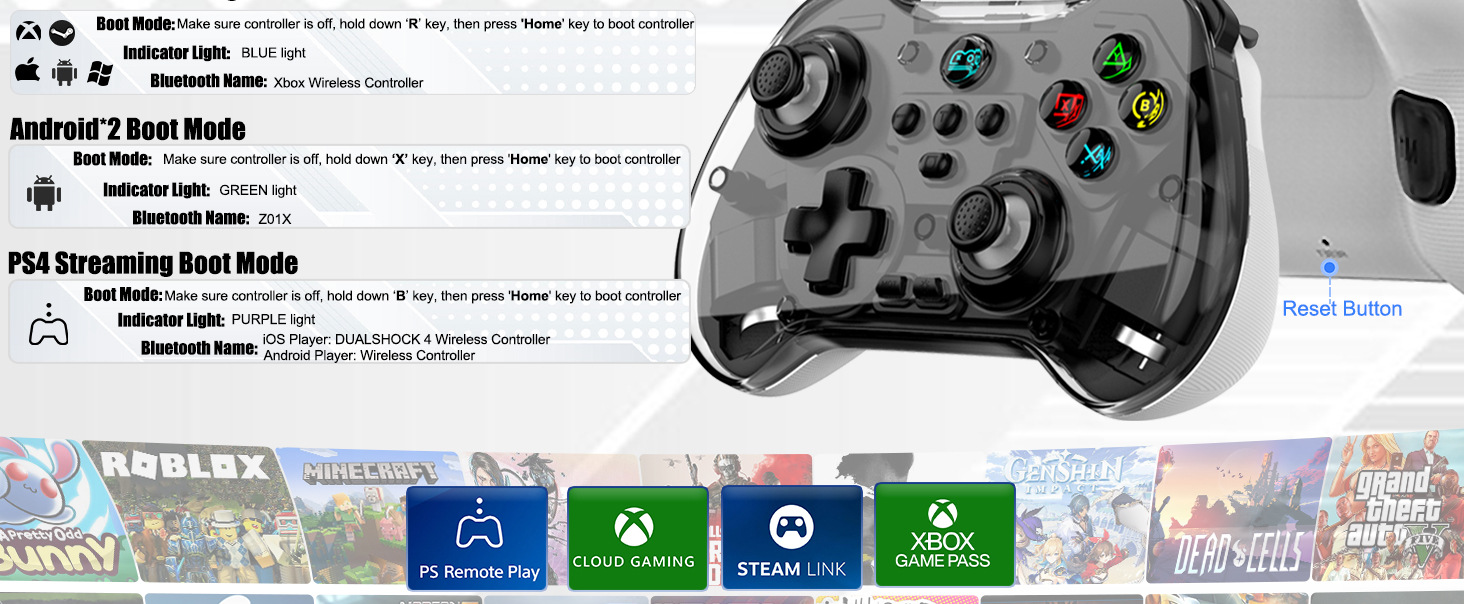
When playing mobile games in 'R+HOME' connected to Bluetooth 'Xbox Wireless Controller' mode, the buttons don't work or the buttons are reversed, press 'Y+A+HOME' to switch the ABXY key value from Xbox mode setting to Switch mode setting.
Support Streaming:
Support streaming on PS4/PS5/Xbox one/Xbox Series S/Xbox Series X/PC Console. Mobile APP Download: PS remote play/Xbox/Steam Link
Support Cloud Gaming:
Support cloud gaming on iOS/Android mobile or tablet: Nvidia GeForce Now, xbox game pass, Amazon Luna, Google Stadia, Rainway, Moonlight, Arcade
Before Using the Controller:
(1) Please fully charge the controller before first use.
(2)Ensure that the controller is turned off before Bluetooth pairing connection.
| 수입신고 1USD |
구매/결제대행 1CNY |
TT송금 1CNY |
|---|---|---|
| 6.45 CNY | 215.05 KRW | 0.145 USD |