




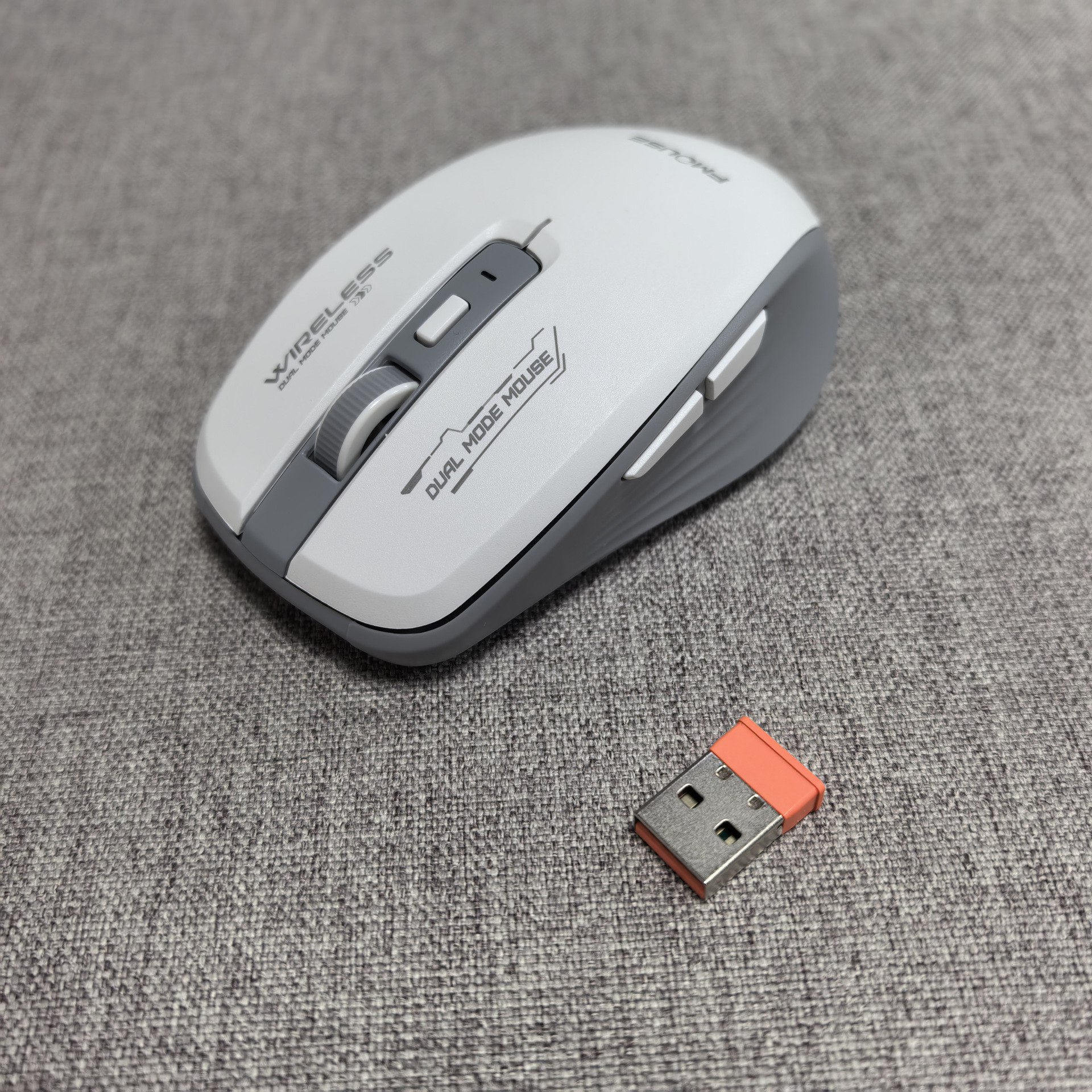
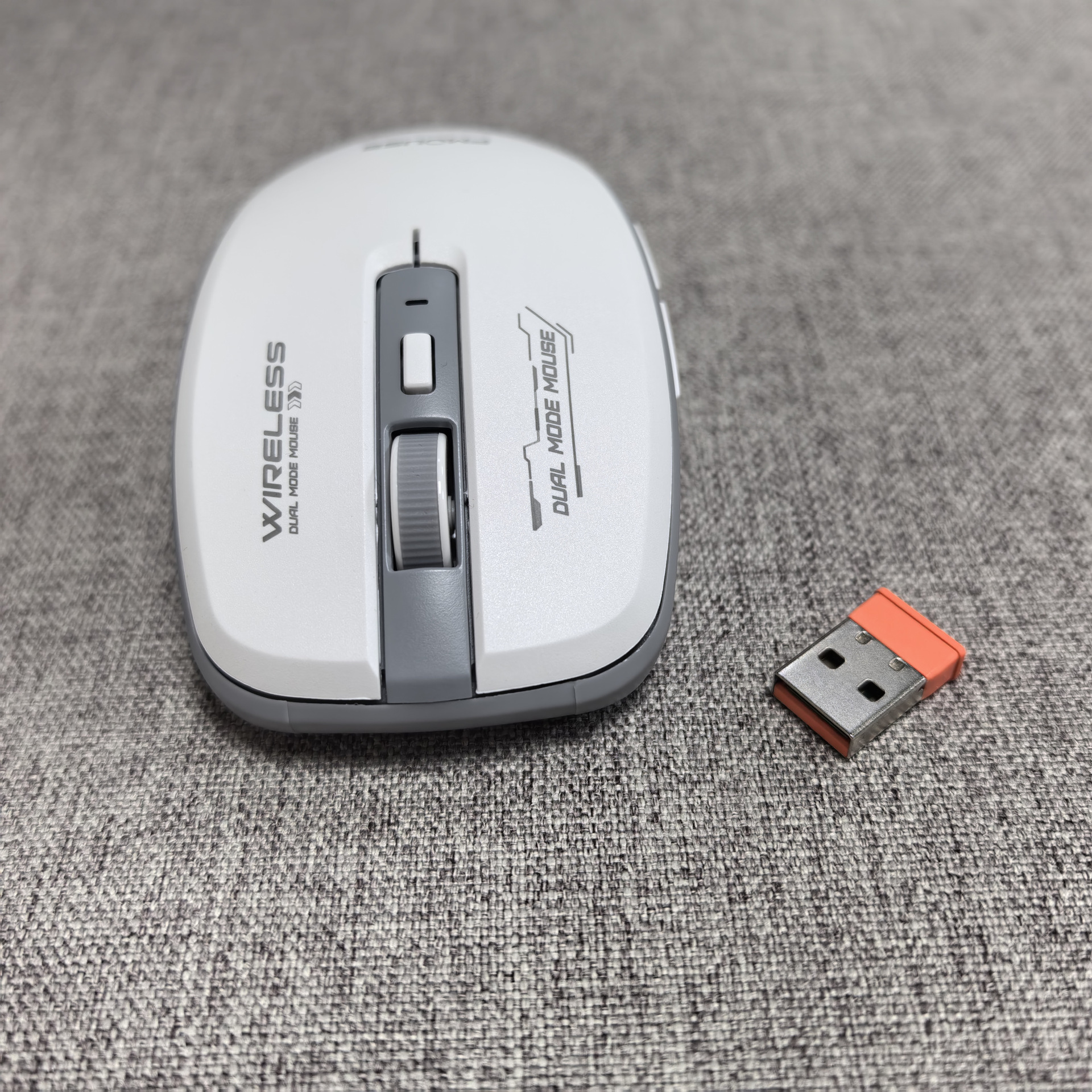
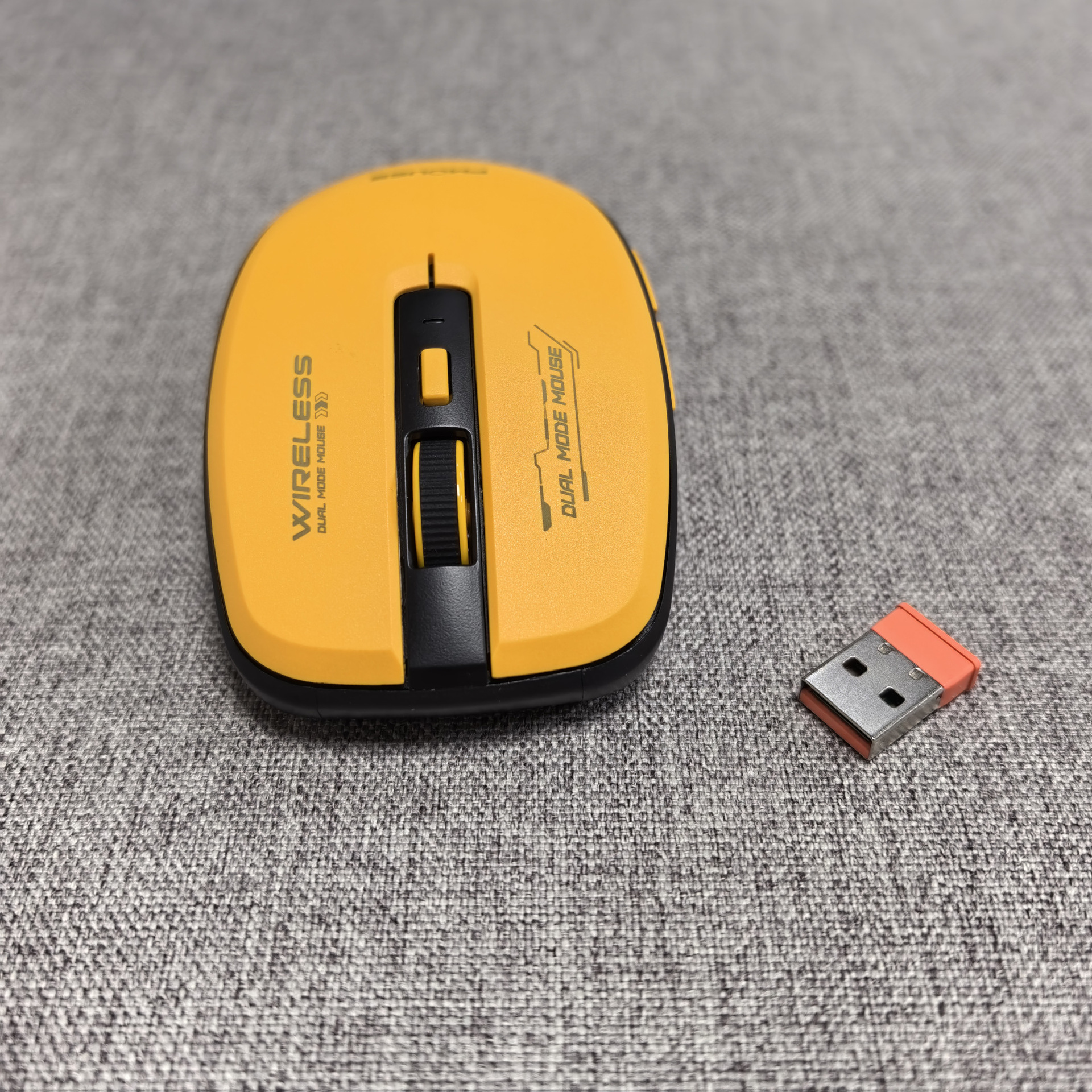
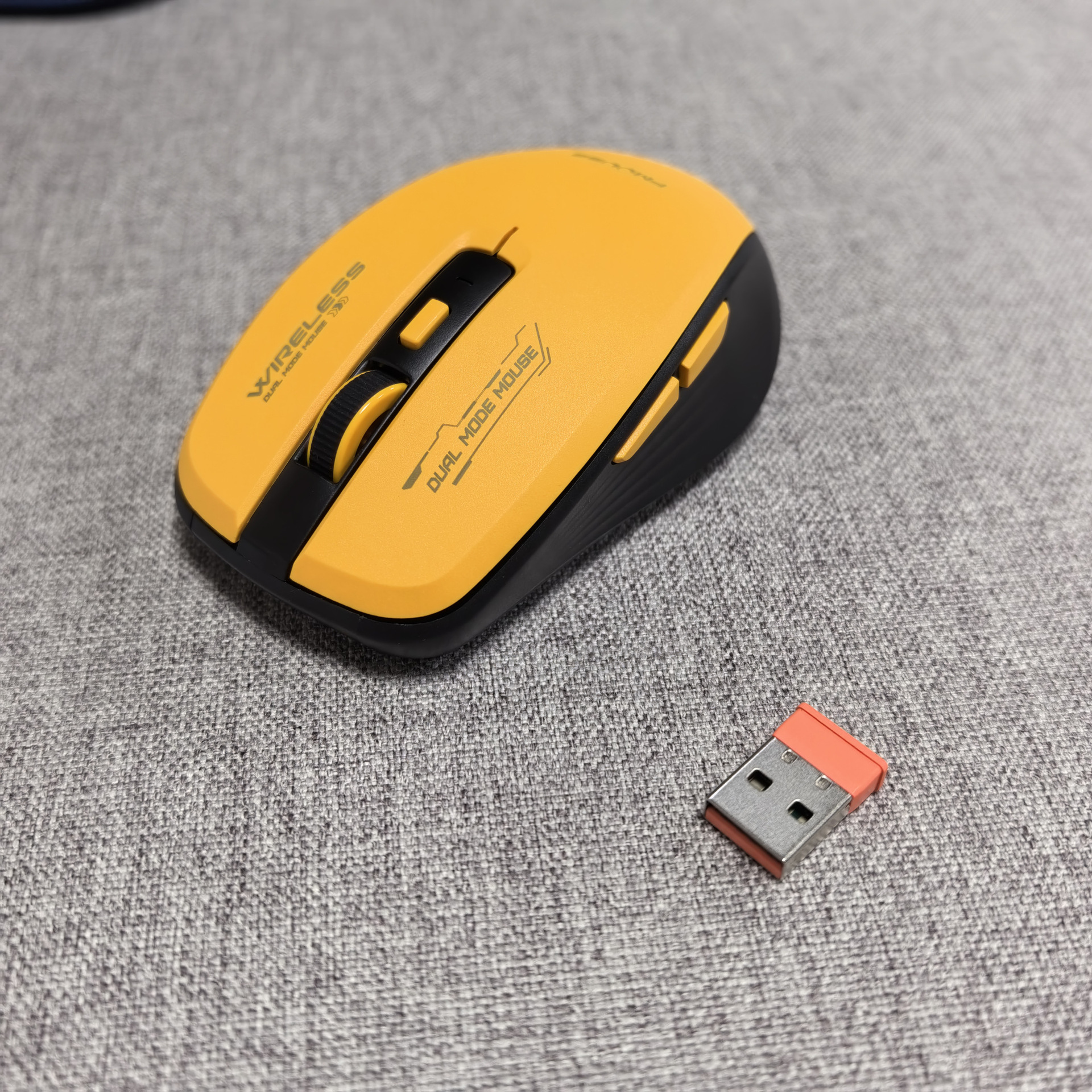
M303电池版
装箱尺寸及重量:
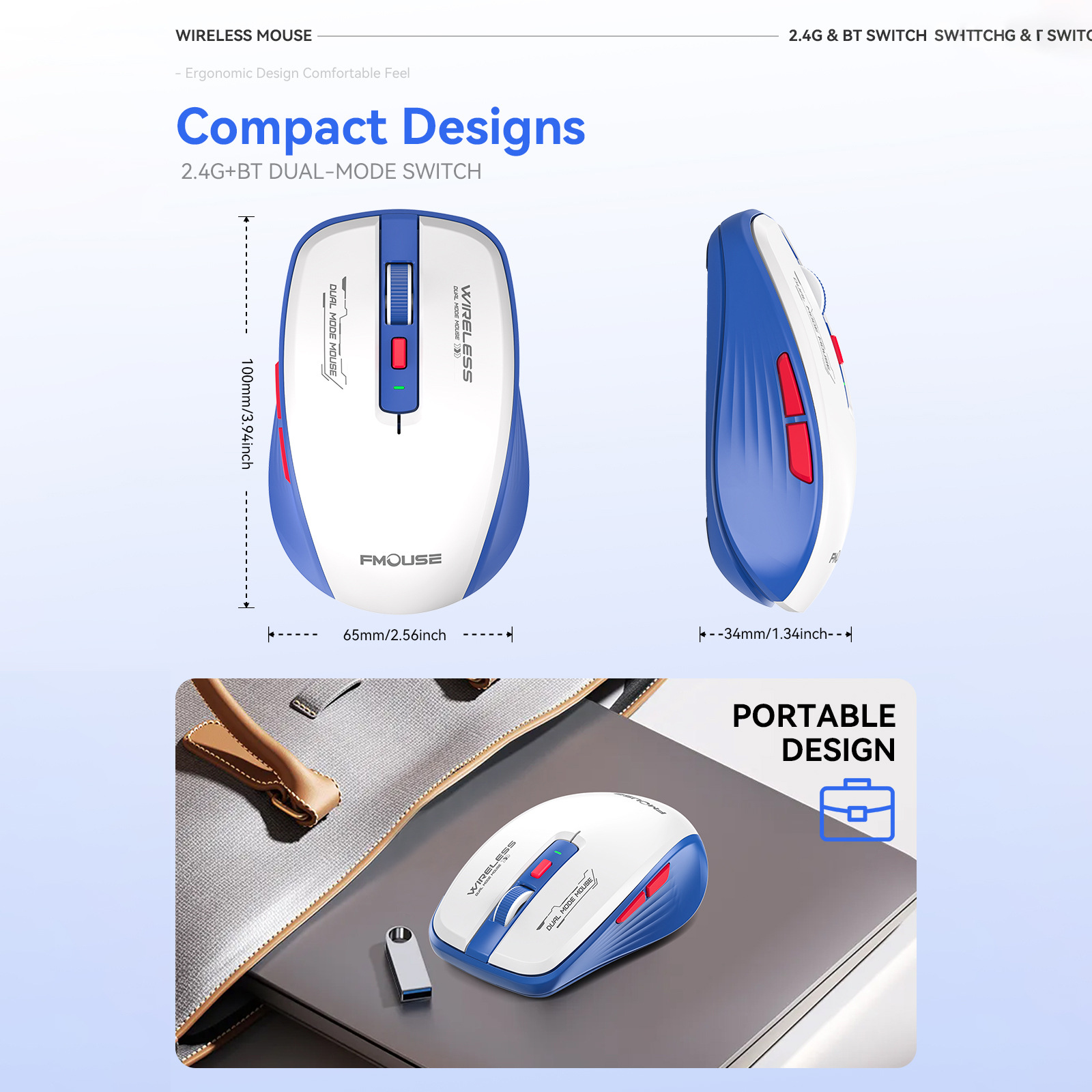
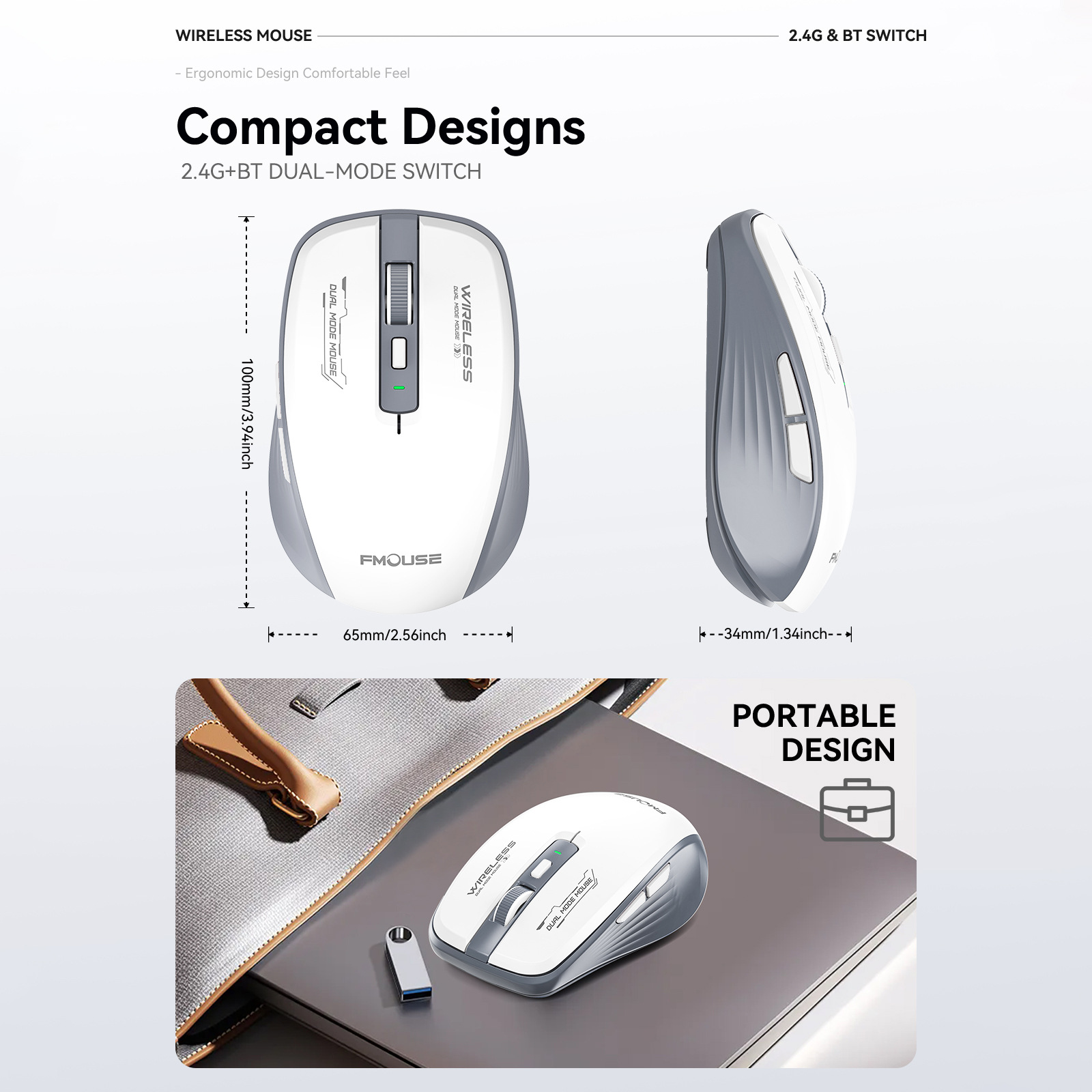
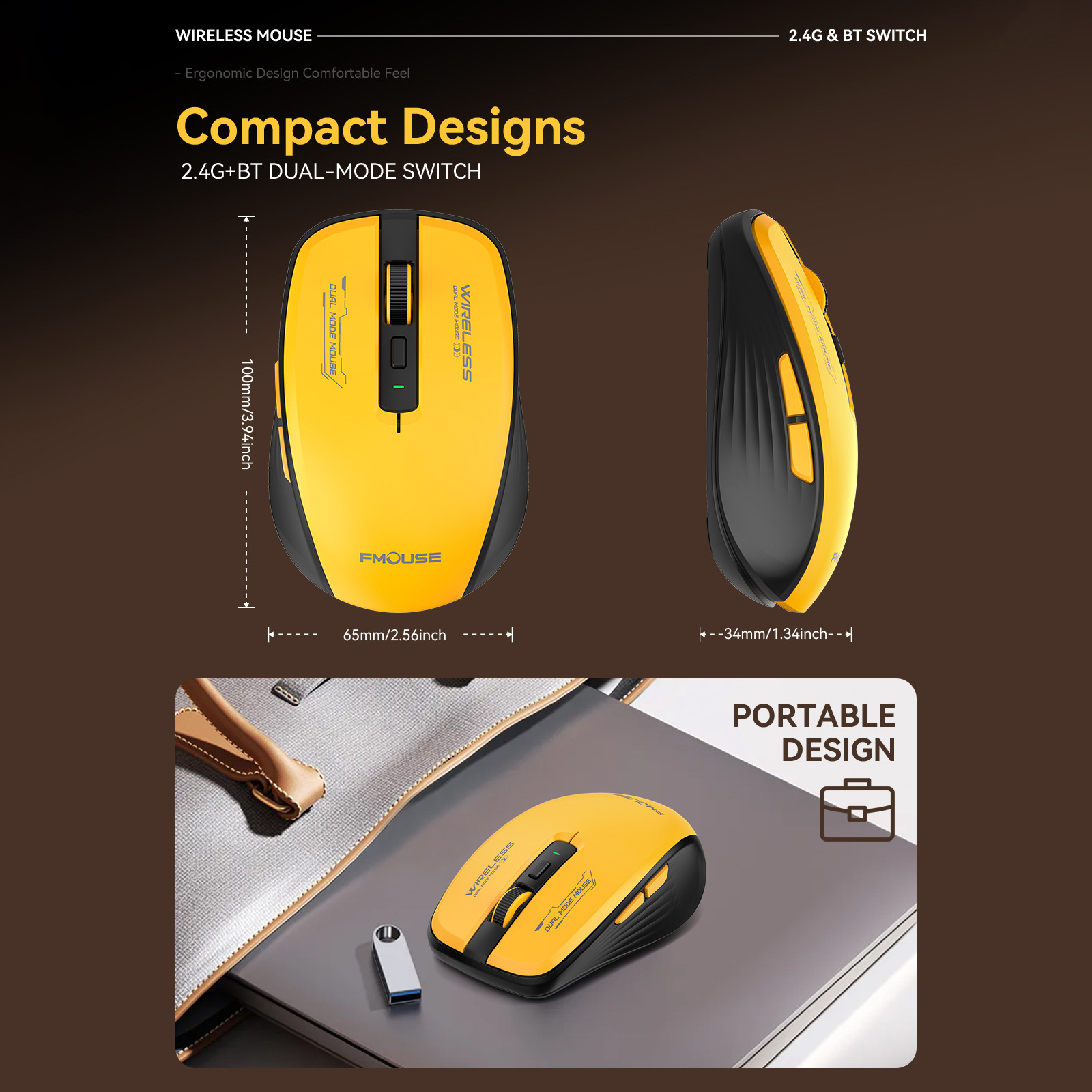
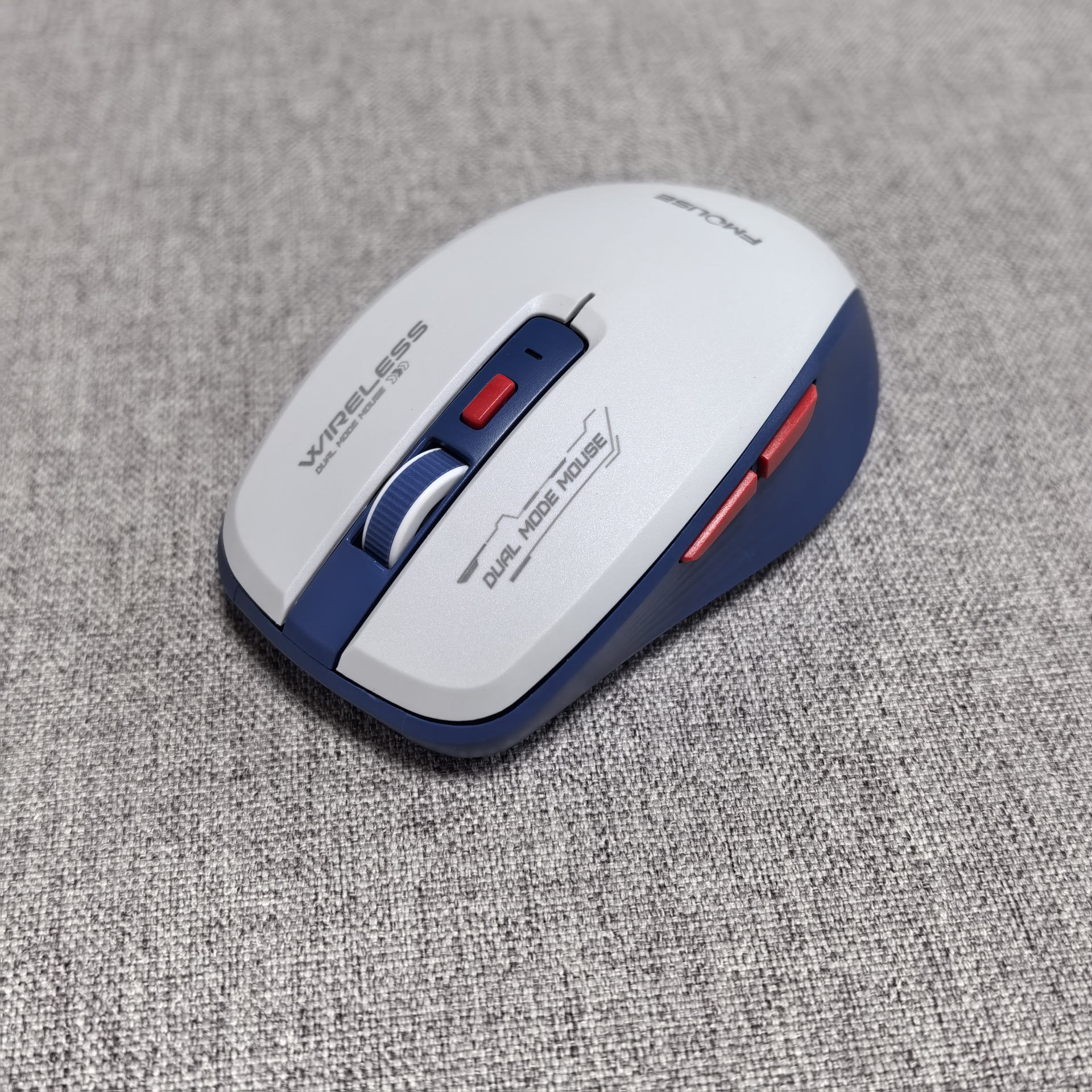
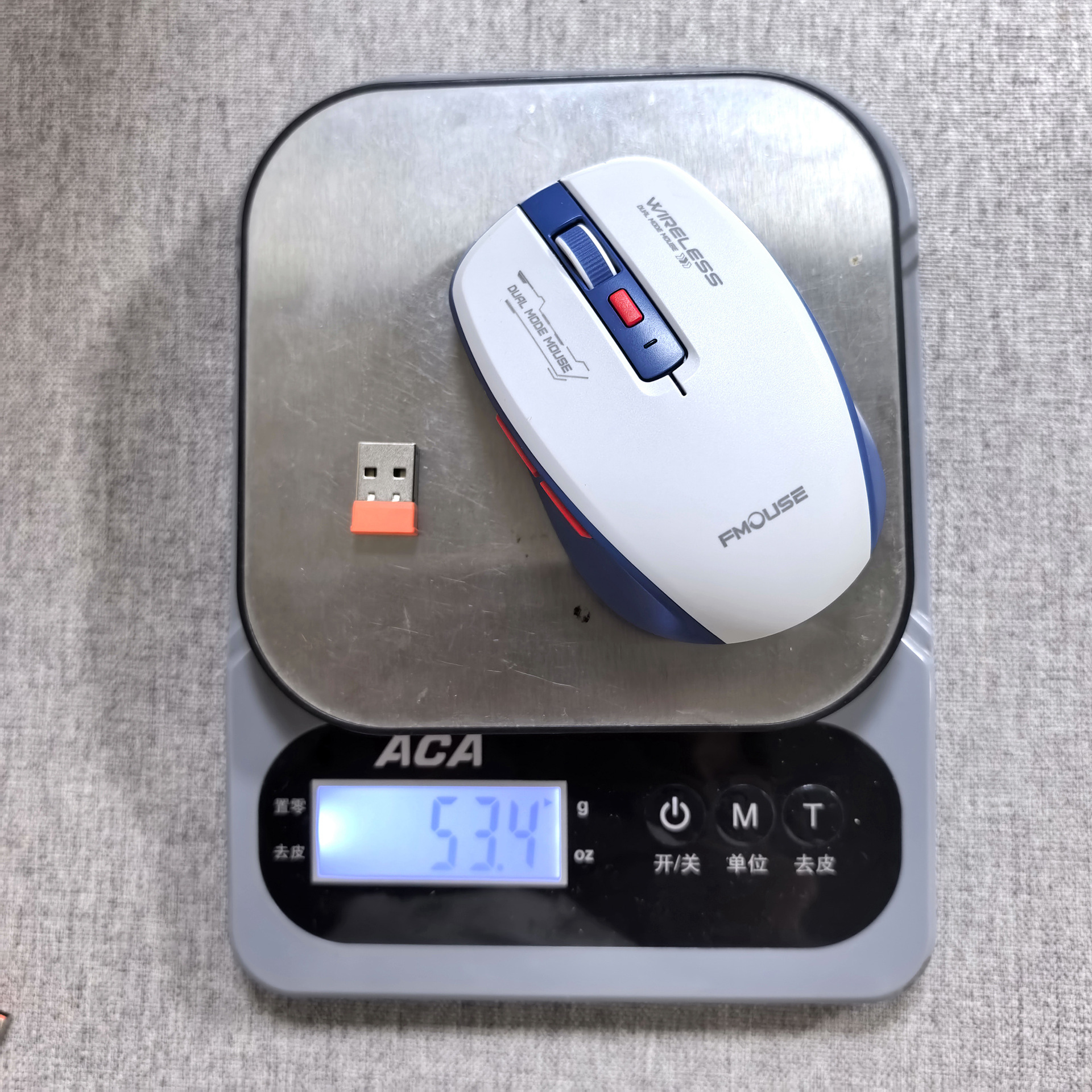
产品尺寸:100*65*34mm
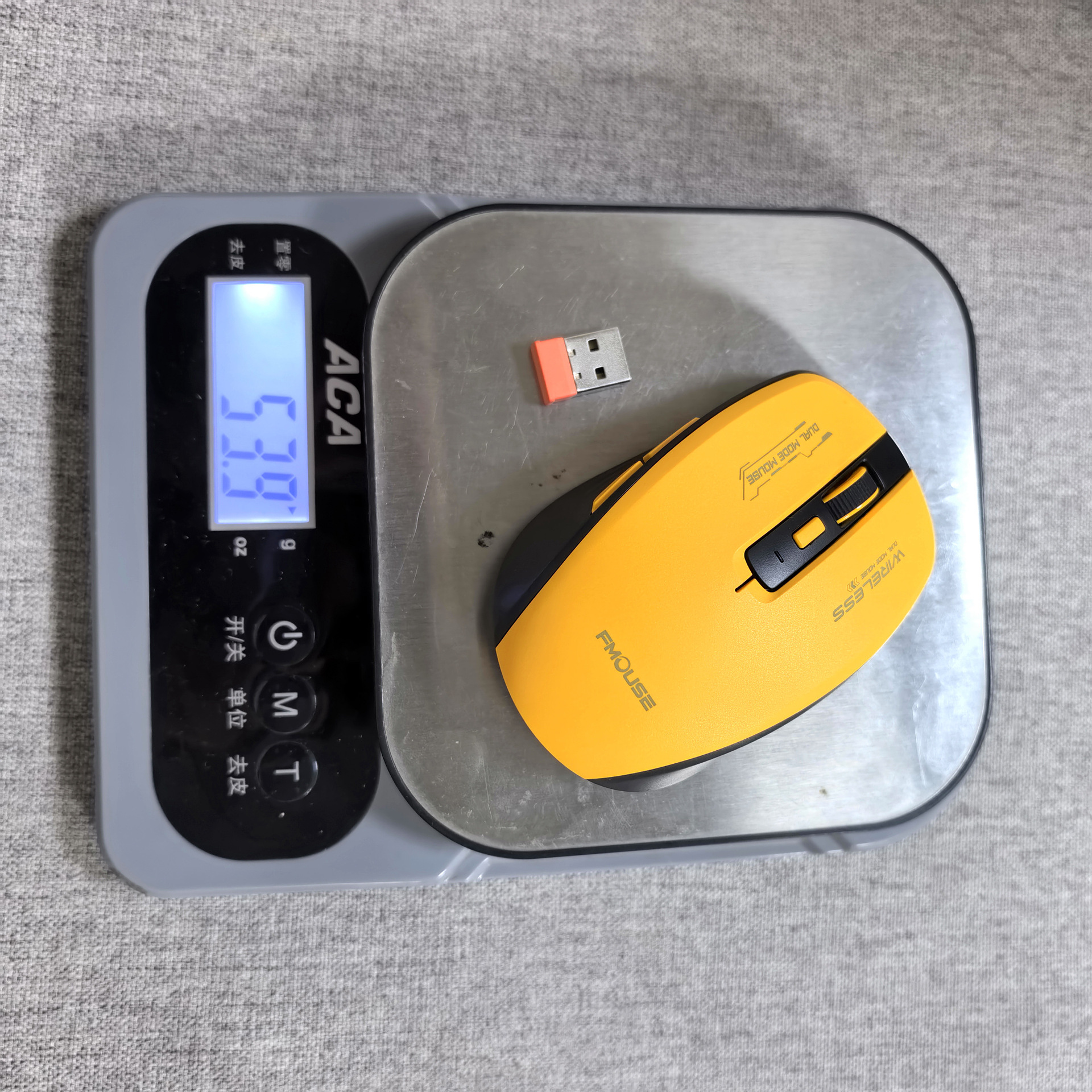
产品重量:55g
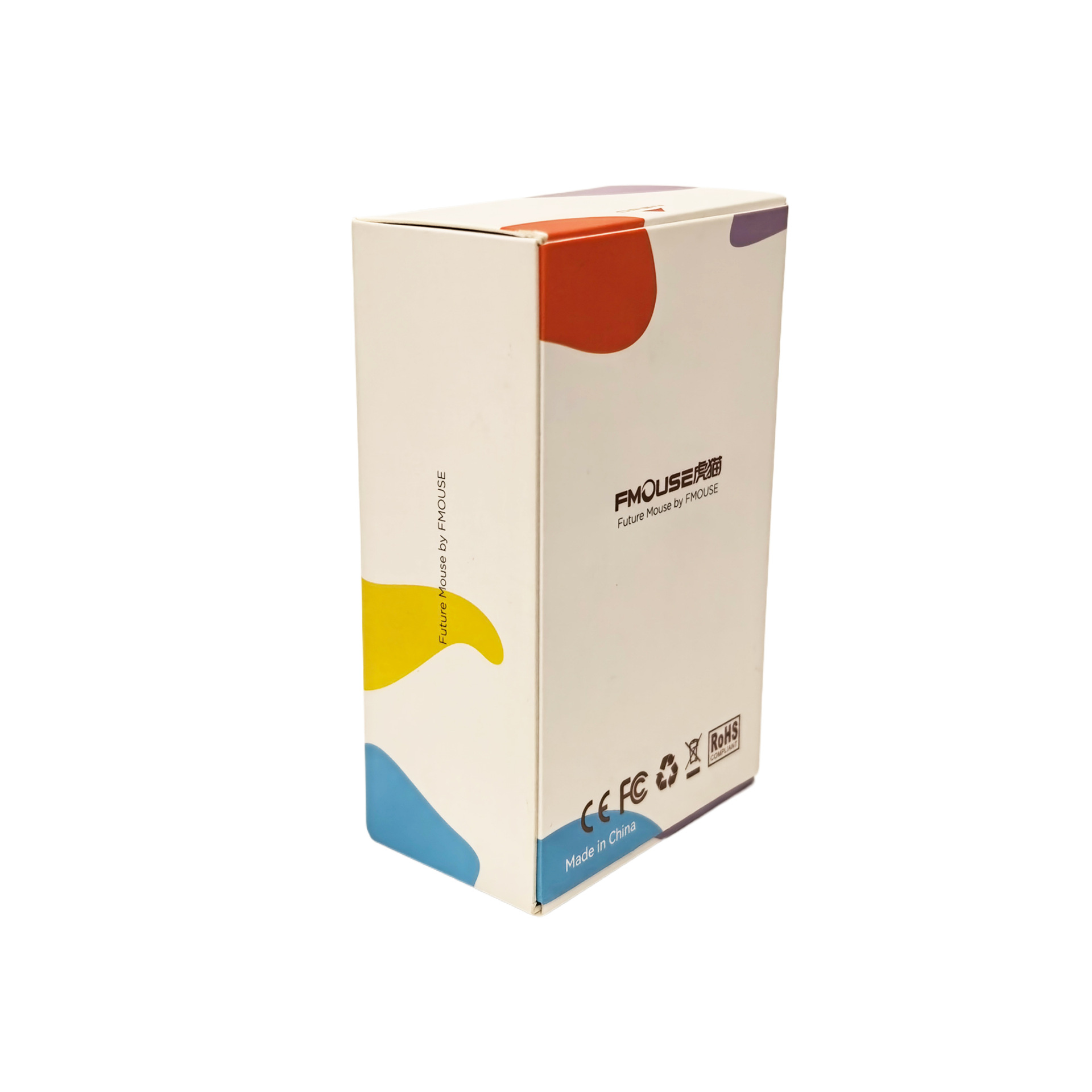
包装尺寸:110*68*42mm
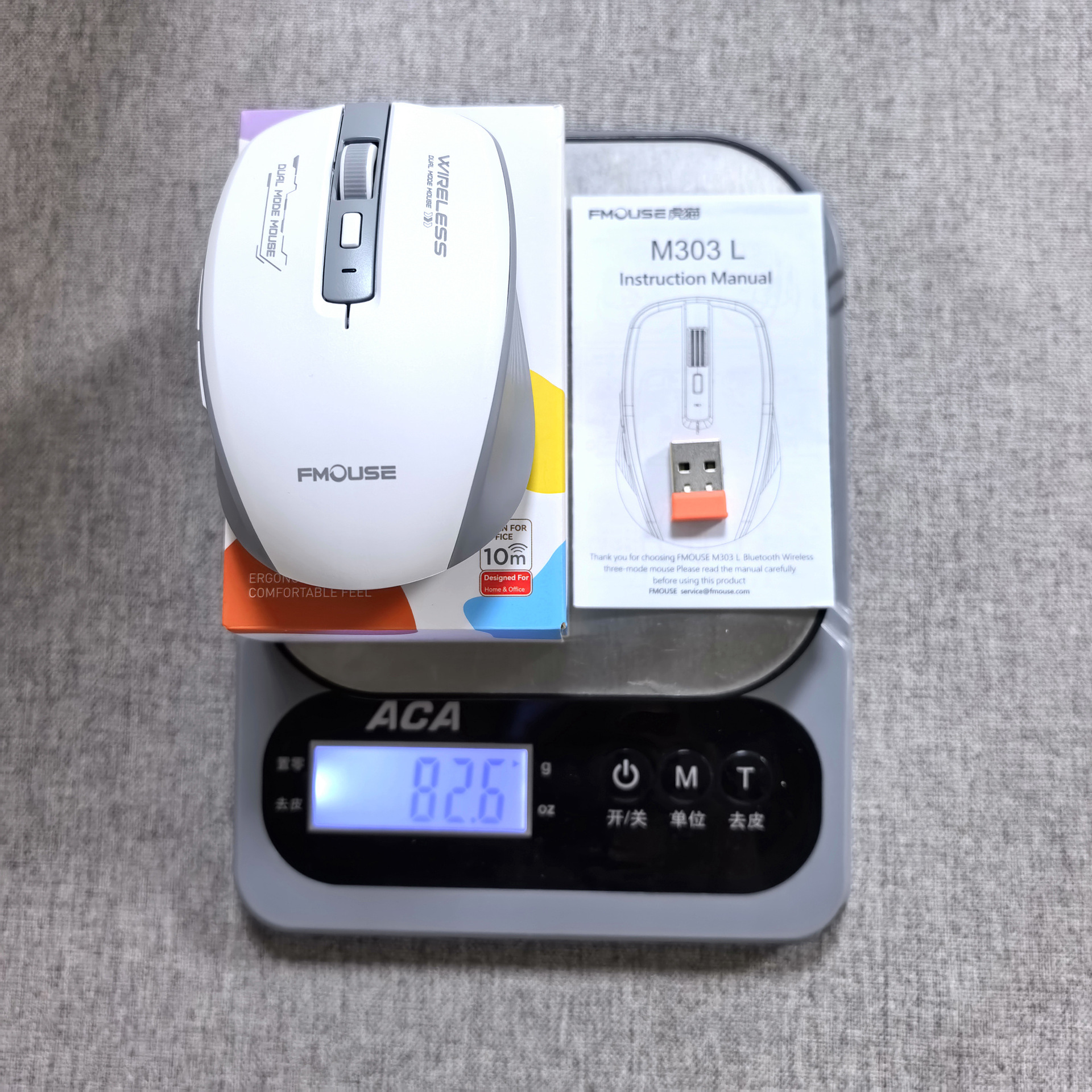
包装重量:83g
一箱数量:100pcs
外箱尺寸:44*36.5*24cm
一箱重量:8.8kg
Selling Point:
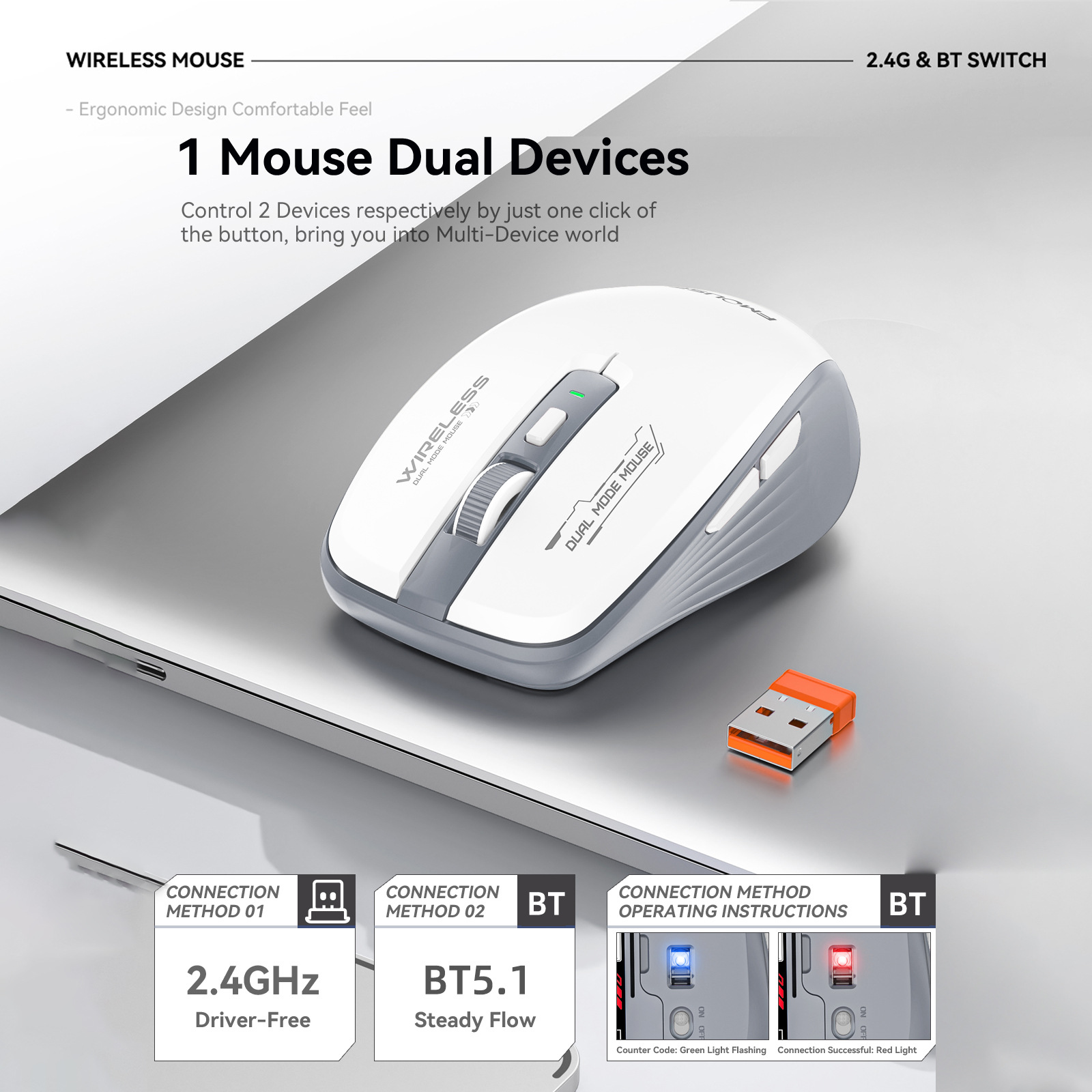
1.Dual-Mode Freedom:
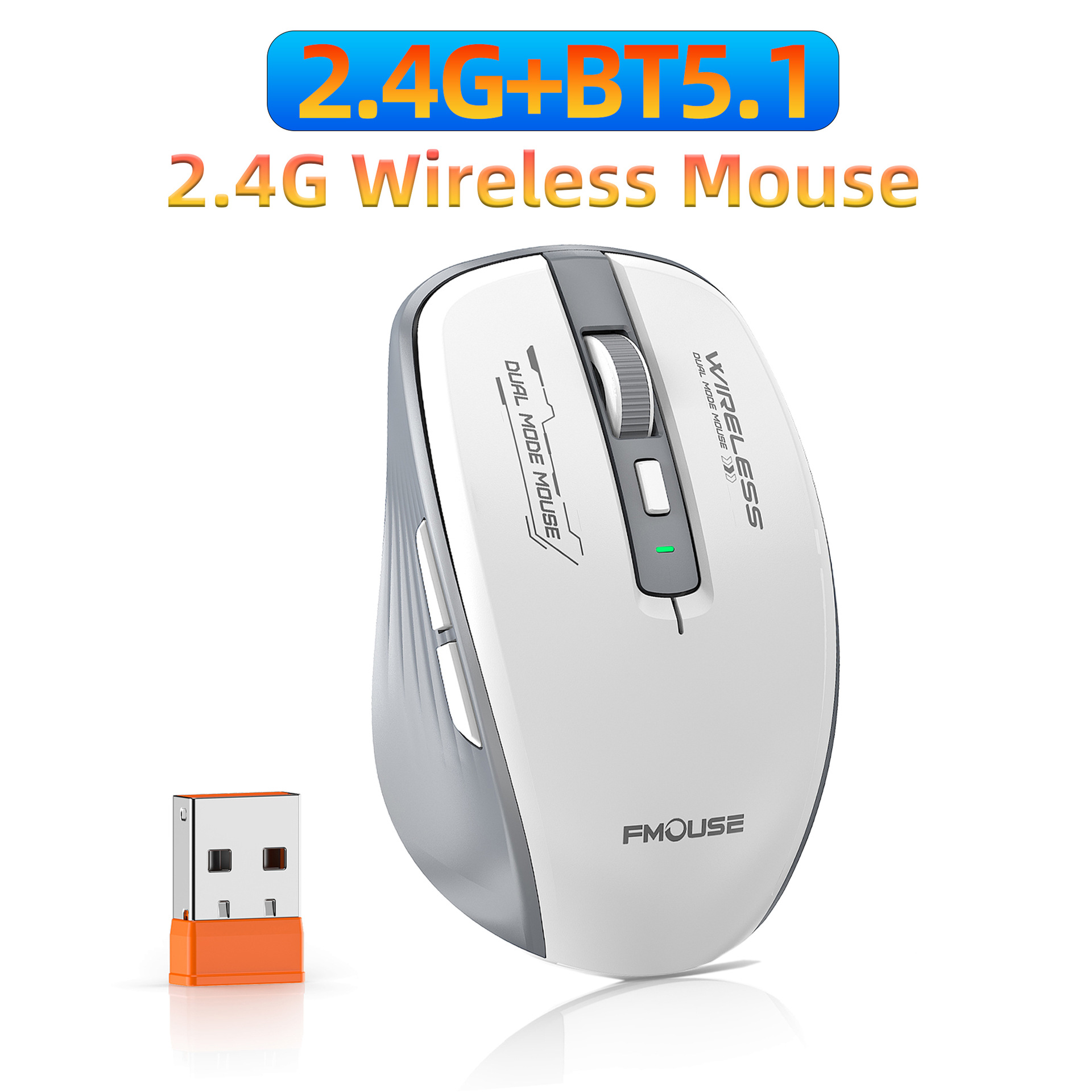
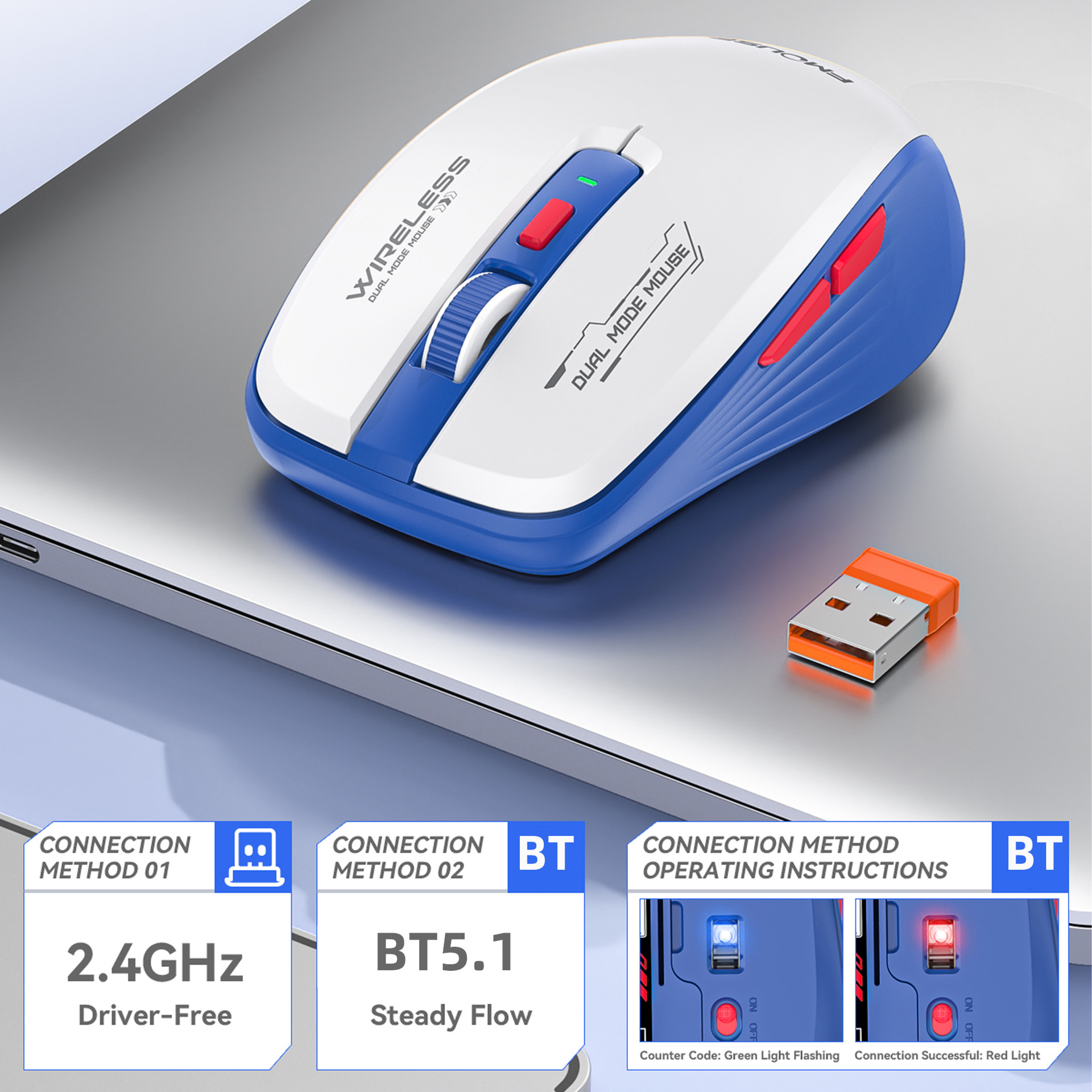
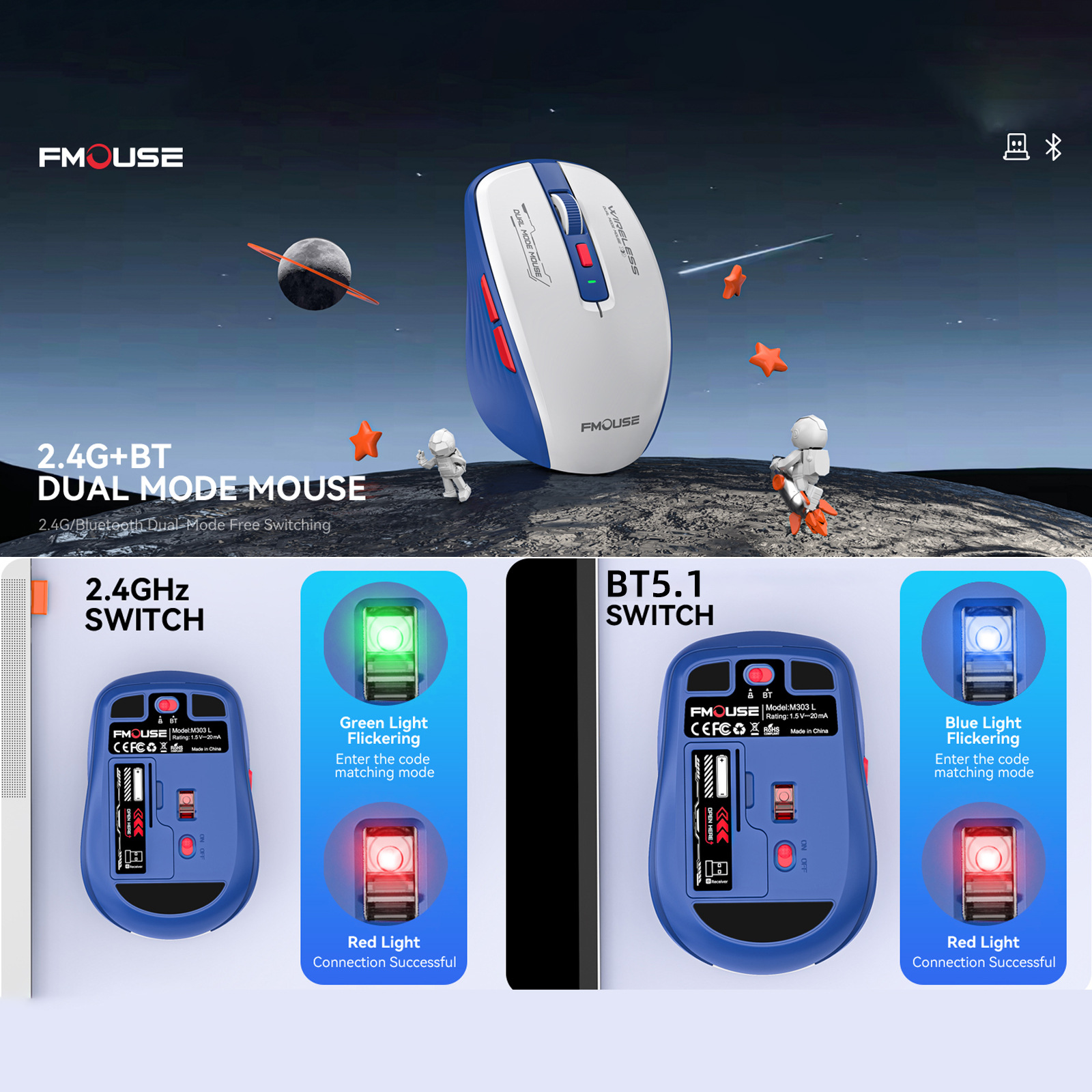
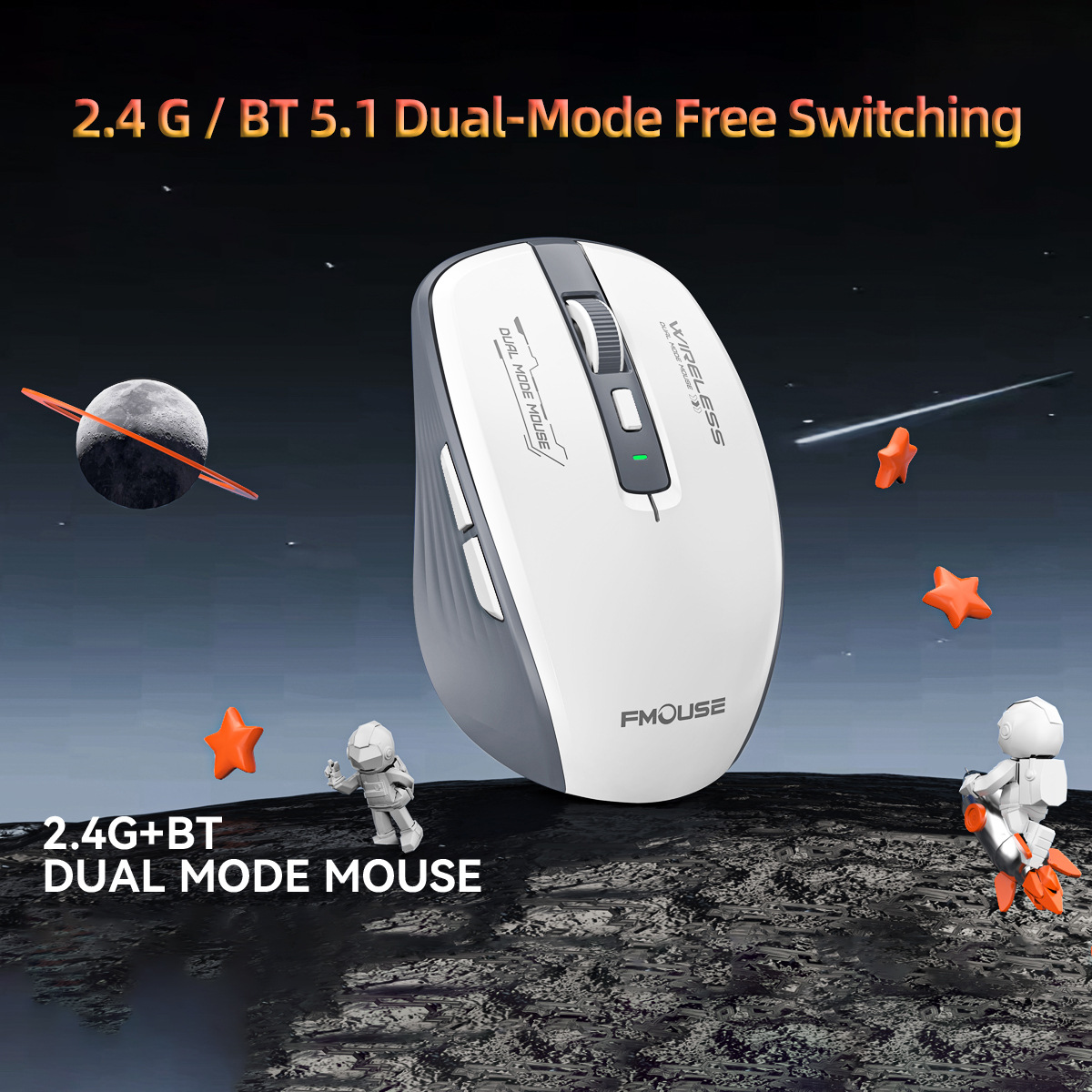
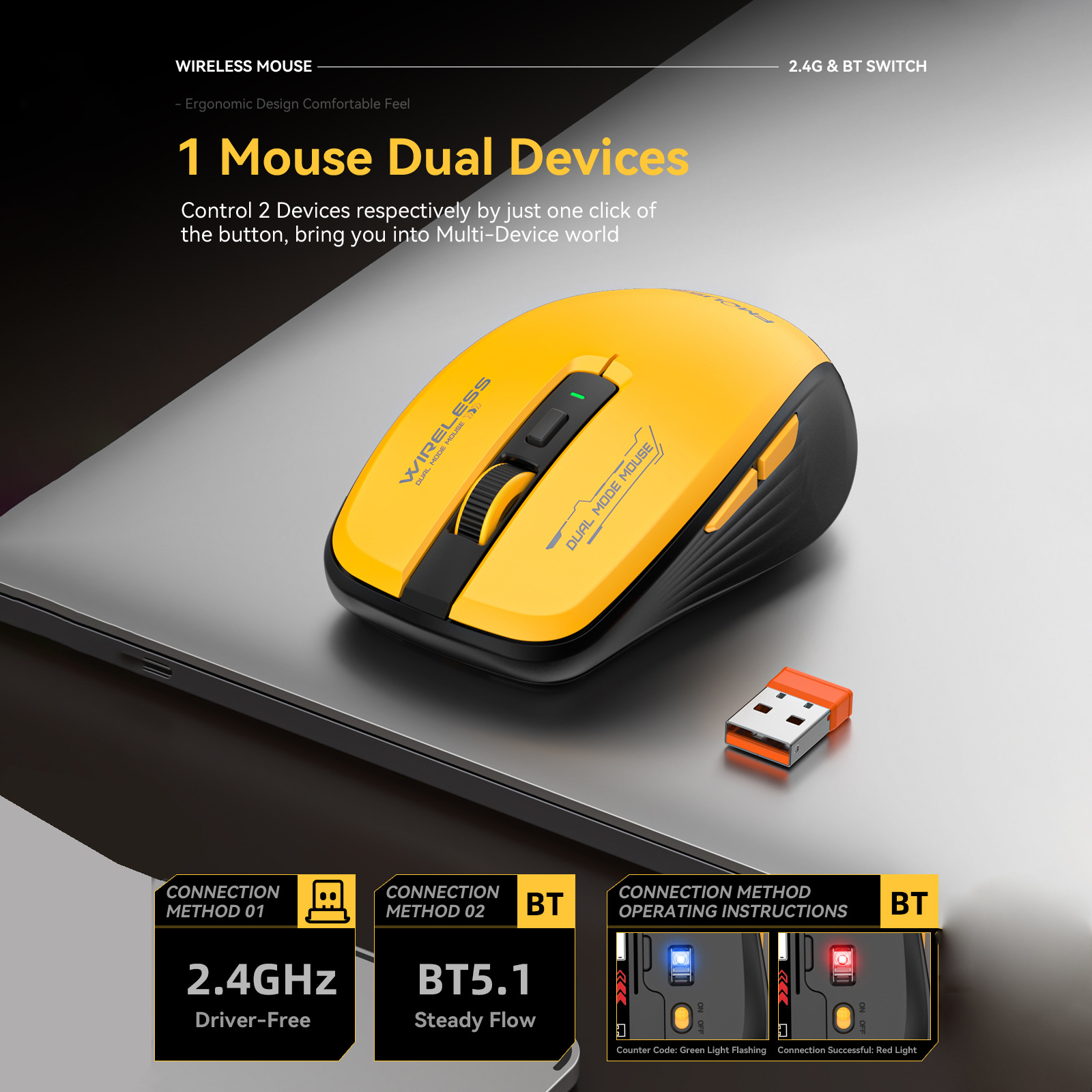
2.4G wireless + BT 5.1 dual-mode connectivity. Easily switch devices for seamless work/play, cutting the cord.
2. Precision Control:
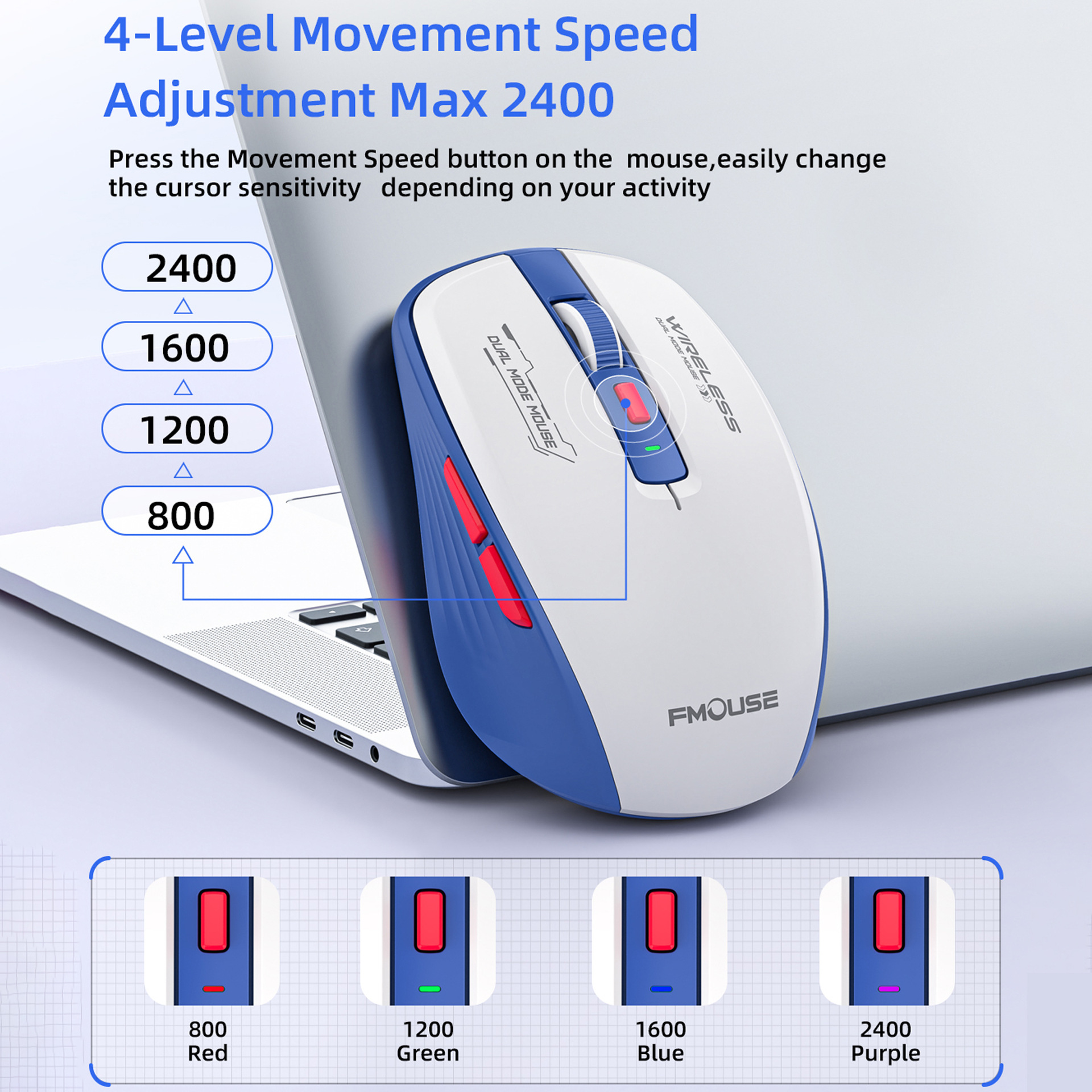
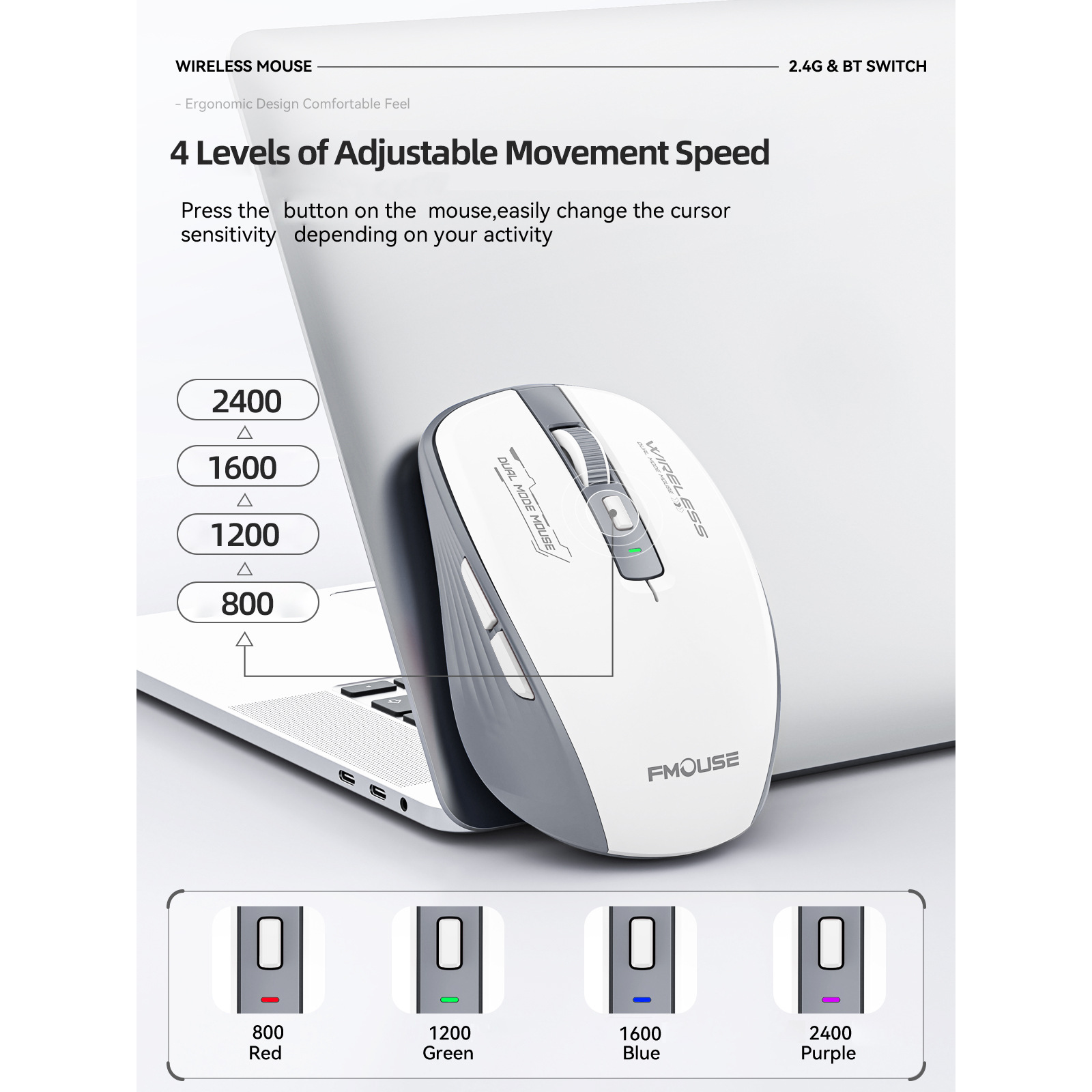
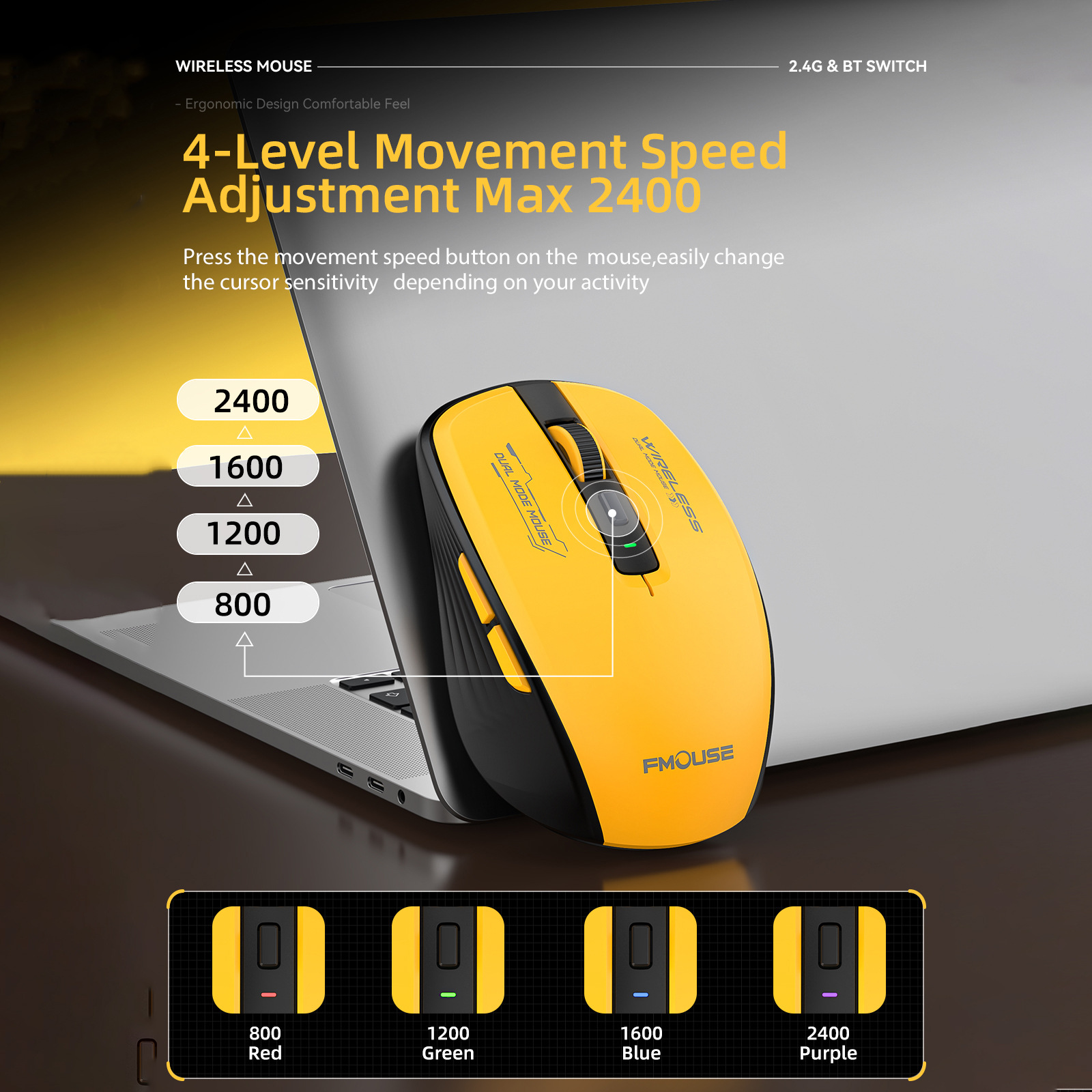
2400 DPI with 4 adjustable speeds. Fast, accurate tracking for both office tasks and casual gaming.
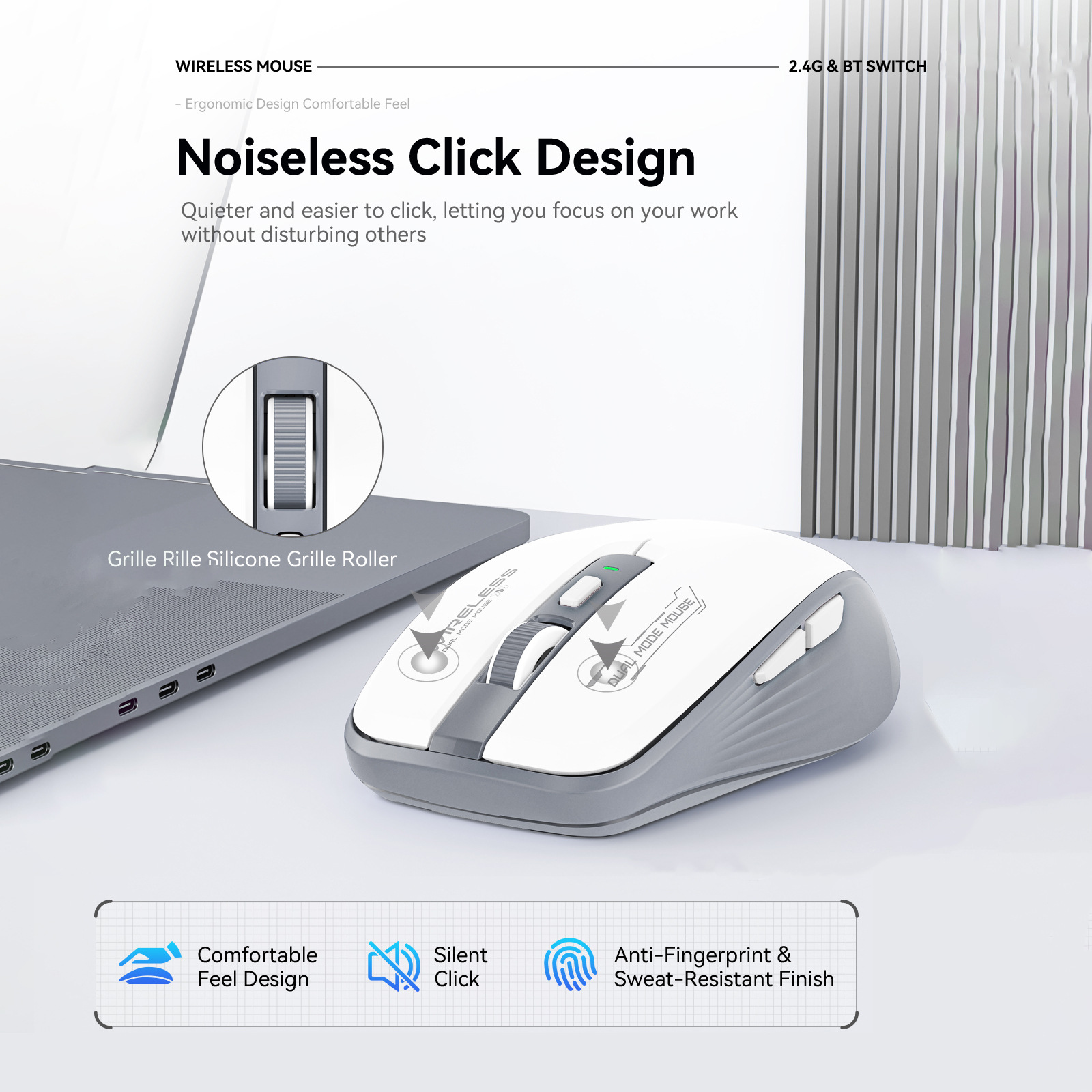
3. Quiet Clicks:
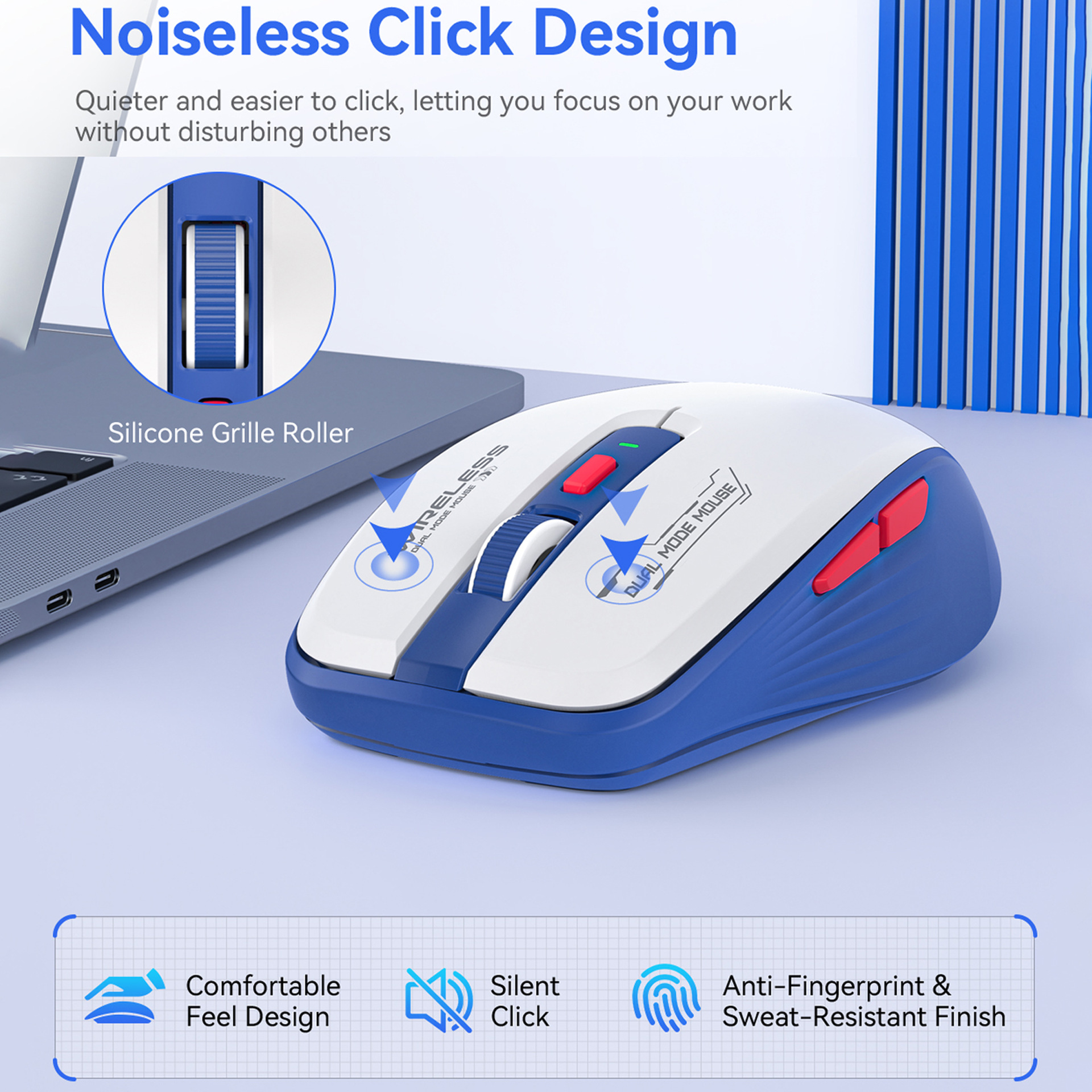
6-button design with quiet micro switches. Gentle, silent pressing perfect for meetings or libraries.
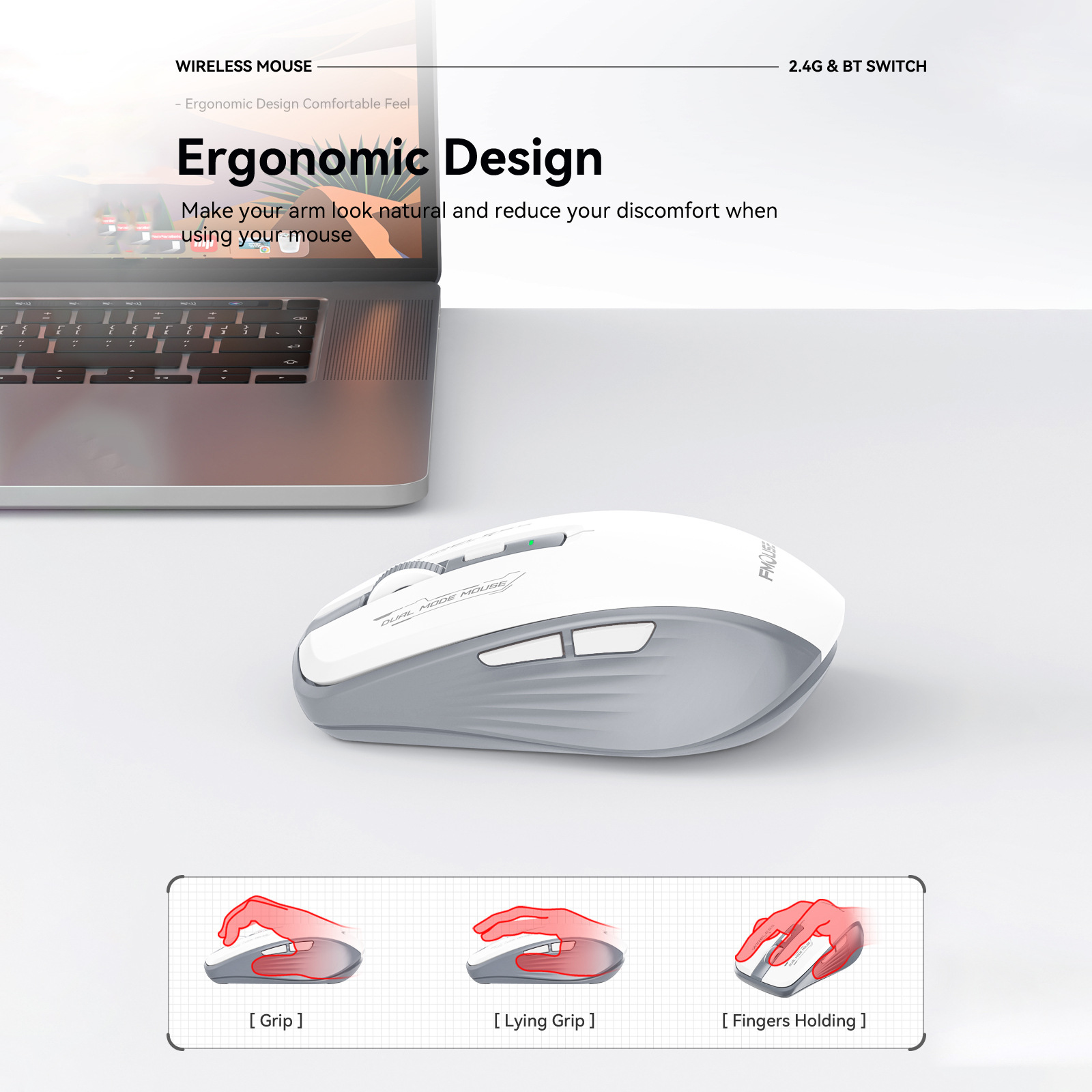
4. Compact & Comfortable:
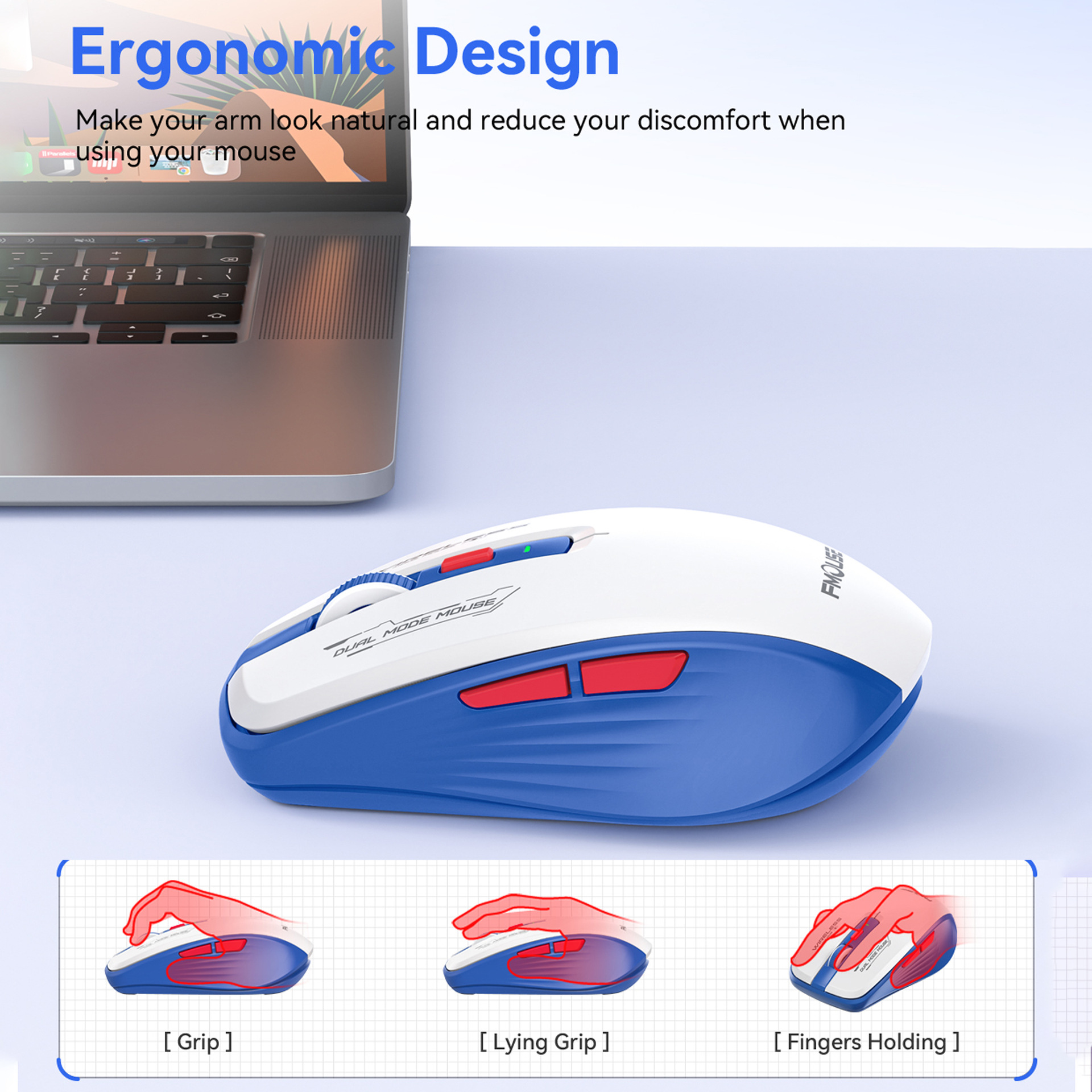
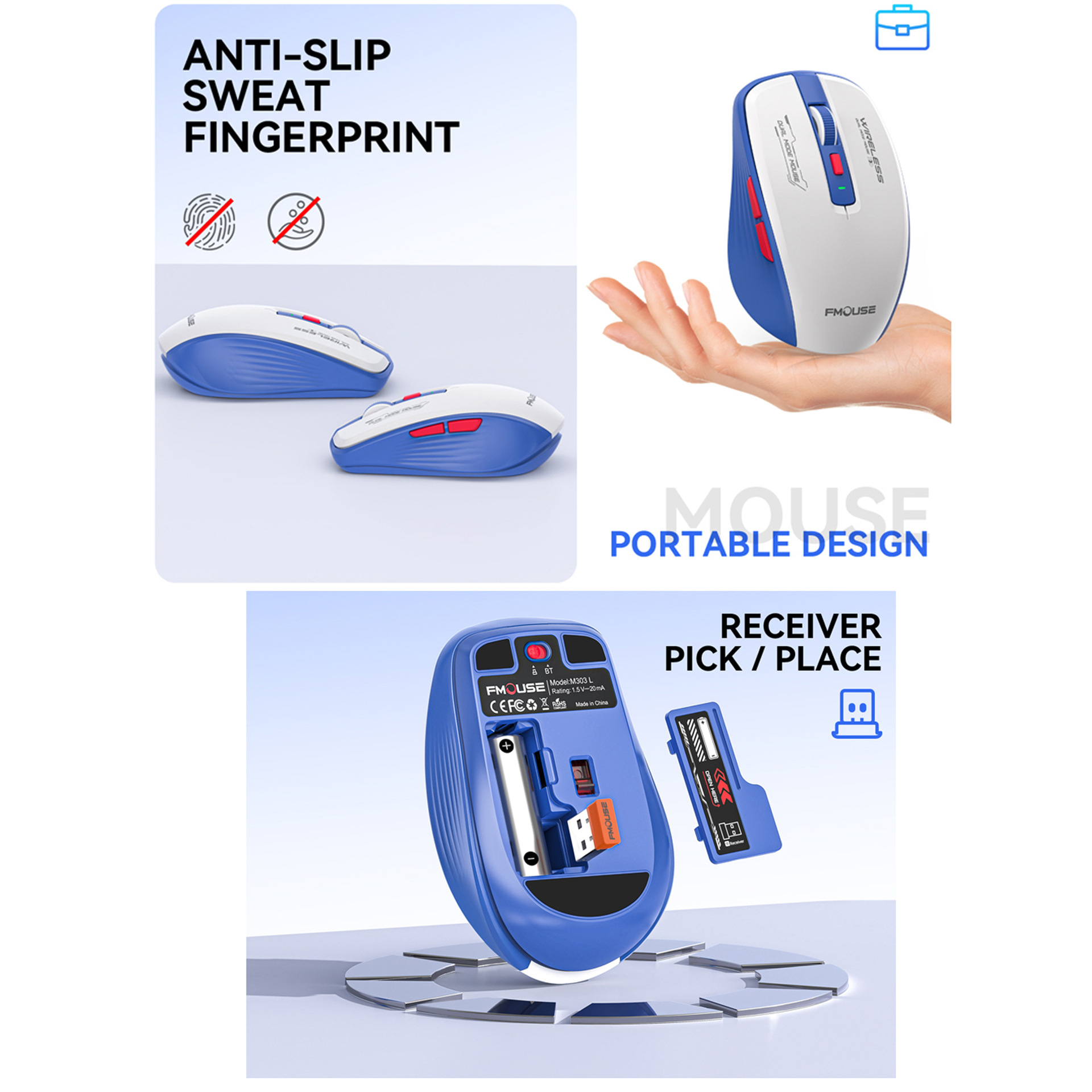
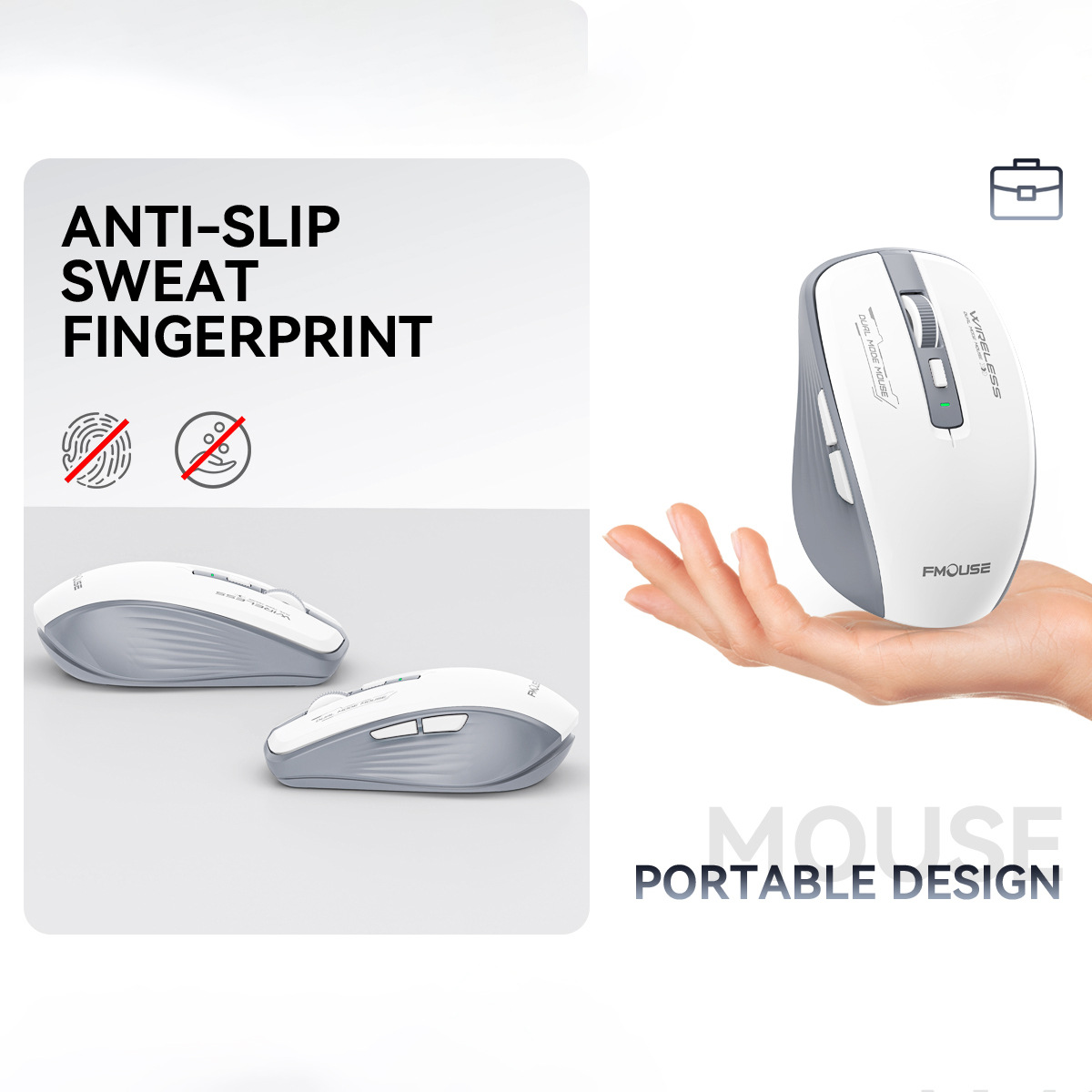
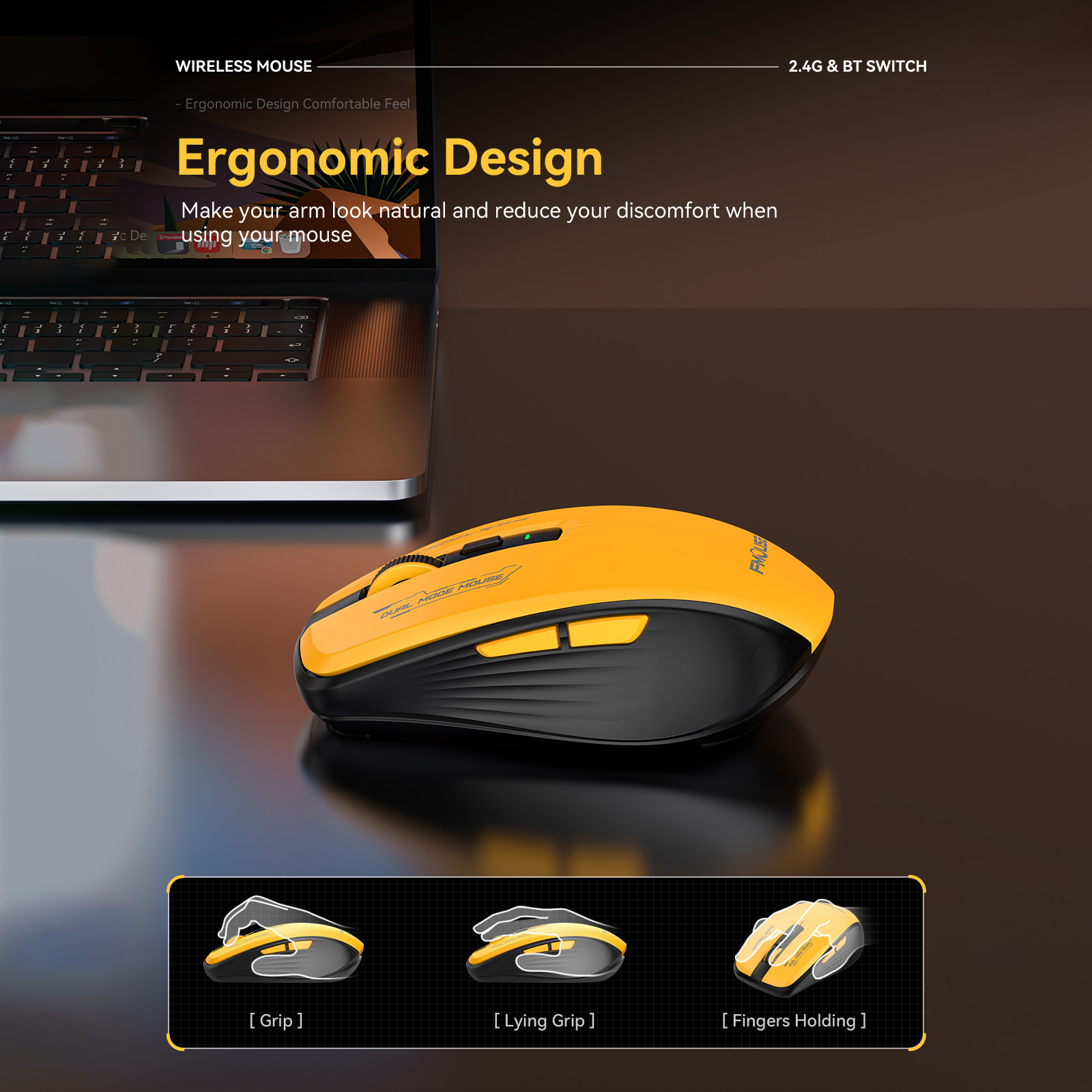
Ergonomic mini shape with skin-friendly, UV-coated ABS. Durable, stylish colors, easy to carry.
5. Long-Lasting & Universal:
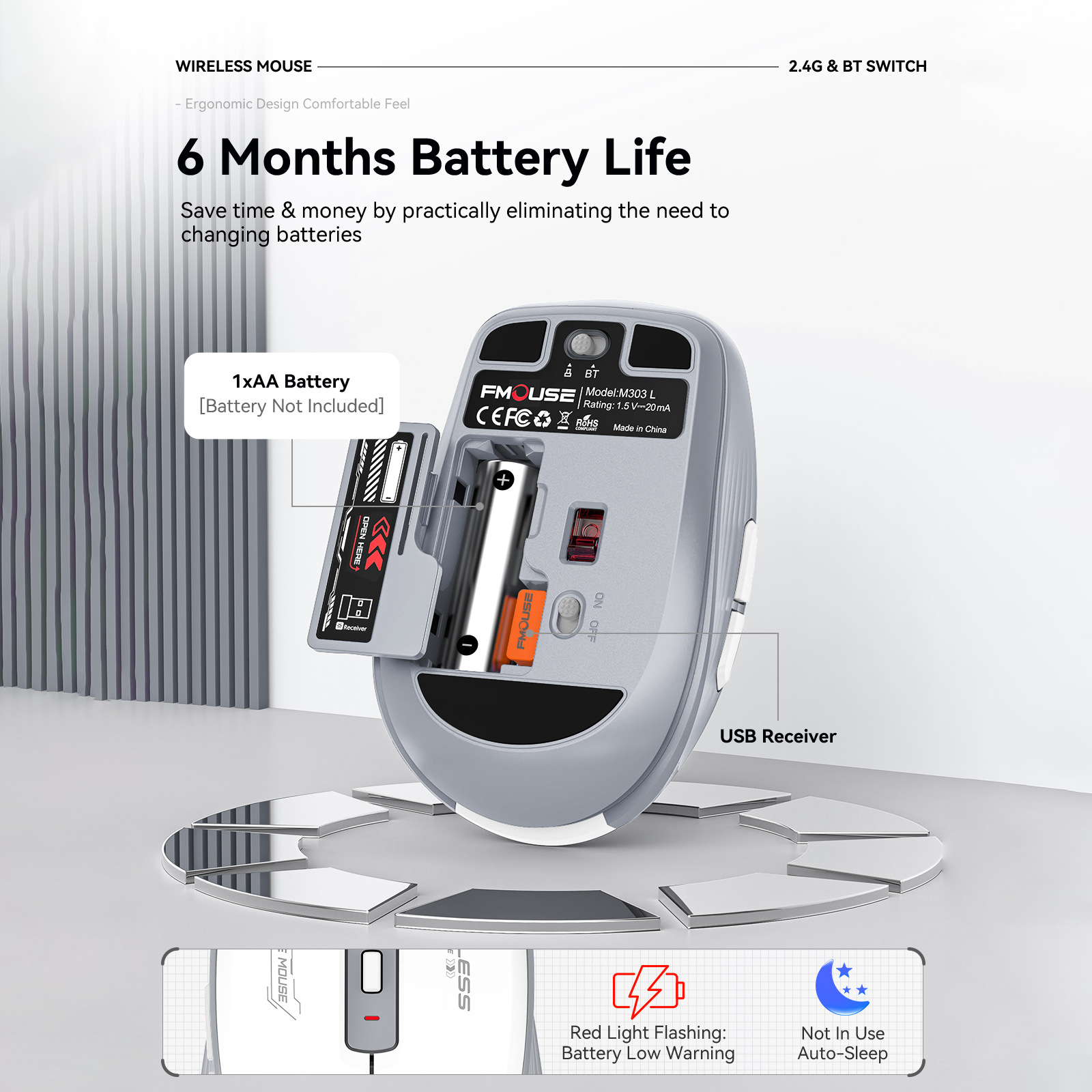
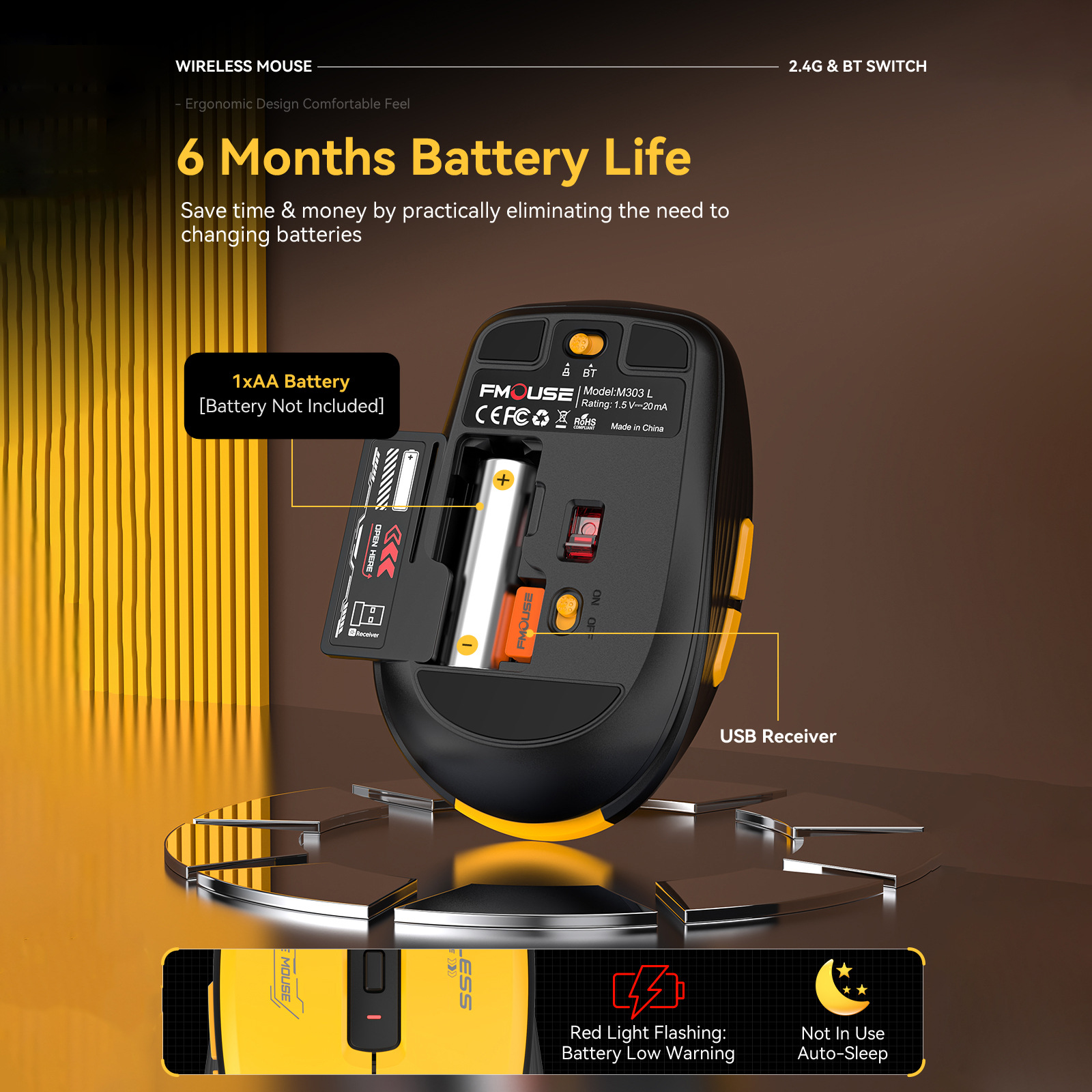
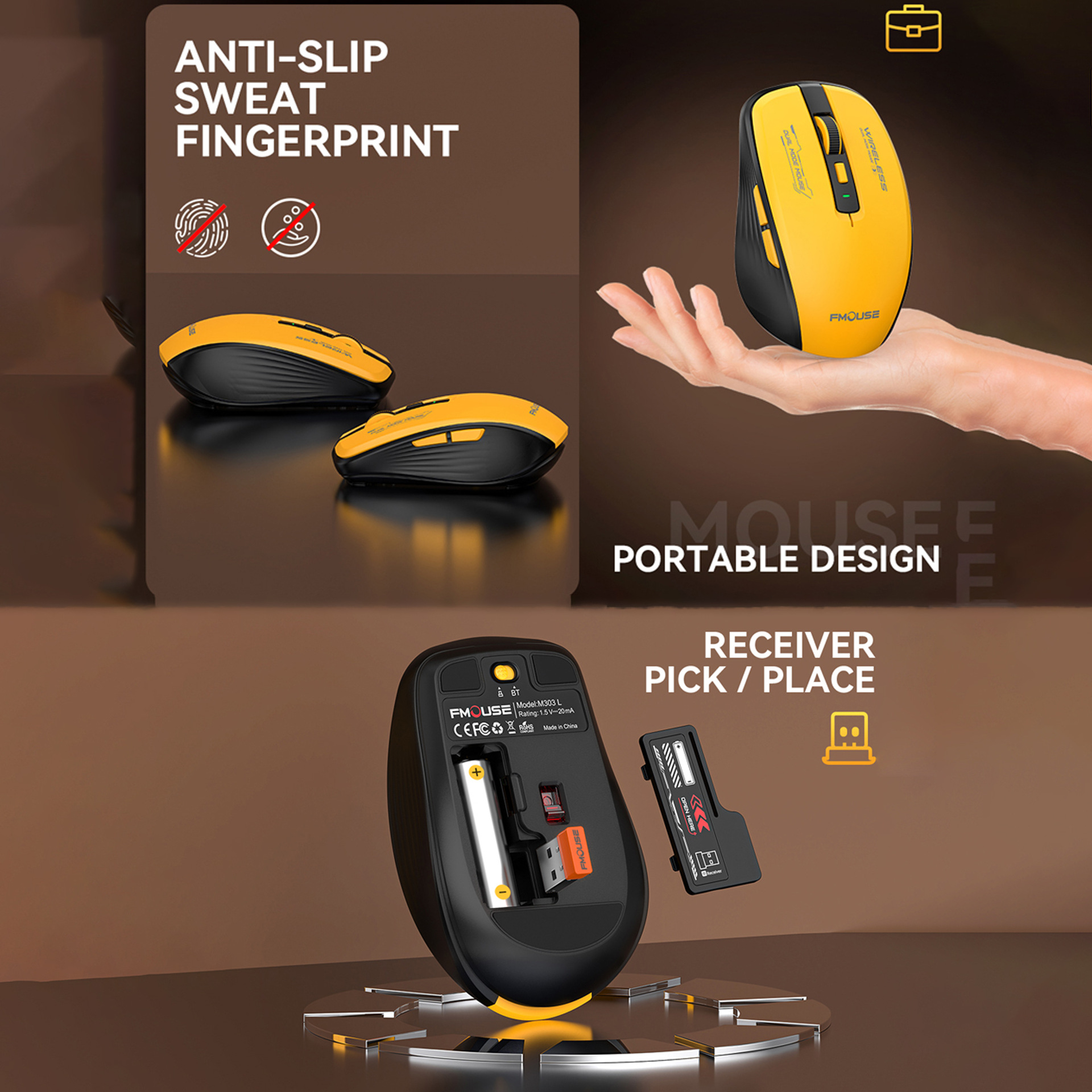
Powered by 1 AA battery. Compatible with Windows, Mac, iOS, Linux - ready to use instantly.
Specification:
Product Name:M303 Dual mode wireless mouse
IC:PAW3212
BT Connection Name:BT5.1 Mouse
Mouse type: 2.4 GHz +BT5.1
Number of keys: 6 keys
Rate of return: 125HZ
Moving speed: 30IPS
Refresh rate: 4800FPS
Acceleration: 10G
Wireless distance: 10m
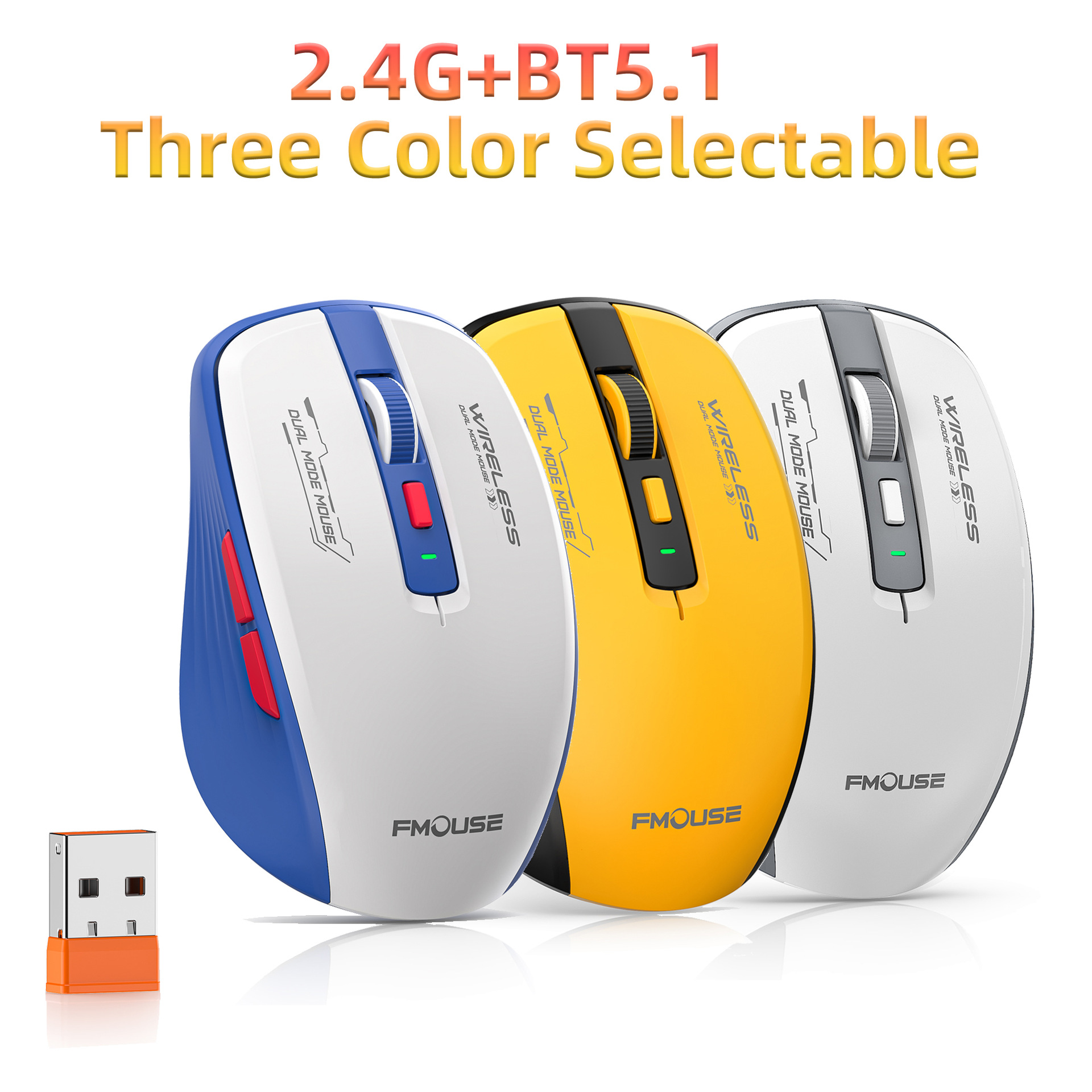
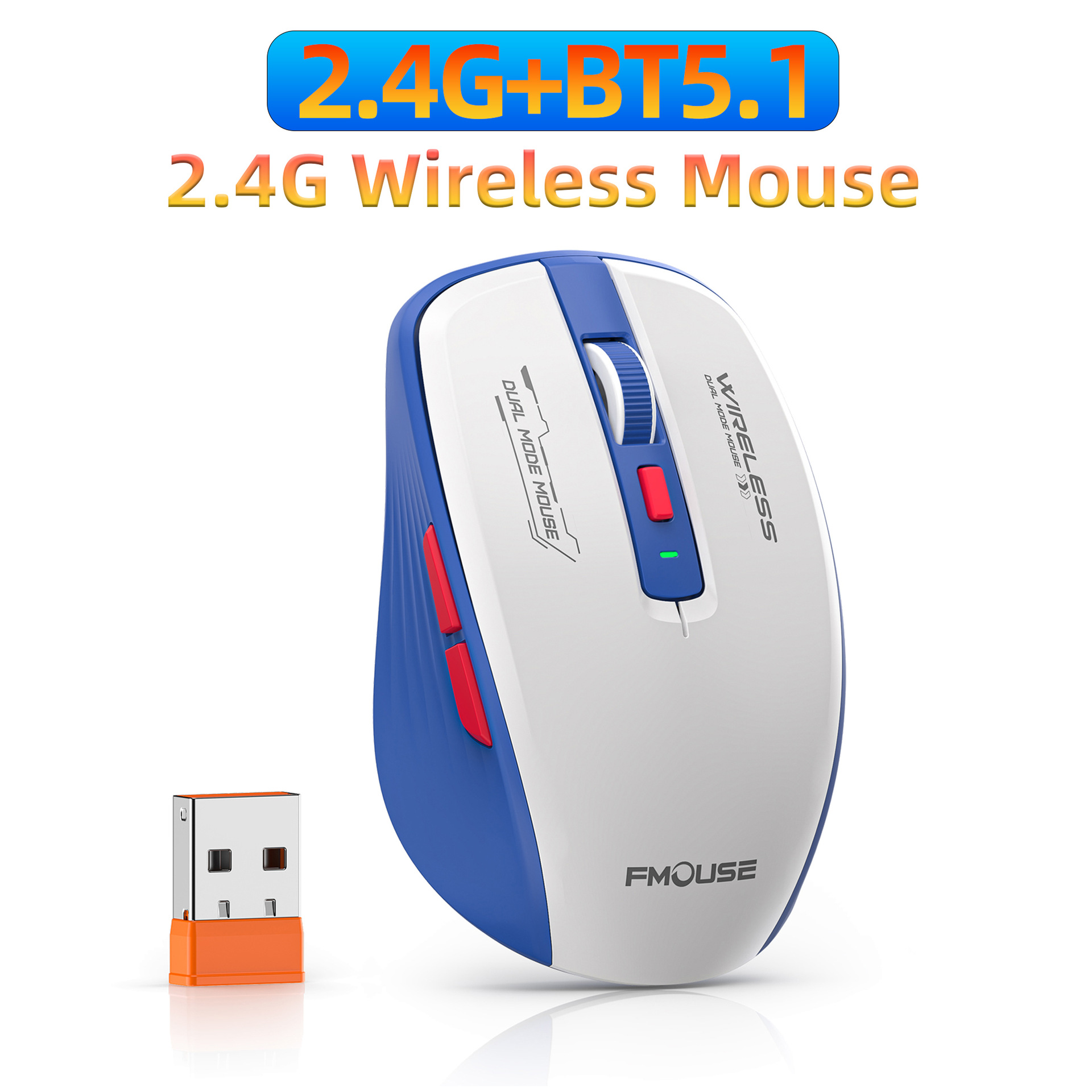
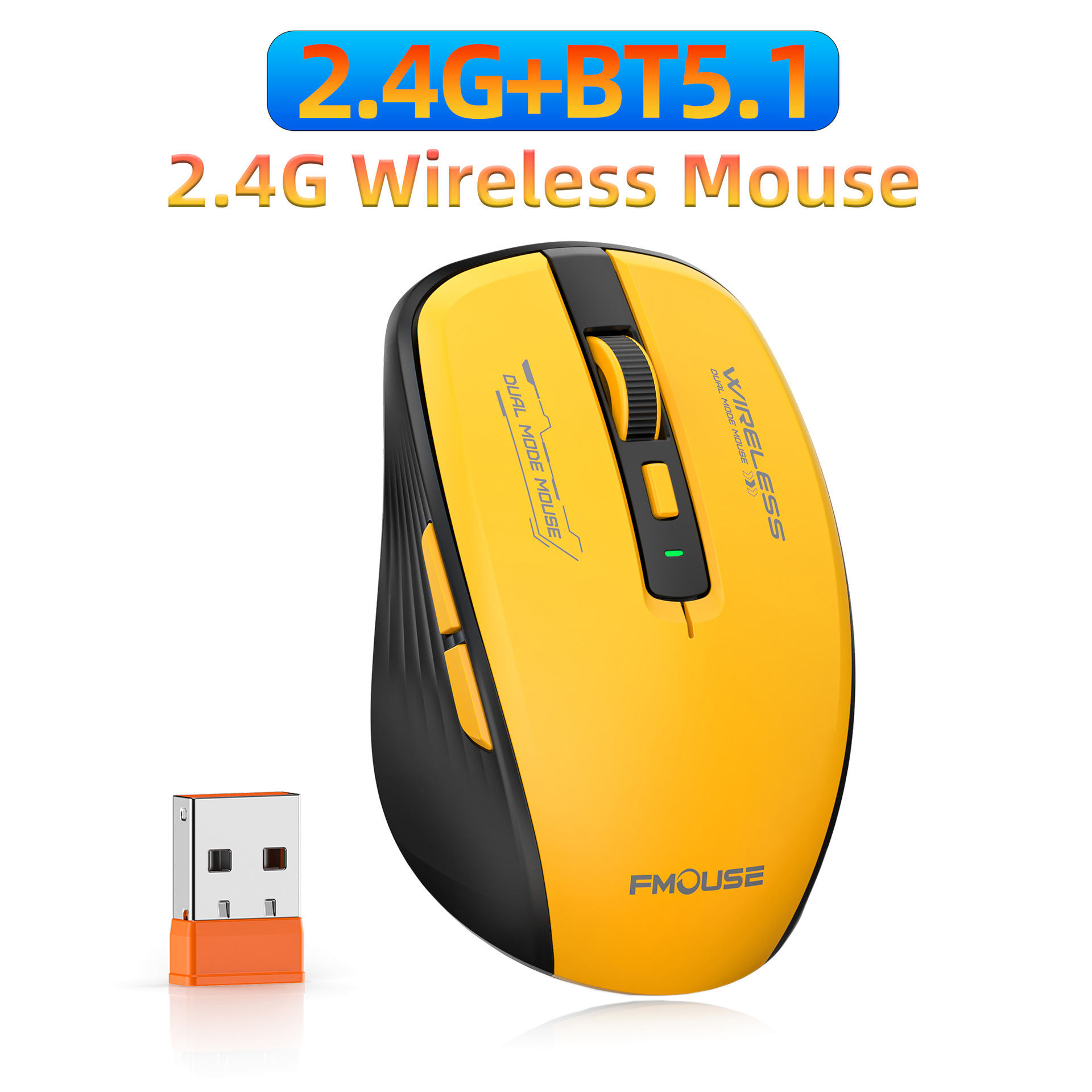
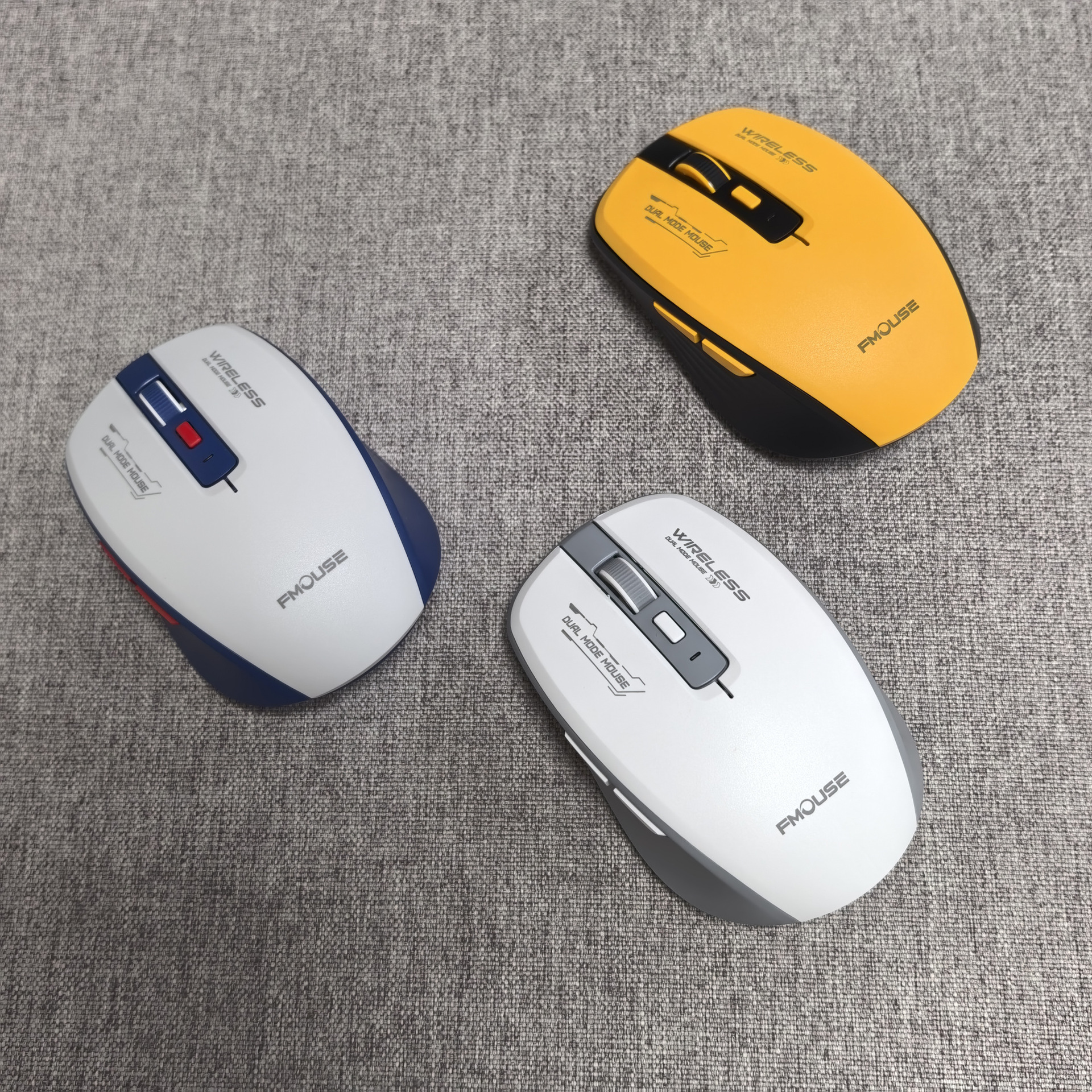
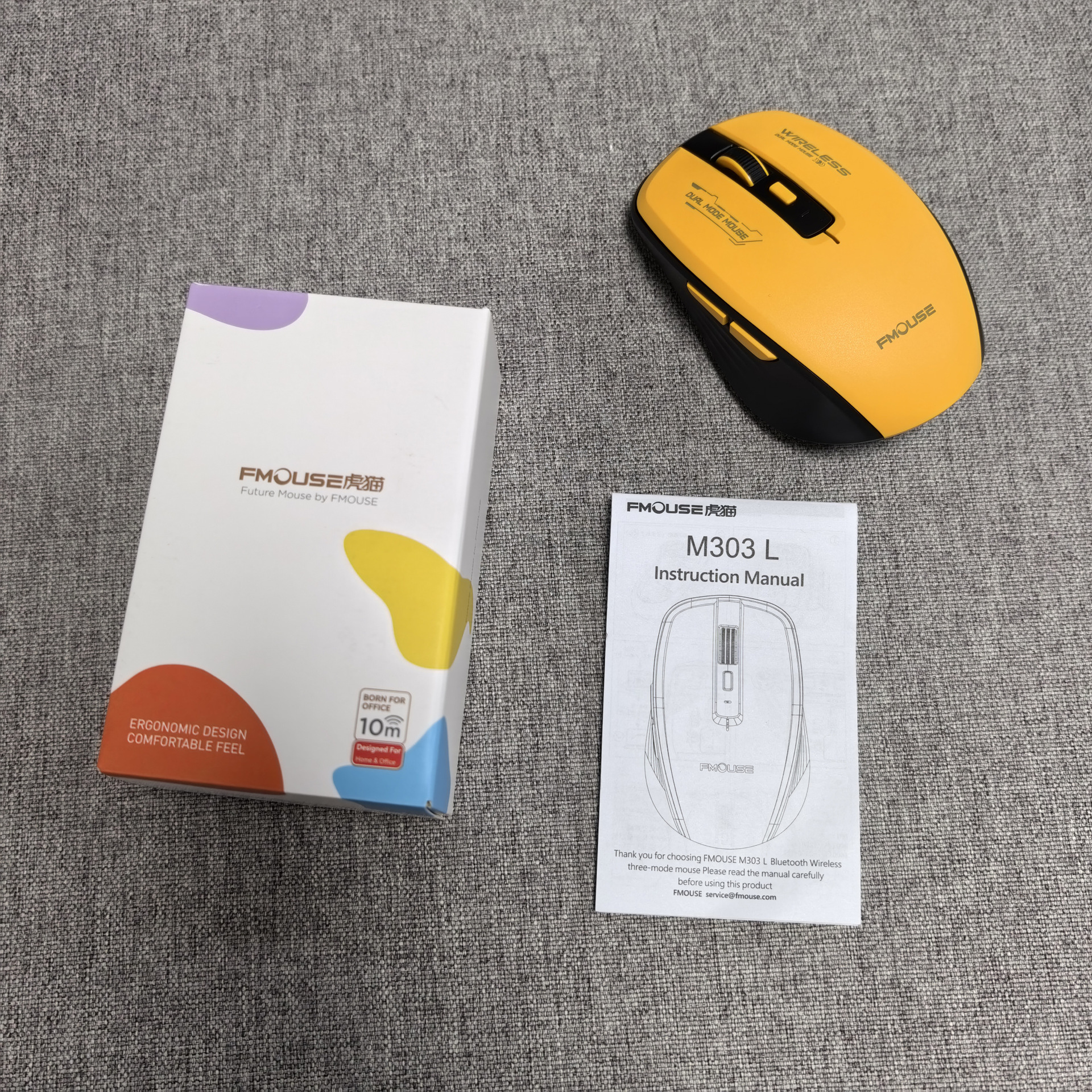
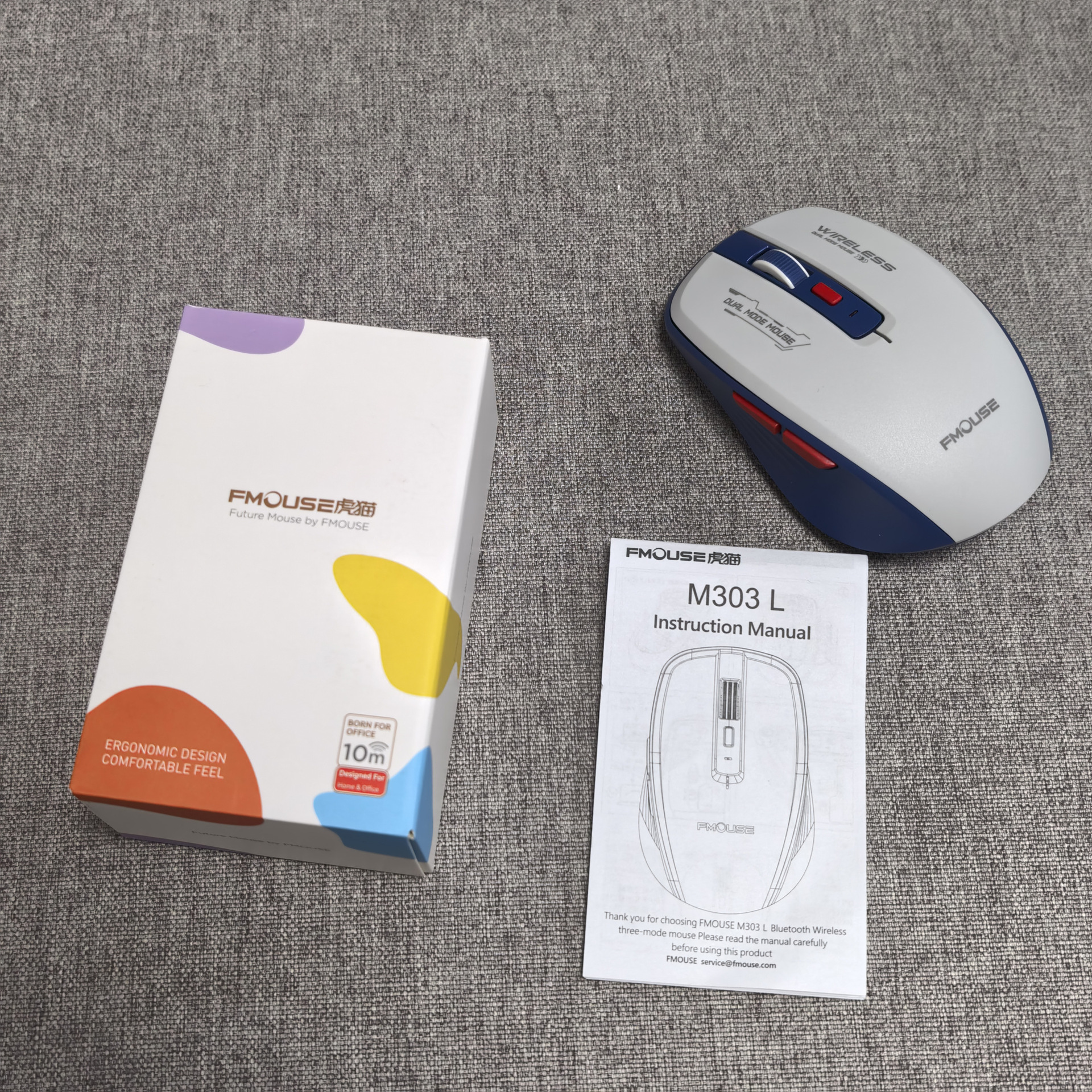
Color:Blue+White;Grey+white; Yellow
Battery : 1x AA dry battery(The battery does not include)
Operation mode:Photoelectric
Button life: 5 Million switches(Silent design)
DPI: Four gears 800-1200-1600-2400dpi
Rated voltage/Working current :1.5V / 20 mA
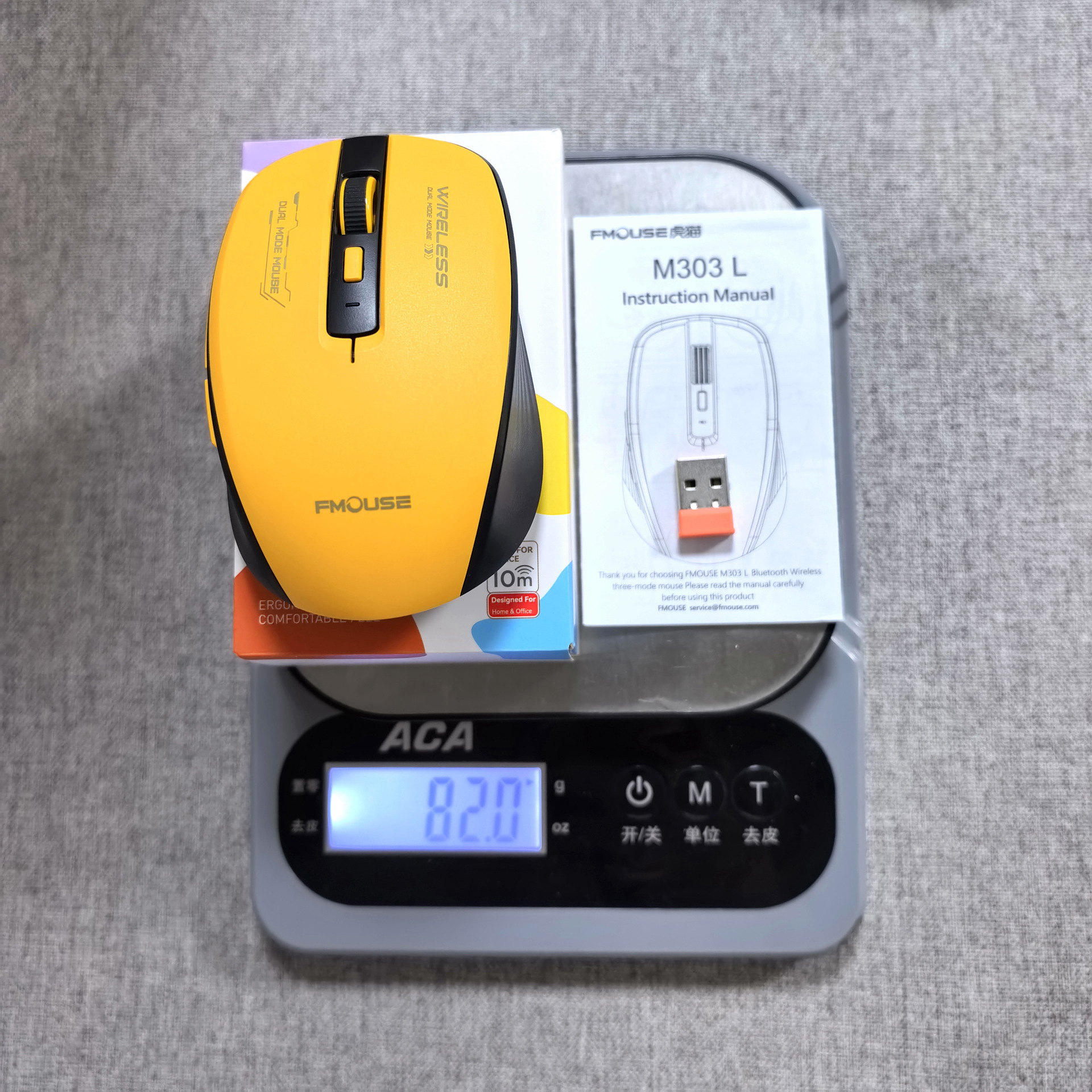
Product weight: 81.5 g
Product size: 13 * 6.7 * 3.8 cm
Package weight:139g
Package size:13.5*8.5*4.7 cm
Package includes:
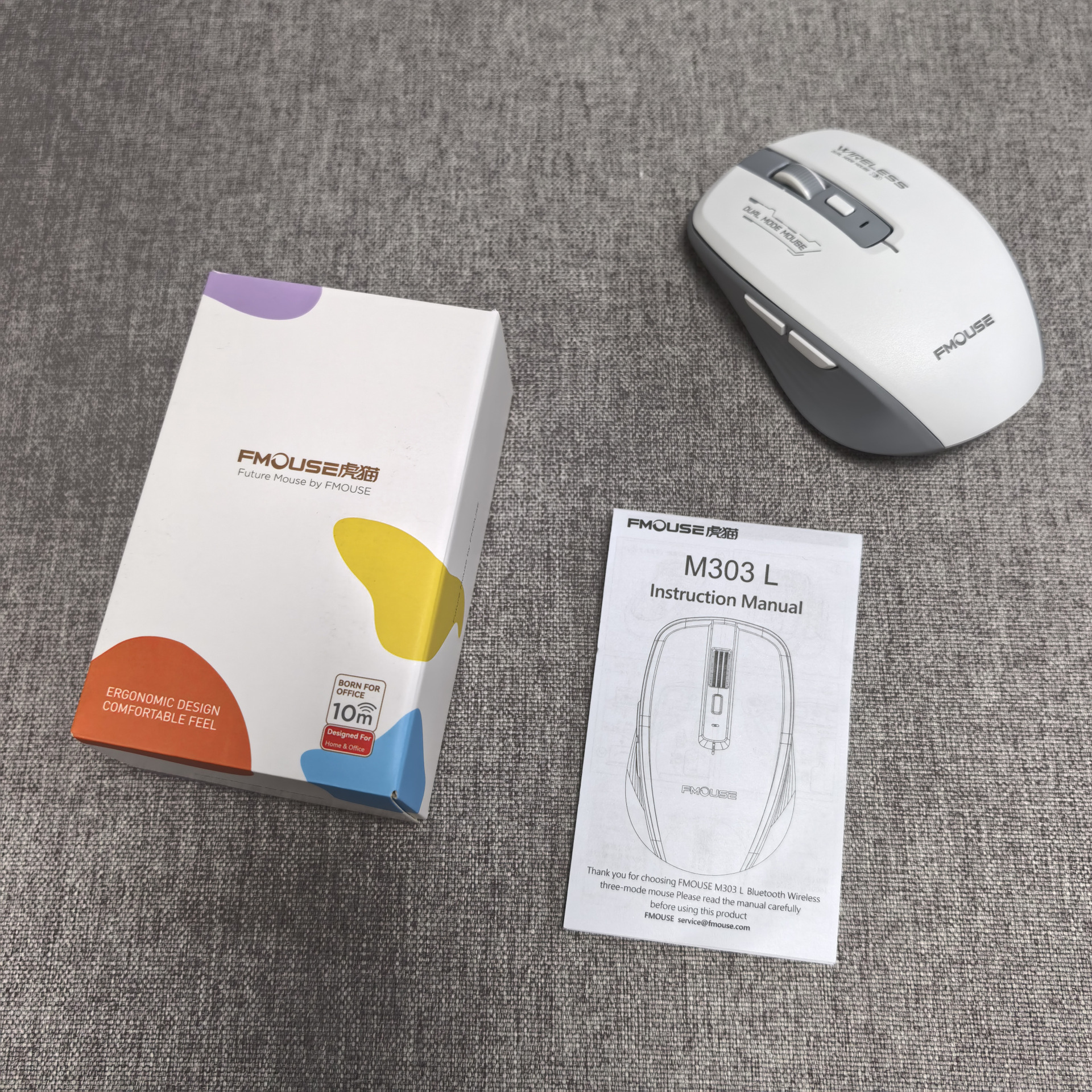
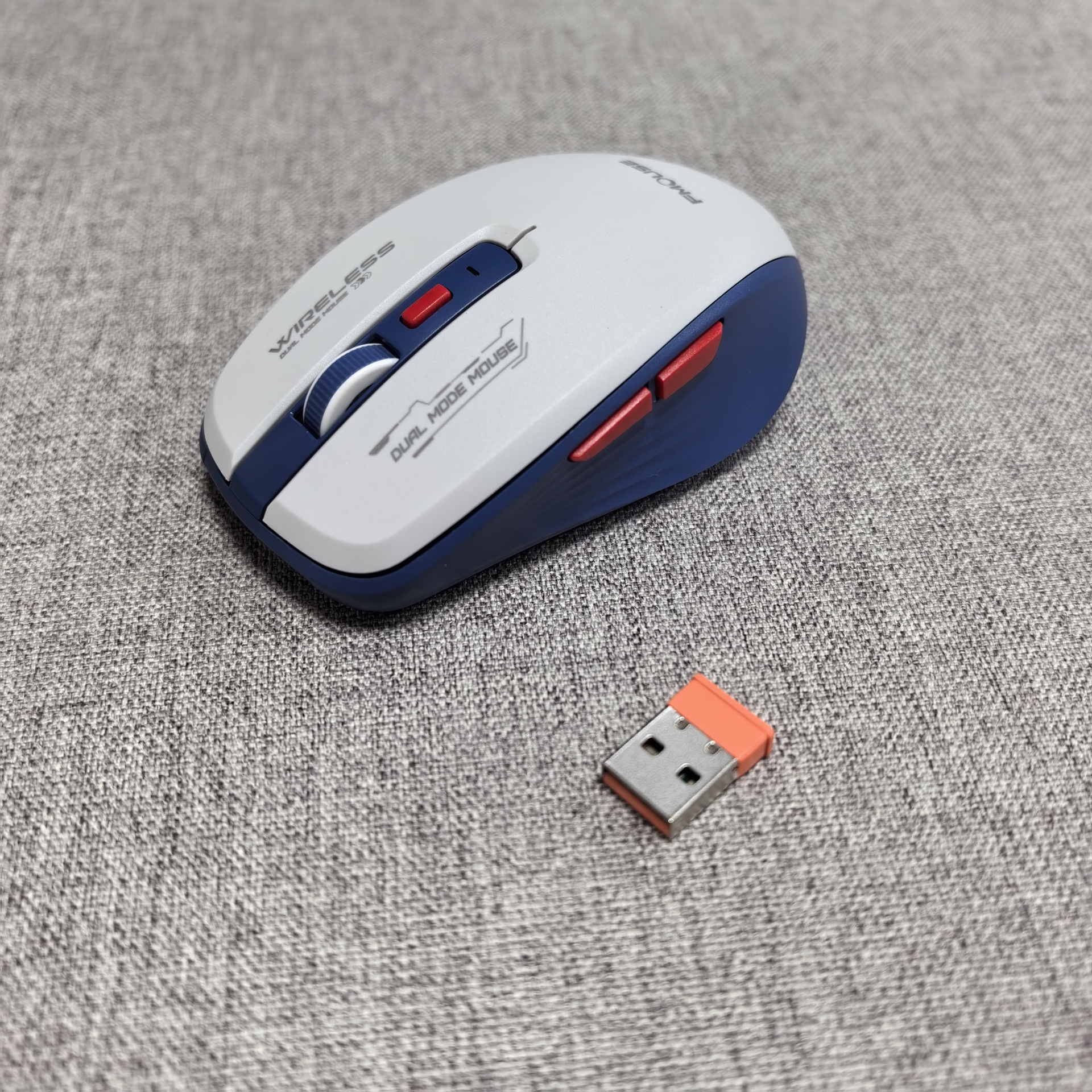
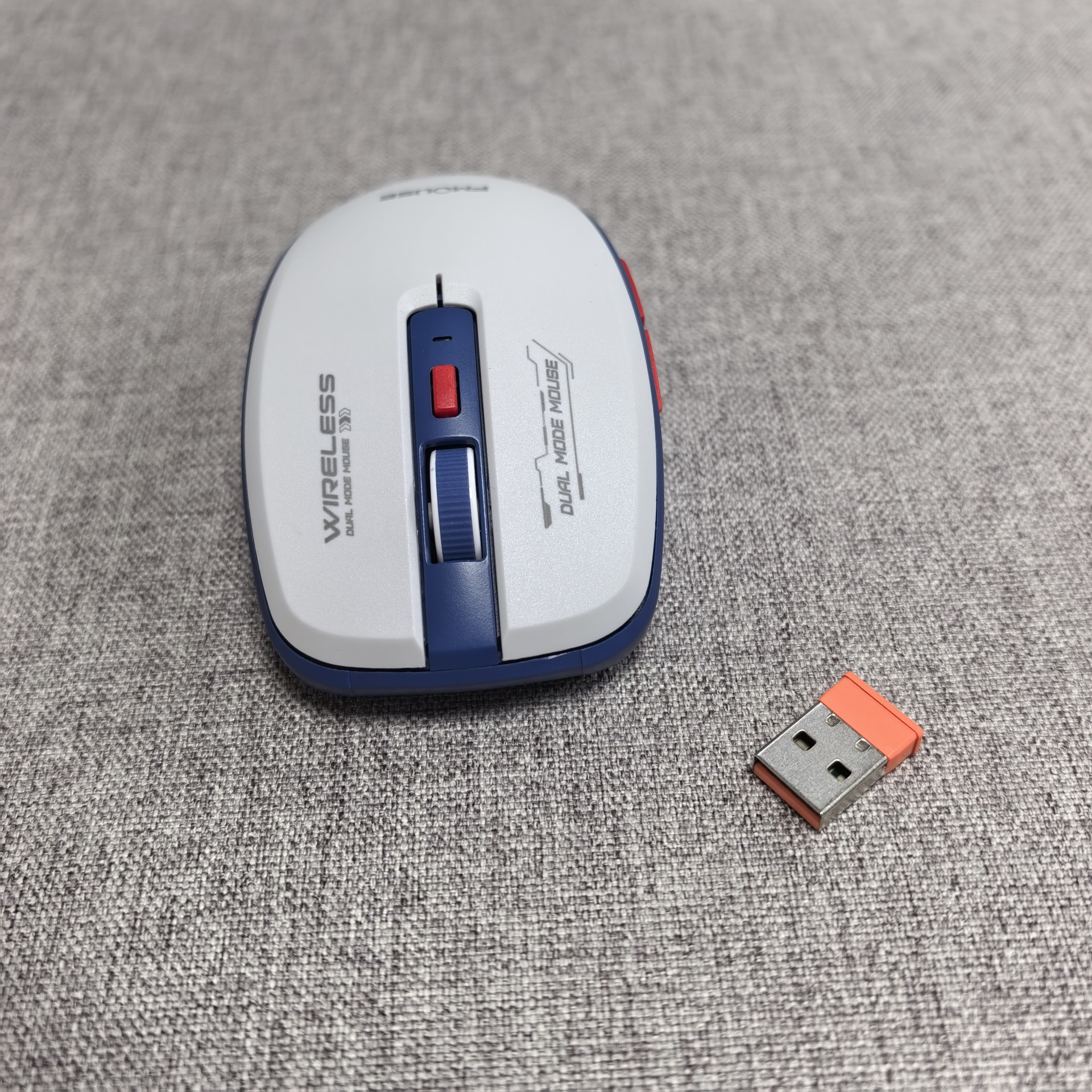
1 x Wireless Mouse
1 x USB Receiver
1 x English User Manual
System Requirements:
Windows 98/Me/2000/XP/Vista/ Win 7/Win8/Win10/Win11 or Mac IOS and Linux latest.
Instructions
USB Connection:
Step 1: Insert the receiver into the USB port of the computer.
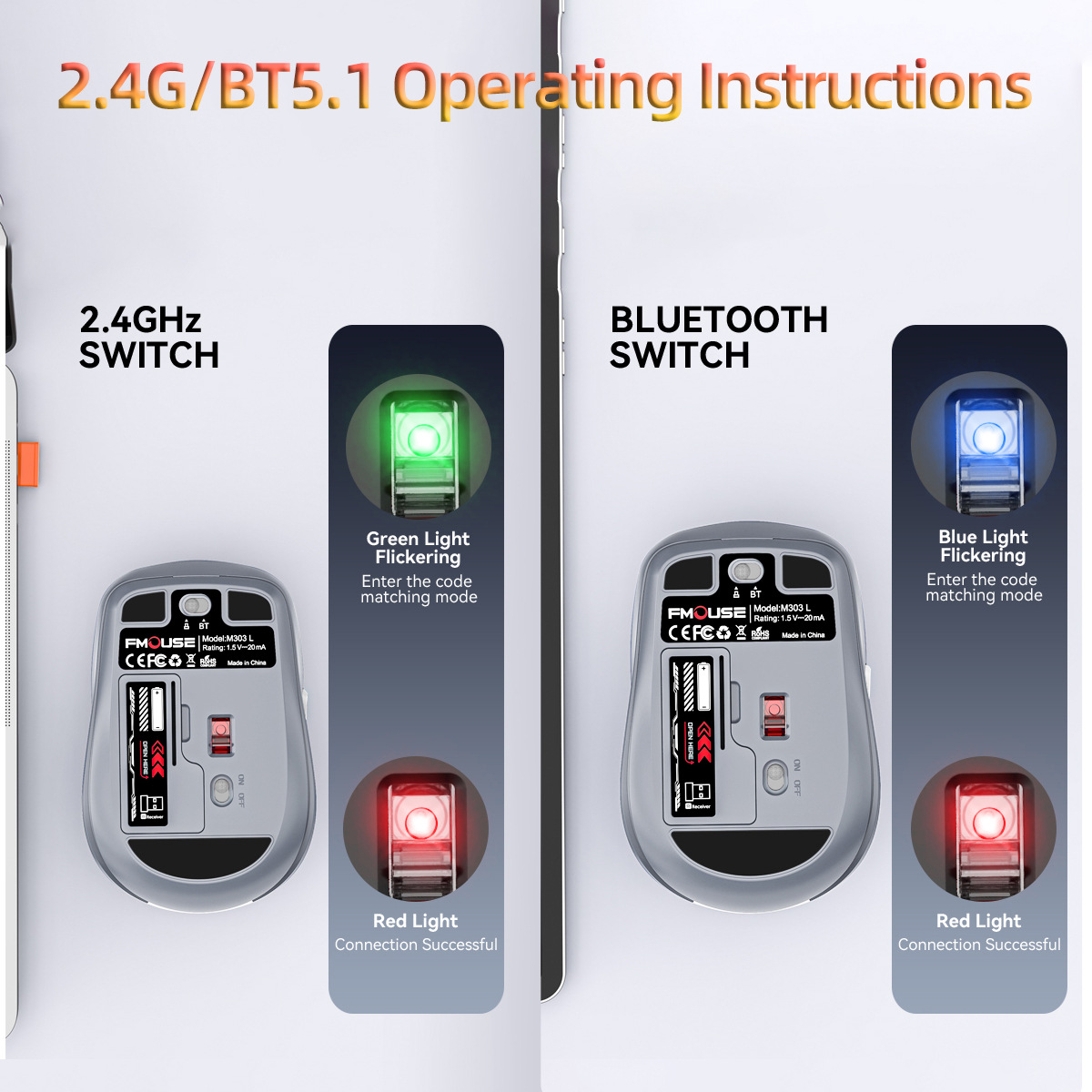
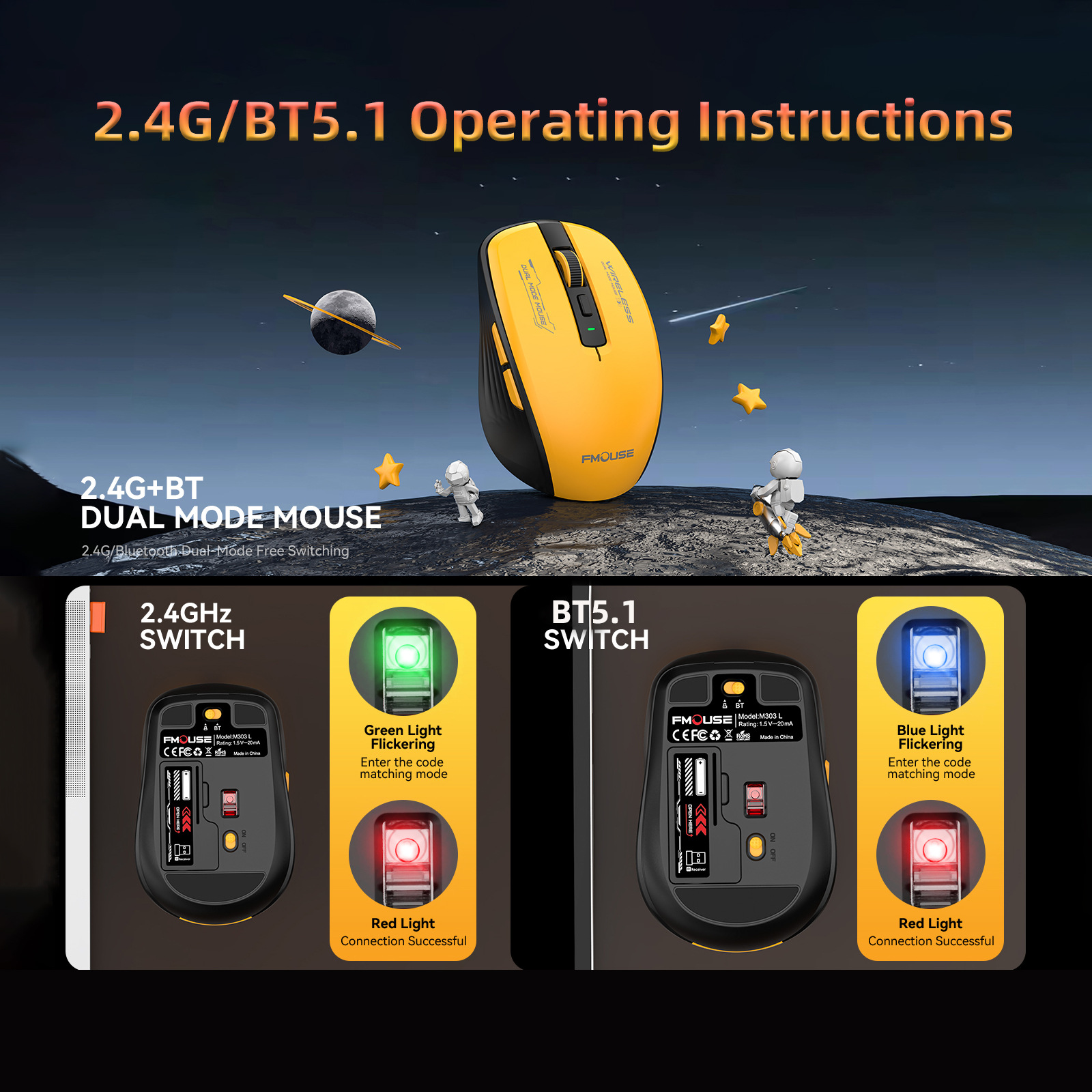
Step 2: Push the power switch on the bottom of the mouse to the "ON" position, and push the dual-mode switch to the 2.4G mode. The light on the bottom of the mouse will turn green and flash. After connecting to the device, the green light will turn off and enter normal mode.
Step 3: Move the mouse or press the left and right buttons to use it Normally.
BT5.1 Connection:
Step 1:Push the power switch on the bottom of the mouse to the "ON" position, and push the dual-mode switch to Bluetooth mode. The light on the bottom of the mouse turns blue and flashes, starting the pairing mode
Step 2: Open the tablet/computer/mobile phone, click the "BT" interface in the settings menu to connect and pair the mouse
Step 3:Move the mouse or press the left and right buttons to use it Normally
Instructions and precautions for use:
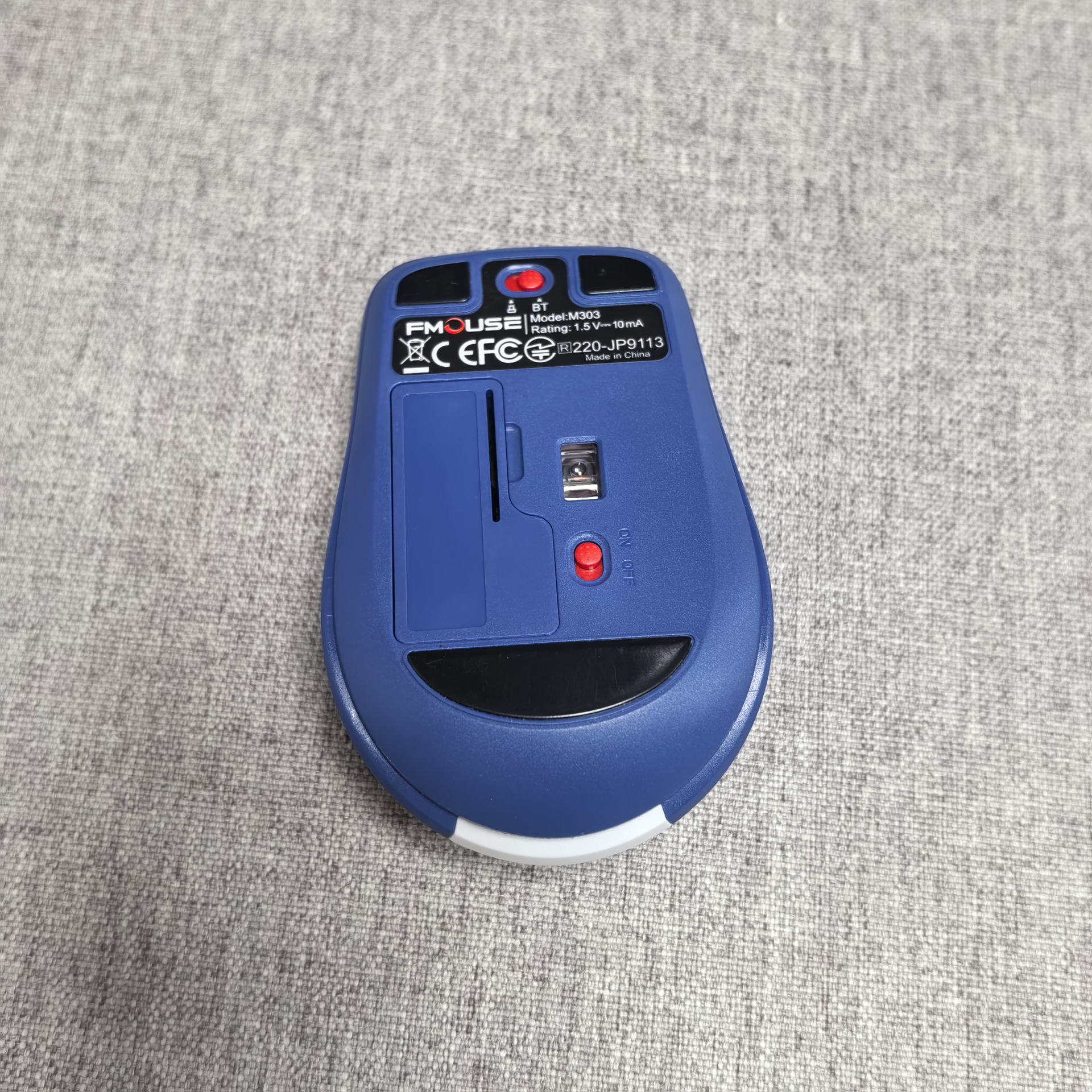
1.When the mouse cursor moves slowly, check whether the battery is low.Suggest timely charging.
2.If the mouse cannot be connected, check whether the power switch at the bottom of the mouse is on and select a correct connection mode or move the USB receiver to another USB port.
3.lf you do not use the mouse for a long time, manually turn off the power switch to save power.
4.If you do not use the mouse for a long time, it will automatically enter the sleep mode, move the mouse or press any key to wake up the mouse.
5.Please do not remove or try to repair the product, because doing so may cause damage.


| 수입신고 1USD |
구매/결제대행 1CNY |
TT송금 1CNY |
|---|---|---|
| 6.55 CNY | 211.76 KRW | 0.149 USD |