






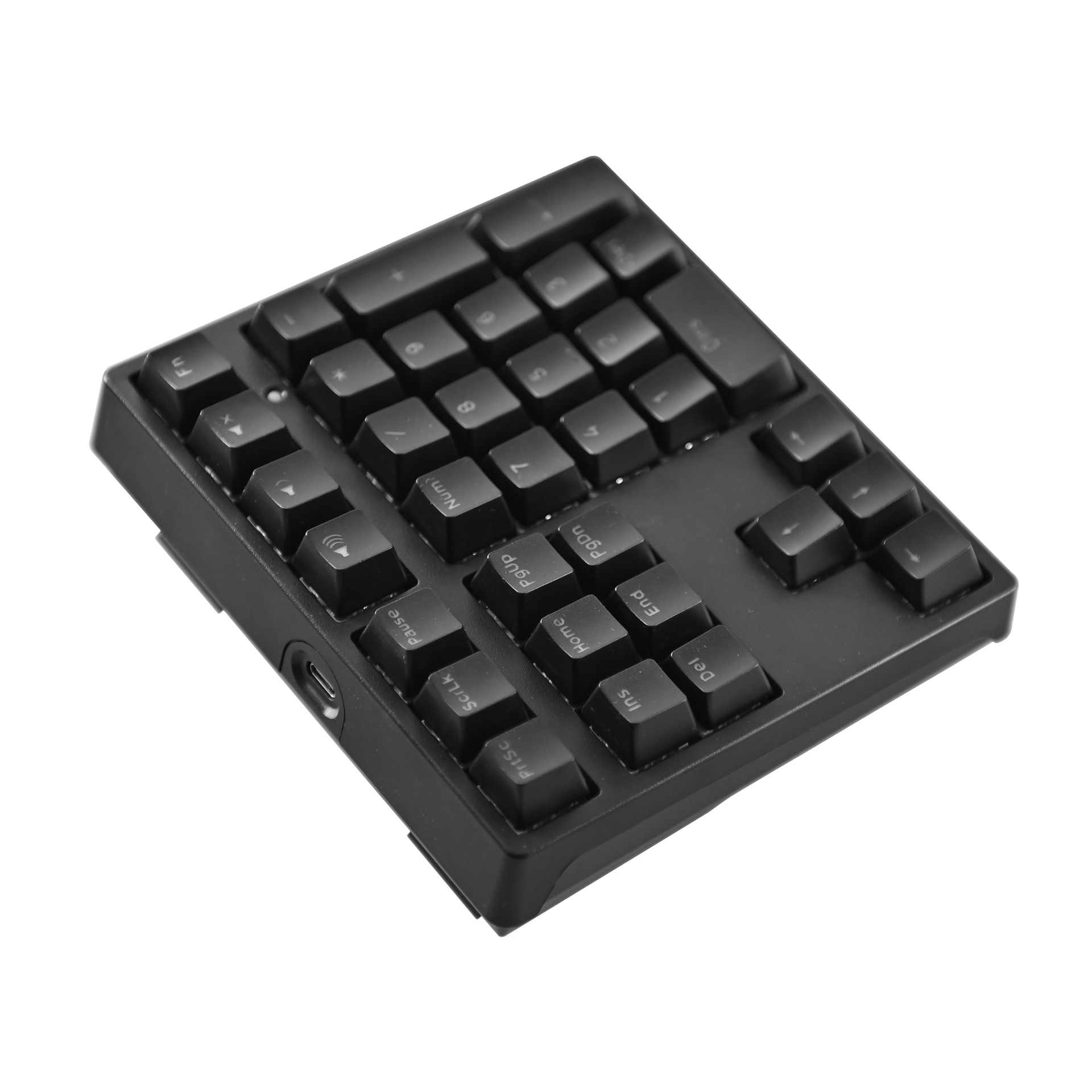
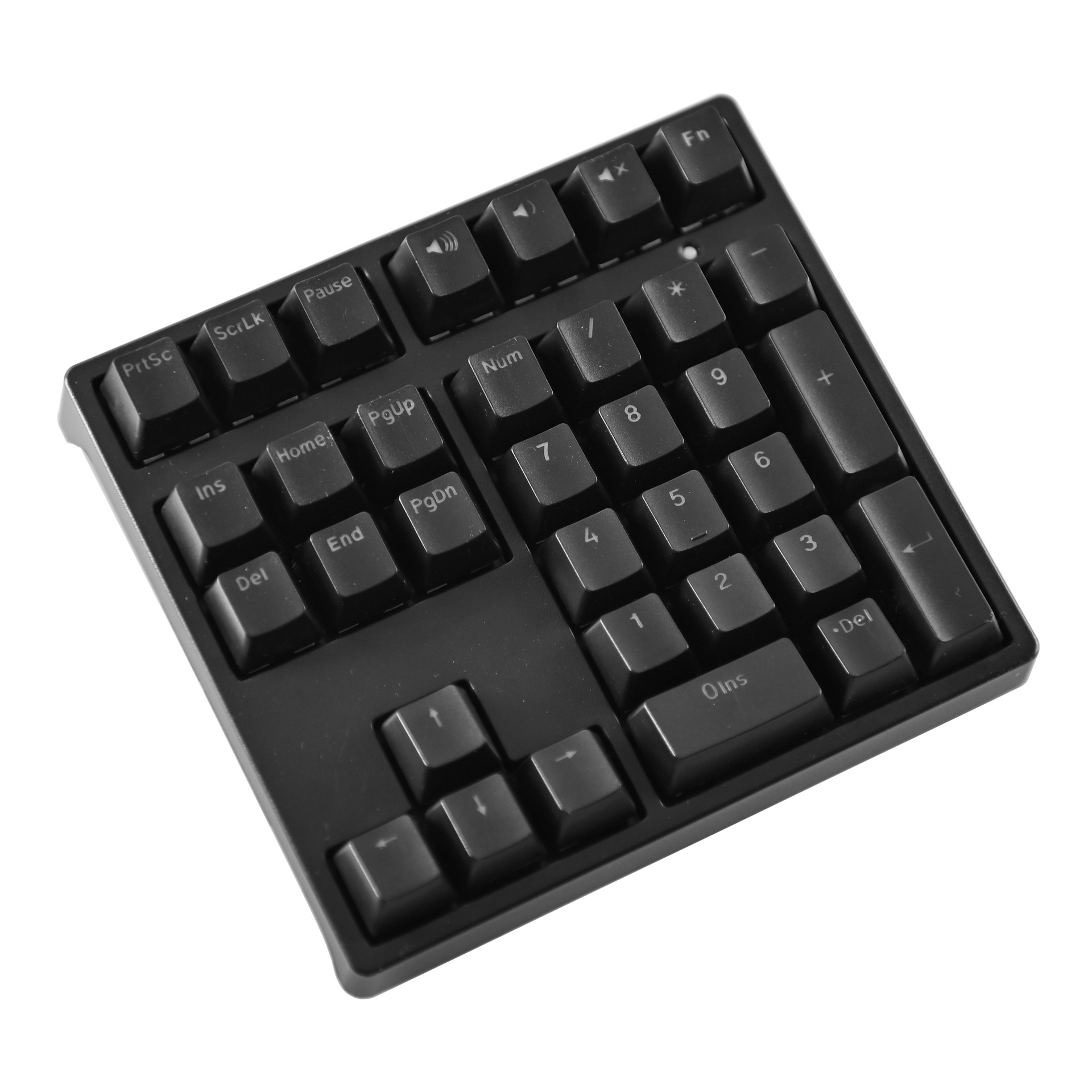
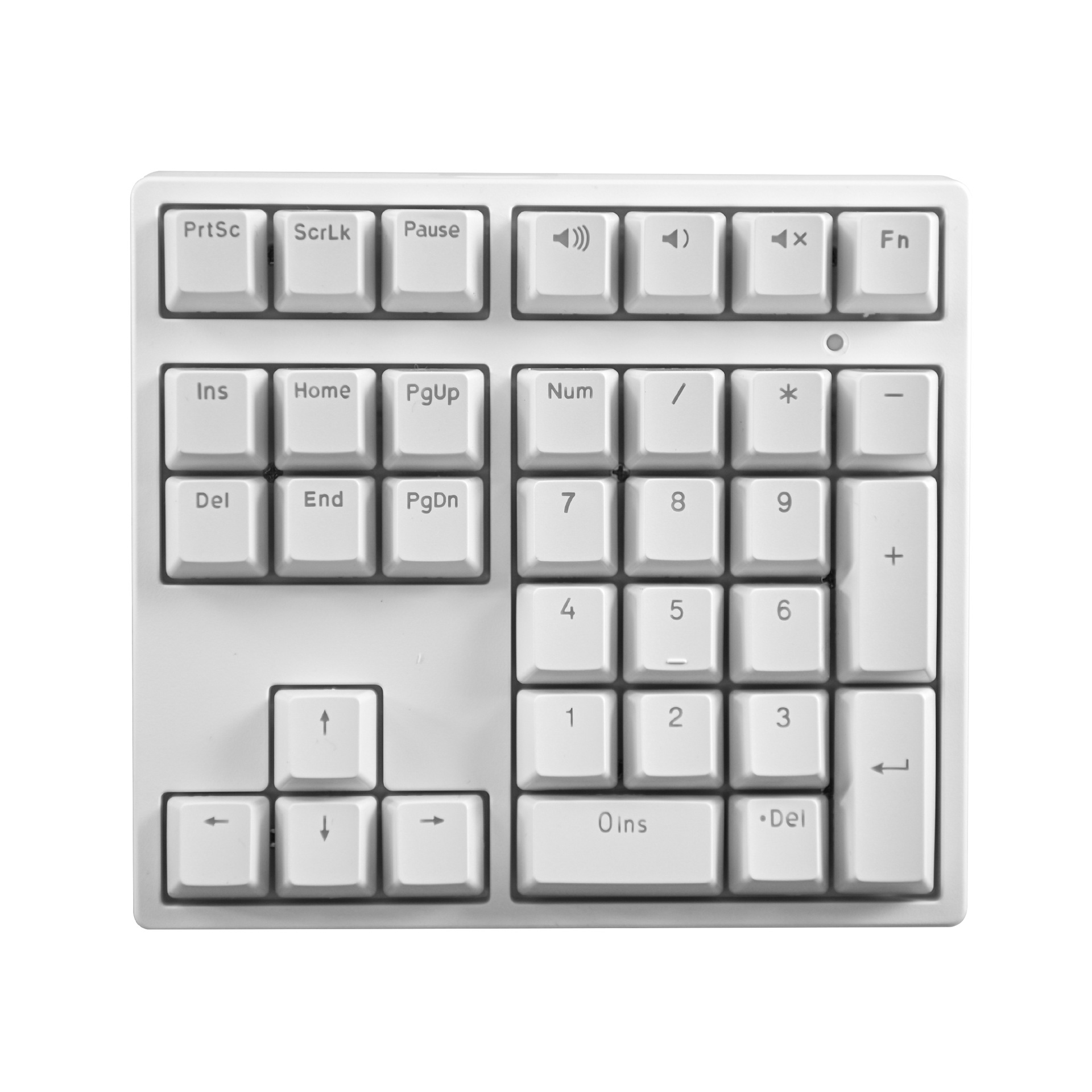
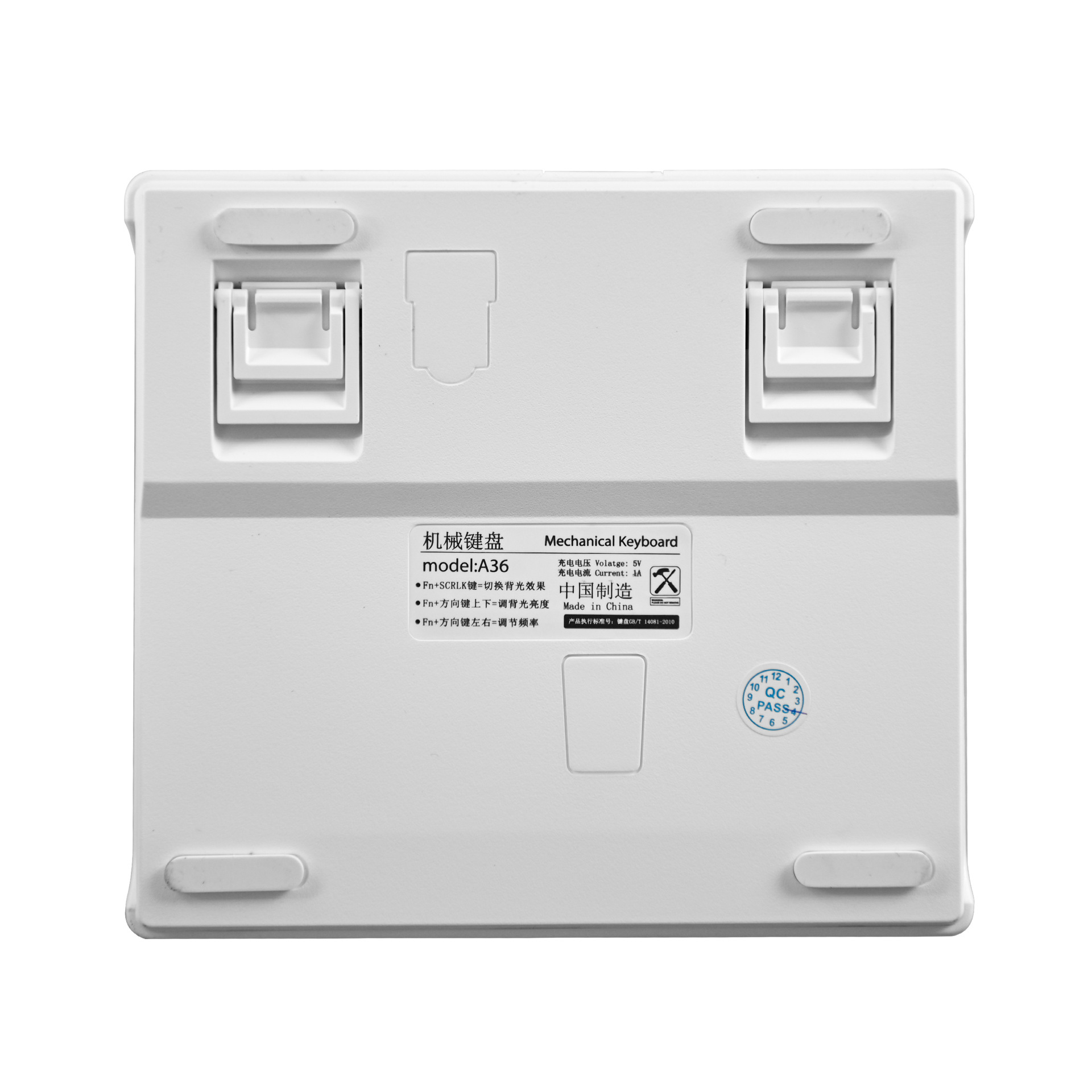
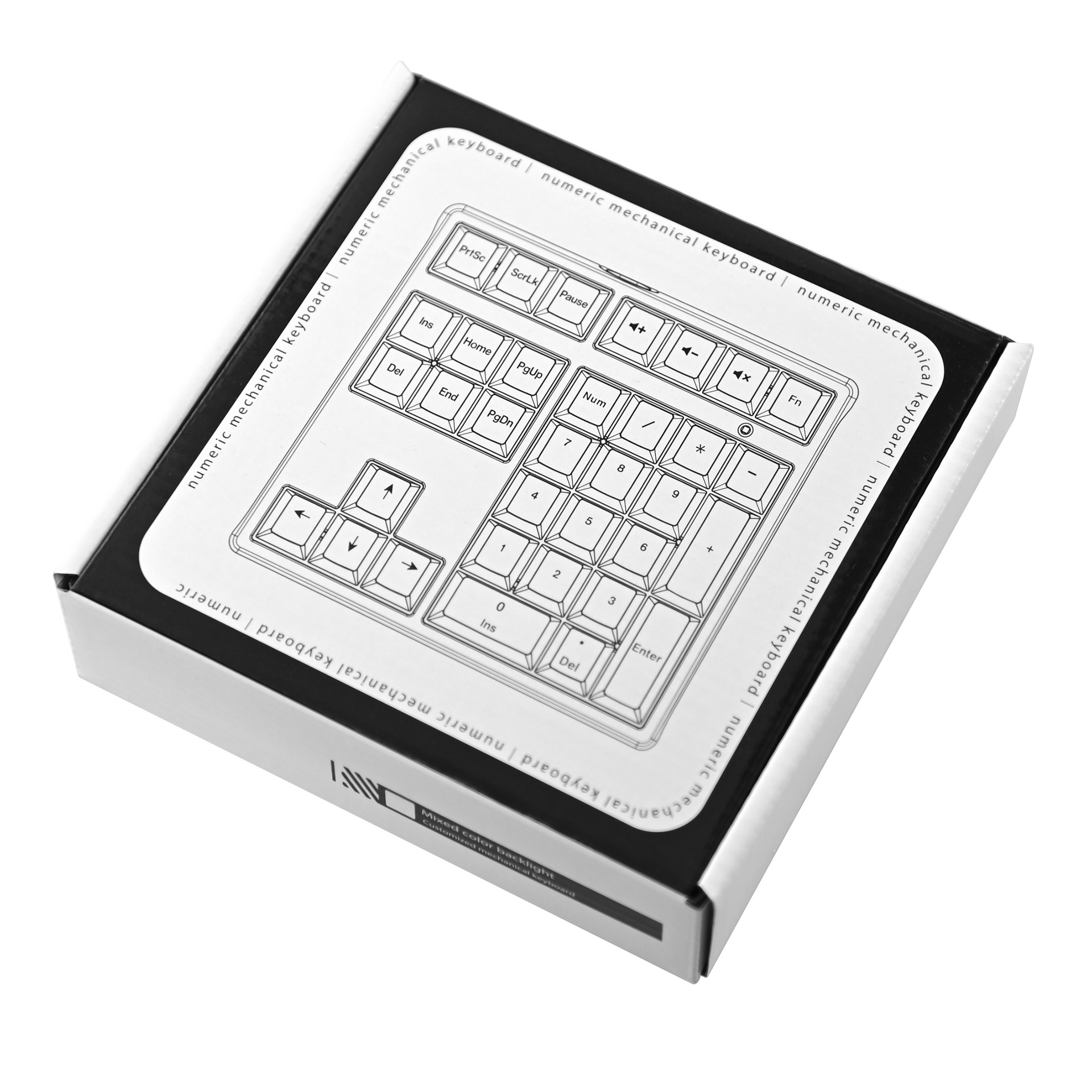
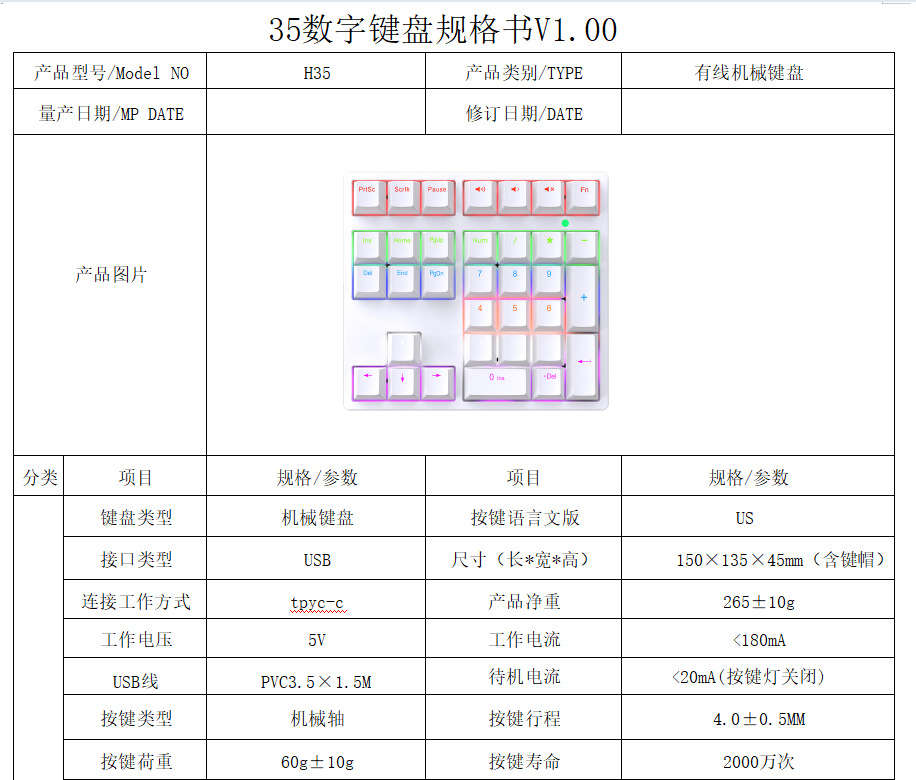
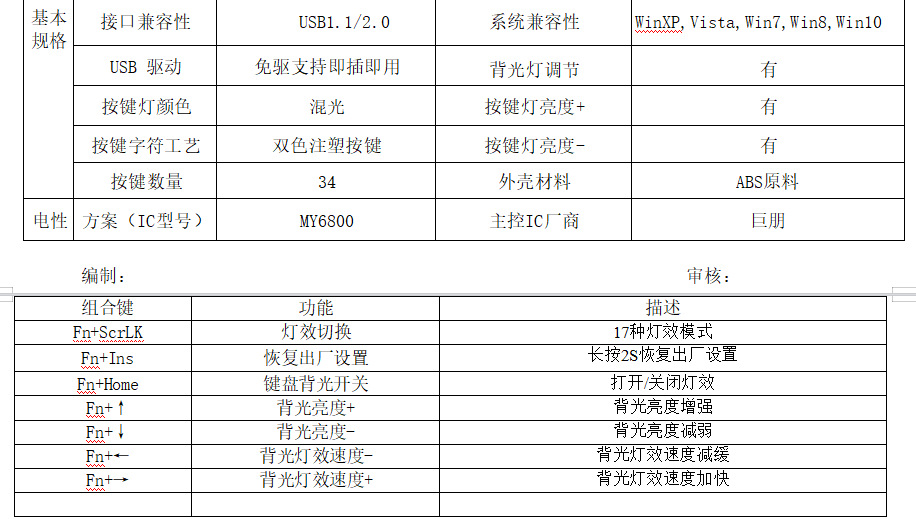
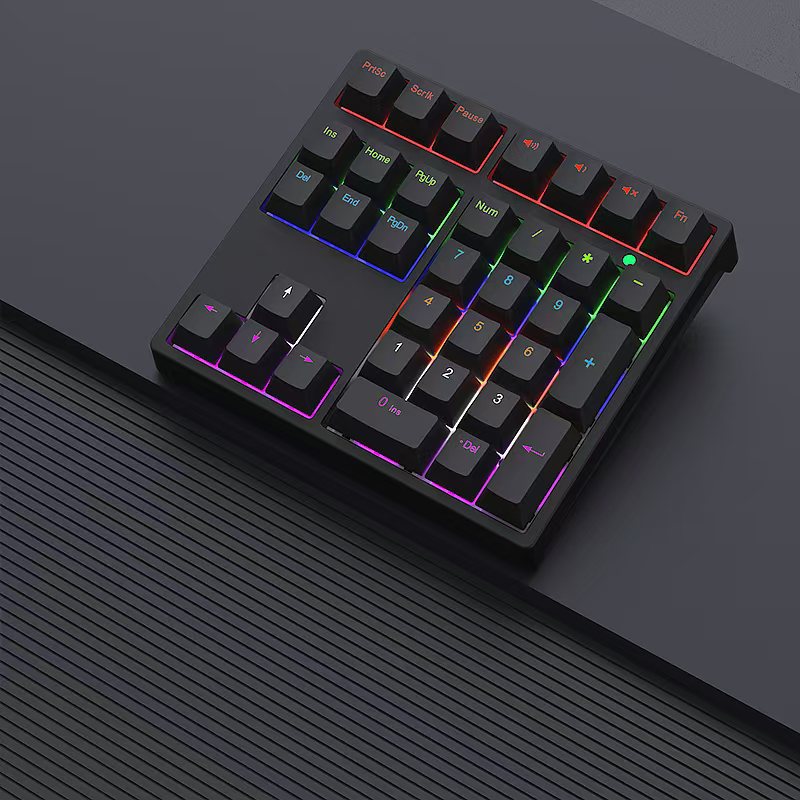
l 1默认 “常亮模式” Press again from on-lighting
键盘整体背光常亮。
LED backlight will light full time.
l 2按FN+SCRLK,进入“呼吸模式” Press FN+SCRLK for Flow mode
键盘整体背光模拟呼吸节奏,实现背光亮度由灭至最高亮度的曲线变化。
Flow mode means LED light from lighting to off-light changing automatically and circlely
l 3再次按下,进入“上至下跑马模式”Press again for: Runing mode
键盘背光由第一组到第六组依次点亮。
LED backlight will be lighting from Keys 1 to Keys 6 Set.
l 4再次按下,进入“下至上跑马模式” Press again for: Running mode2
键盘背光由第六组到第一组依次点亮。
LED backlight will be lighting from Key 6 sets to Keys .
l 5再次按下,进入“扩散模式” Press again for Spread Mode
键盘背光由中间向两边依次点亮。
LED backlight will lighting from center to spreading to outside.
l 6再次按下,进入“内收模式” Press again for Spread mode 2
键盘背光由两边到中间依次点亮。
LED backlight will lighting from outside to center.
l 7再次按下,进入“跳格跑马模式” Press again for Radom running.
键盘背光按一三五二四六顺序依次点亮。
LED light will be lighting randomly, like key 1.3.5, and so on.
l 8再次按下,进入“单点排亮模式” Press again for key set light.
按下一个键对应的那一排背光灯点亮2秒。
LED light to light for one set’s key when press one key of one set.
l 9再次按下,进入“流光溢彩模式” Press again from colorful mode
键盘背光亮度由上至下依次流动变换,如同水面波光粼粼不断涌动。
LED light will be lighting from up to down, like falling water.
l 10再次按下,进入“雨滴下落模式” Raindrop falling mode
键盘背光由第一排往下亮灭变化,如水滴下落。
The keyboard backlight changes from the first row down, such as water drops.
l 11再次按下,进入“往上跑马回收模式” Up running recovery mode
键盘背光往上跑马到第一排再回落到最后一排。
The keyboard backlight runs up to the first row and back to the last row.
l 12再次按下,进入“整体由亮变暗模式” Overall light to dark mode
键盘背光按键按一下,键盘整体从最亮慢慢变最暗。
Press the keyboard backlight button once, and the overall keyboard changes from the brightest to the darkest.
l 13再次按下,进入“往上叠加模式” Stack Up Mode
键盘背光从最后一排跑马到第一排,再从最后一排跑马到第二批,不断叠加。
The keyboard backlight is superimposed from the last row of horses to the first row, and then from the last row of horses to the second batch.
l 14再次按下,进入“跳格闪烁模式” Skip flashing mode
键盘背光不断跳格变化。
The keyboard backlight keeps changing.
l 15再次按下,进入“往上扫描模式” Scan up mode
键盘背光从下面往上扫描变化。
The keyboard backlight scans the changes from the bottom up.
l 16再次按下,进入“往下扫描模式” Scan down mode
键盘背光键盘背光从上面往下扫描变化。
Keyboard backlight The keyboard backlight scans from top to bottom.
l 17再次按下,进入“内收扫描模式” Adduction scanning mode
键盘背光从两边扫描式的往中间变化。
The keyboard backlight changes from the scanning on both sides to the middle

| 수입신고 1USD |
구매/결제대행 1CNY |
TT송금 1CNY |
|---|---|---|
| 6.56 CNY | 211.37 KRW | 0.145 USD |